Help - Created a file for a script. Now UI won't load

Product: PowerShell Universal
Version: 1.4.6
I am using the latest version.
I have tried rebooting the server, IIS Refresh, Stop Start. Also tried renaming the folder / file directly on the server.
It will just not load. I suspect it’s getting confusing when searcing for files and folders because of some names in the DB. really not sure.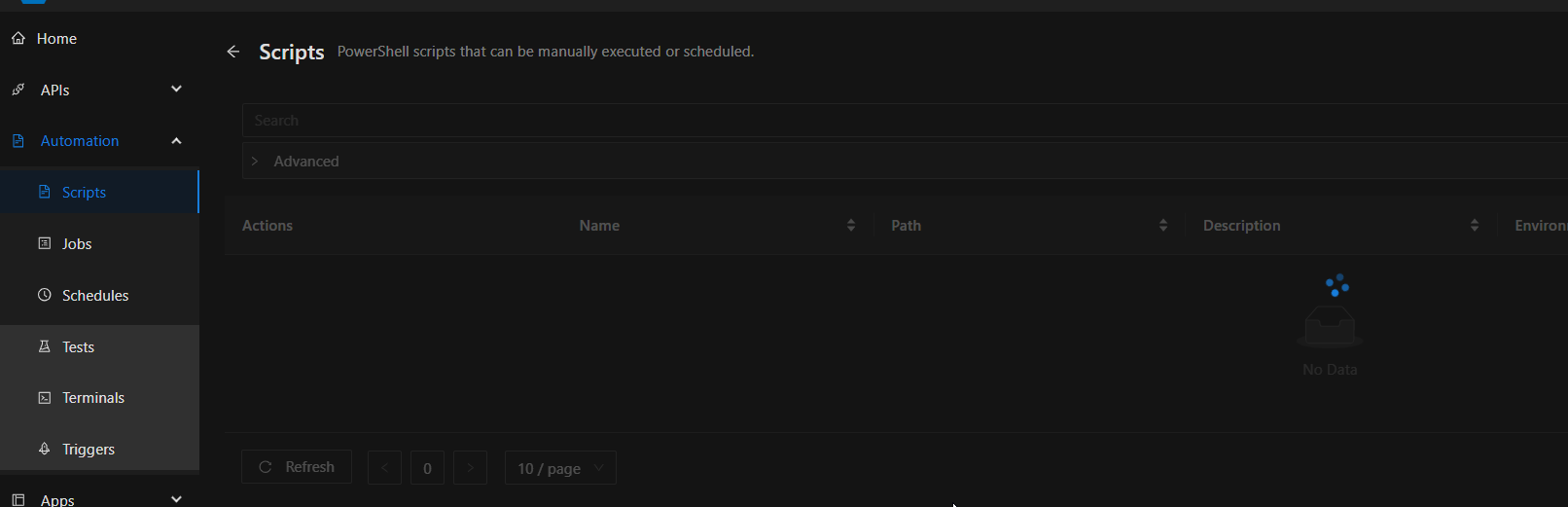
67e2eca0a82e62a865ea41a484809b19a993e5f6.png
All Comments (6)
i also have some logs file. just not sure where to send them.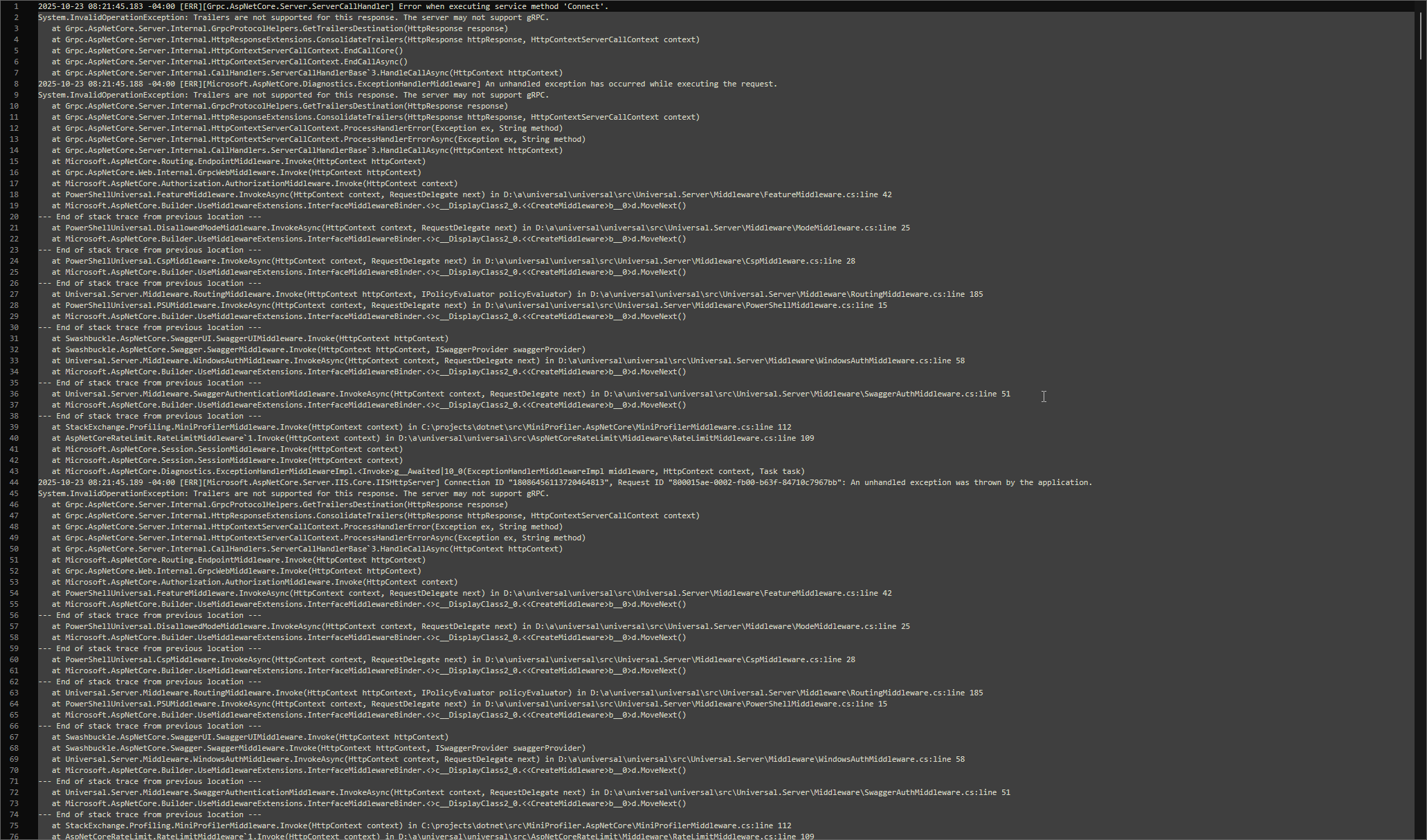
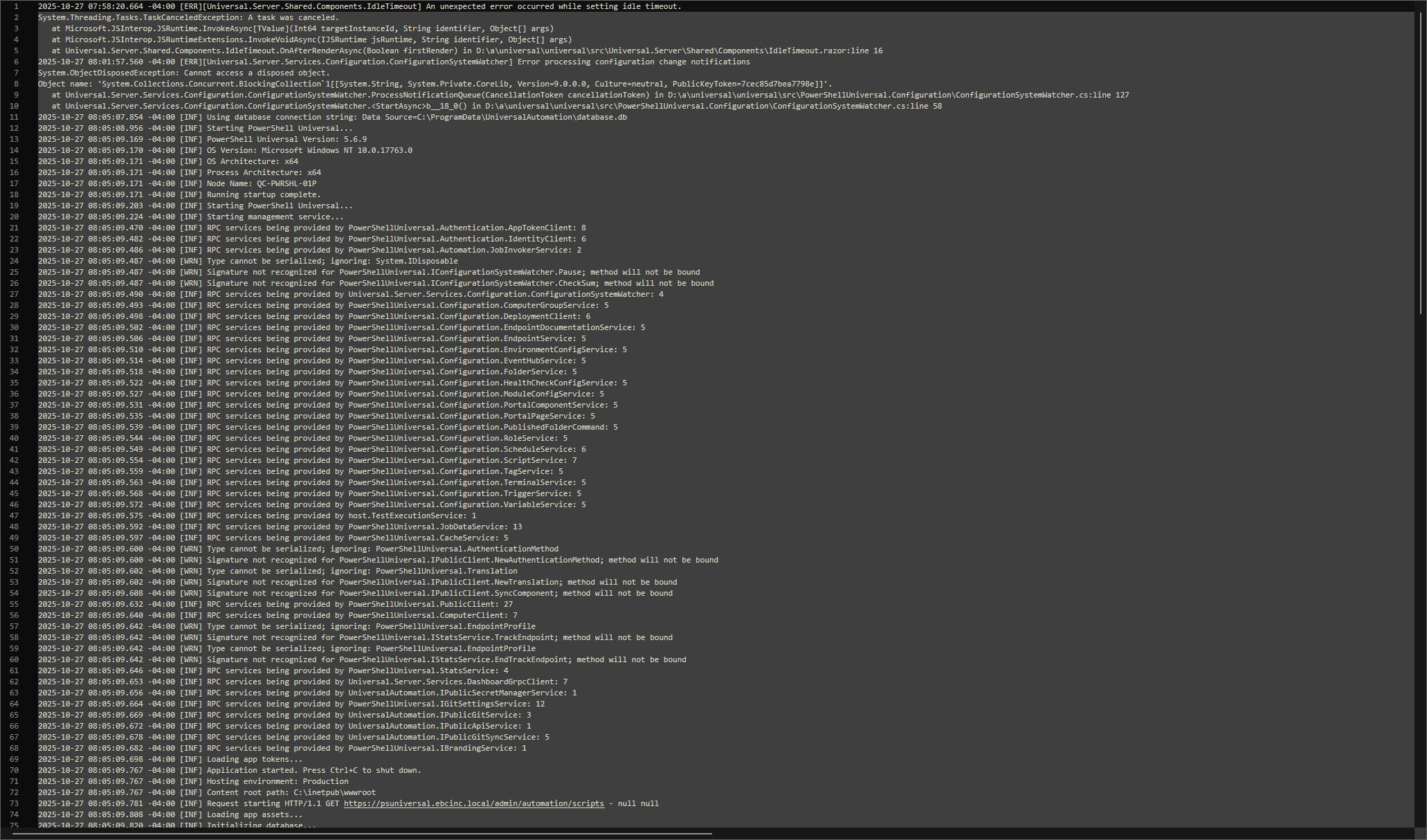
da2d1e3fe1112eca4a042006d230d0851e6ecd0a.png
af34e6db17e1133fc9b143340756a1c8d102f05b.png
Also have this from time to time. In my NotificationIt happens when i create a file, save it. Refresh then it’s gone.The instance of entity type ‘DashboardPage’ cannot be tracked because another instance with the same key value for {‘Id’} is already being tracked. When attaching existing entities, ensure that only one entity instance with a given key value is attached. Consider using ‘DbContextOptionsBuilder.EnableSensitiveDataLogging’ to see the conflicting key values.
I ended up restoring from a backup but it would be nice to fix the underlying issue.
I think you’ll need to provide exactly what steps you take that causes the issue, I’ve read your post but I’m non the wiser.
Did you create a script through the UI? through the API? or directly in code?
What were the properties of the script you created?
Run us through that bit, what steps do you take exactly to recreate this issue, and I’m sure we can probably help
Sorry for the late response.
Honestly it happens at random. I am not sure which logs to check.
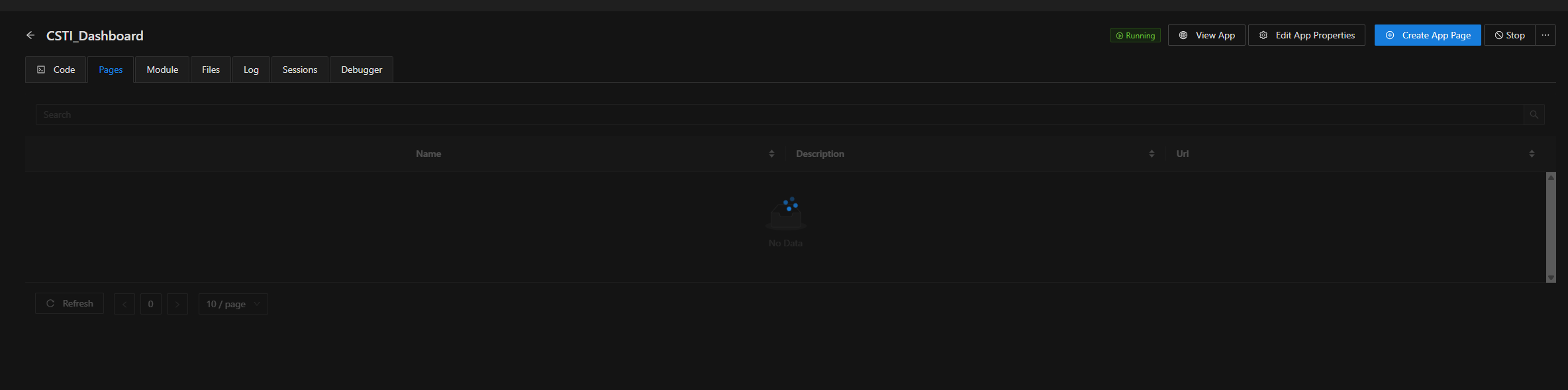
Right now, if i go in the Page section of this dashboard. it will load forever and the other buttons in PSU won’t navigate.
i suspect the DB is confusing some ID for the dashboard and this prevent the loading.
in VS Code, PSU extension. i am connected and it tells me i have duplicate pages, which is innacurate and when i go to the folder on the server, they are not there.
btw i use IIS.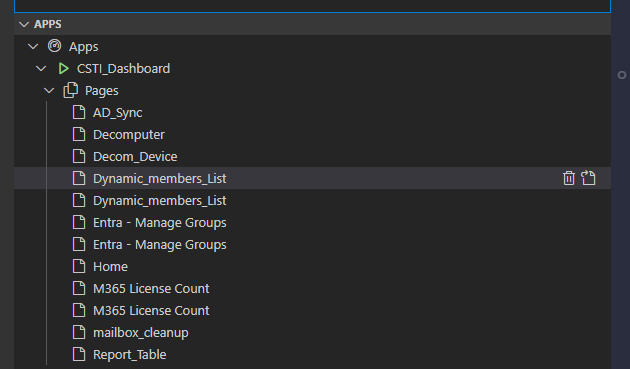
2d7be232bf82d1fbe1a7c041f7cce9e724f59522.png
bf7ee5d484ec0040d454578ba310749afe81aee3.png
Same issue as the script page.
Feels like it’s folders that confuse it. Tried rebooting, recycling iis. Turning on and off. etc
This is the url
https://psuniversal.ebcinc.local/admin/apps/CSTI_Dashboard?tab=Pages
some logs from the dashboard after a restart.
[2025-11-05 10:43:54 a.m.] [Information] [App-CSTI_Dashboard] Dashboard configuration complete.
[2025-11-05 10:43:54 a.m.] [Information] [App-CSTI_Dashboard] Starting scheduler.
[2025-11-05 10:43:54 a.m.] [Information] [App-CSTI_Dashboard] Serializing base app.
[2025-11-05 10:43:54 a.m.] [Information] [App-CSTI_Dashboard] Generating new session state from startup script.
[2025-11-05 10:43:53 a.m.] [Information] [App-CSTI_Dashboard] Running app startup script.
[2025-11-05 10:43:50 a.m.] [Information] [App-CSTI_Dashboard] Creating runspace factory.
[2025-11-05 10:43:50 a.m.] [Information] [App-CSTI_Dashboard] Loading app module at C:\ProgramData\UniversalAutomation\Repository\dashboards\CSTI_Dashboard\CSTI_Dashboard.psm1.
[2025-11-05 10:43:50 a.m.] [Information] [App-CSTI_Dashboard] Adding built in variables.
[2025-11-05 10:43:50 a.m.] [Information] [App-CSTI_Dashboard] Generating initial session state.
[2025-11-05 10:43:50 a.m.] [Information] [App-CSTI_Dashboard] Creating services.
[2025-11-05 10:43:50 a.m.] [Information] [App-CSTI_Dashboard] Dashboard information received. Starting dashboard.
[2025-11-05 10:43:50 a.m.] [Information] [App-CSTI_Dashboard] Waiting for dashboard information…
and this error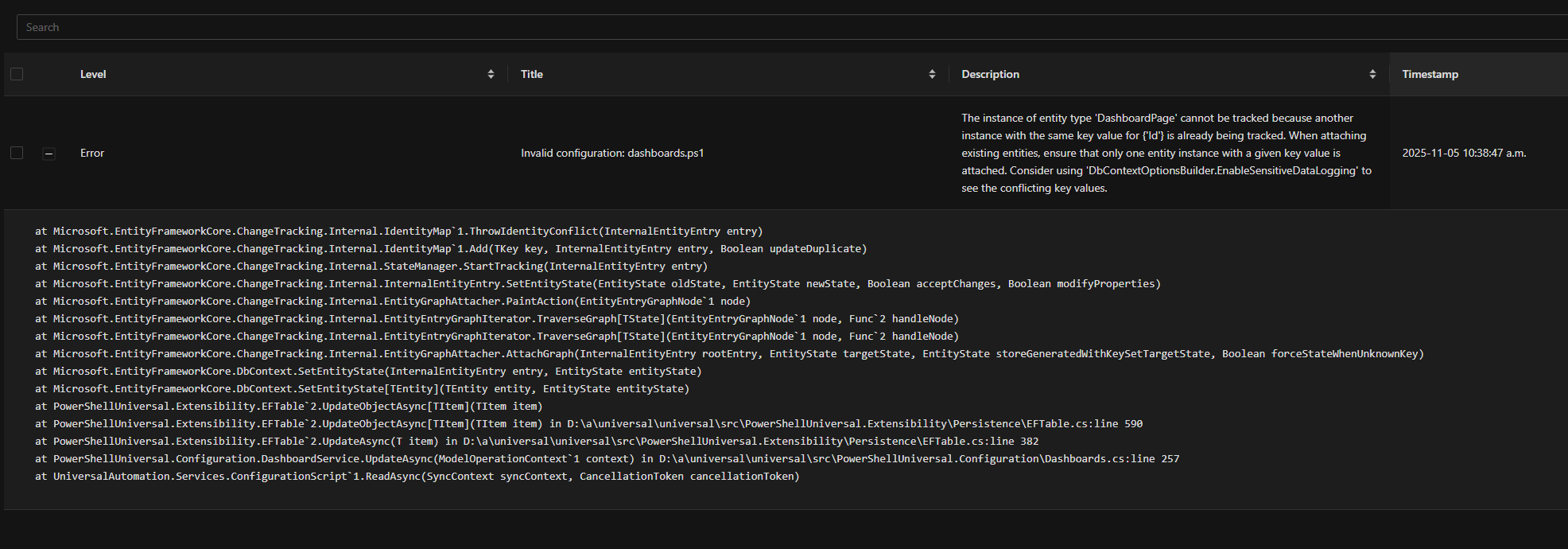
a9ce2acd78e9ffe088c8499e4a642a0e791e1cb0.png
Little update. These are 2 separate issue.
The instance of entity type ‘DashboardPage’
This was because i was using get-udpage on 2 different dashboard that had the same pages name.
Fixed that and the error is gone.
but i still have the infinite loading Pages problem. Which is way worst than the other.
PS : I also did a vaccum of my DB file and it went from 8gb to 55 mb. Didnt help tho.