App and Pages not working after reboot

Product: PowerShell Universal
Version: 5.6.6
I upgradded to 5.6.6 and started to use Apps with pages.
PU runs on windows 2022, hosting on IIS, with SSO enabled
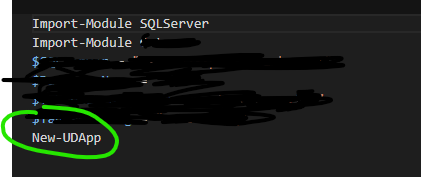
It works well, I created an App that contains just New-UDApp
and in pages, it auto created “-AutoInclude”
I have enabled authentication
Everything works, but when I reboot the server, the app stopped working, any other App that not created with sub pages works.
when I want to edge codes for any page in that app, I got “not found” error
but if I go to Files tab, I can see the page files and can see the content.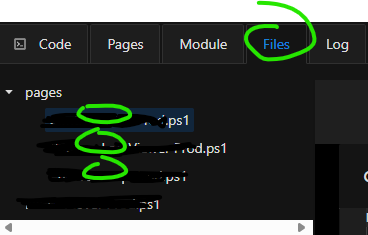

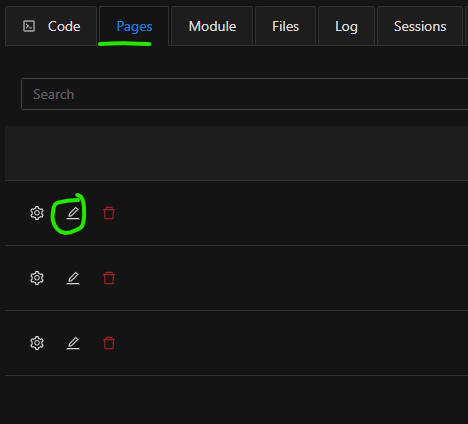
cf6f9a25601c201cd0505817f020fa27c248e638.png
35deedafe9d3a971f938e0284a8d1384bc15c569.png
11515e8735372bb332c3c1536f9b2aff2737d43a.png
c51f2a7f876b11c3ff221fff5caaa3ddade08b30.png
All Comments (1)
I found the issue … lol
The name of the page CAN NOT contain space …
once I removed the space from the names, it works again.
but it stopped working only after reboot is still very odd 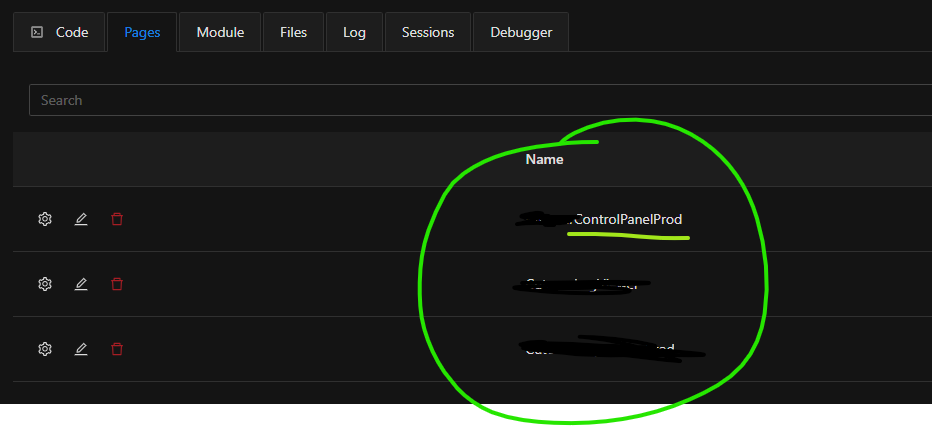
fd9339aa901016c41ec84c14b0d58e80e4aba7de.png