Possible to get username for the user who runs scripts?

Product: PowerShell Universal
Version: 5.5.2
So I know in Apps, you can use $user to get the username, I can log who did what with the App. Now with scripts there doesn’t seem to be a $user variable. How can I capture the user who run the script inside the script?
All Comments (3)
Hi,
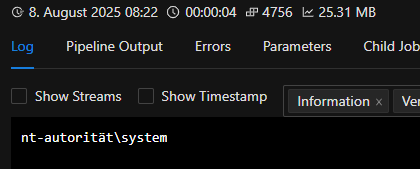
you could go with “whoami”.
This shows the executing user: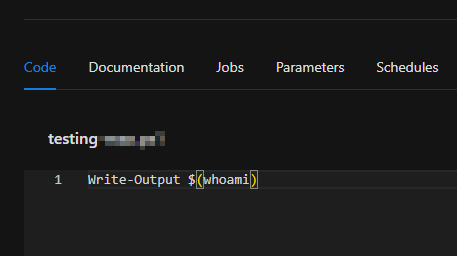
9bcd10b9aa09d7f9a45568d03471fc4692d1ebd0.png
2b565bf077152fe0987700d49349724712c416d7.png
I tried as you suggested however this just returns the service user PSU is running under, not the logged in user who executed the script, which is what I wanted.
You could do something like:
Get-PSUJob -Script "Yourscript" | ft starttime, identity
Identity will contain the user that has started the job. Then you can filter it to only return the current/last_complete run and pull out identity from that.