Script with gMSA Credential Stuck in Queue Unless Server Is Specified (PSU 5.5.2)
Script with gMSA Credential Stuck in Queue Unless Server Is Specified (PSU 5.5.2)

Product: PowerShell Universal
Version: 5.5.2
Hi everyone,
This morning I updated PowerShell Universal from version 5.2.1 to 5.5.2.
The update resolved an issue we previously had with running scripts using a Group Managed Service Account (gMSA) — that part is now working correctly.
However, we’ve encountered a new issue:
When running a script that uses a gmsa credential without specifying a target server, the job ends up stuck in an endless queue.
If I explicitly select a server, the script runs as expected.
248285b87fb5eed3294c7febf62cb8d89ef71fde.png
All Comments (3)
If you click the job that is queued, can you click the Dispatch Queue button and see what is listed? It should tell you why it isn’t running.
Adam Driscoll
PowerShell Expert and Developer at Devolutions
When clicking on dispatch queue it appears to be empty.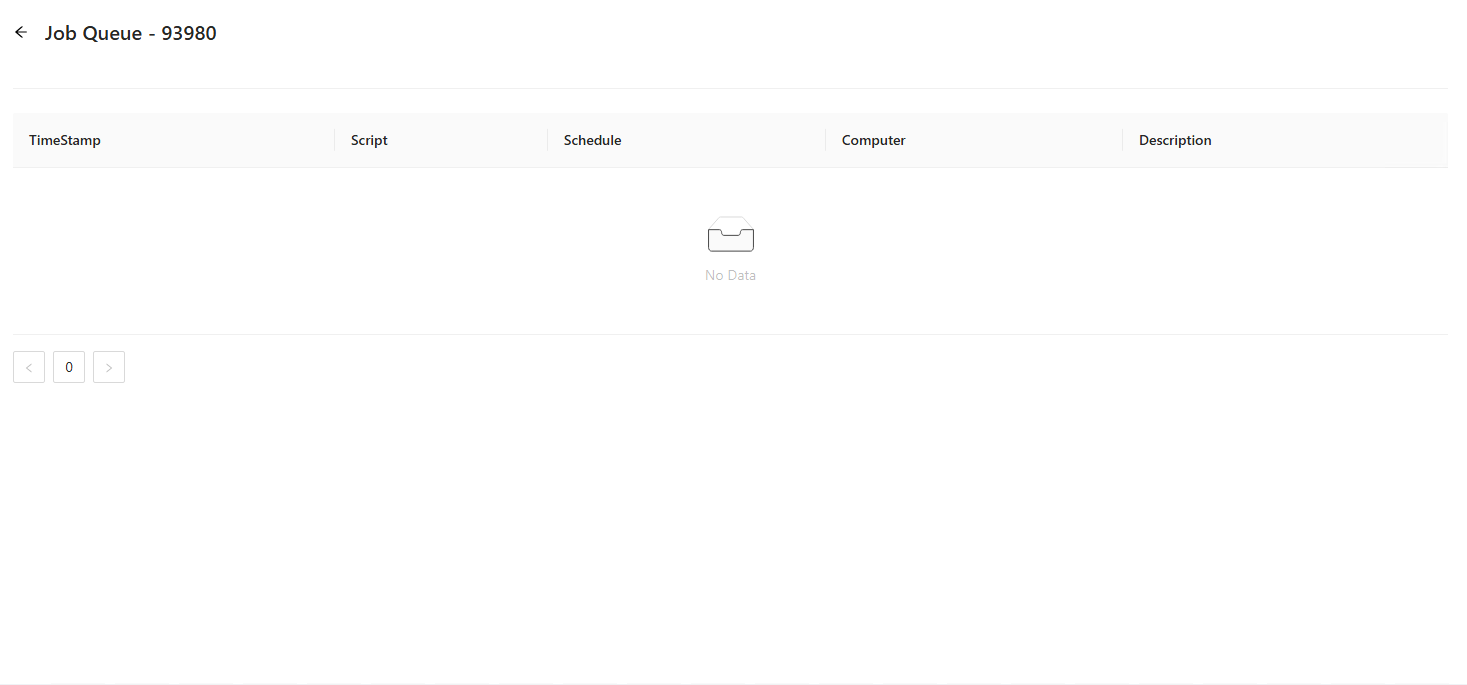
It seems that other scripts now also need a specific server selection. Because when I don’t do it they all end up in a queue. I have scripts running on schedule that suddenly don’t work.
This started when i put the service account as Local System
3b3ce8505360a88c607419fa3e1d34883a842a86.png
I would like to revive this ticket because it is causing some issues while trying to migrate from Microsoft SMA to PSU.
We have multiple inhouse module that now need to refer to PSU instead of SMA but when we want a certain script to be ran we wan’t it to be able to dynamically choose a server. yet when we don’t specify a specific server to be run on the script ends up in a seemingly endless queueu.
note: the job queue is still empty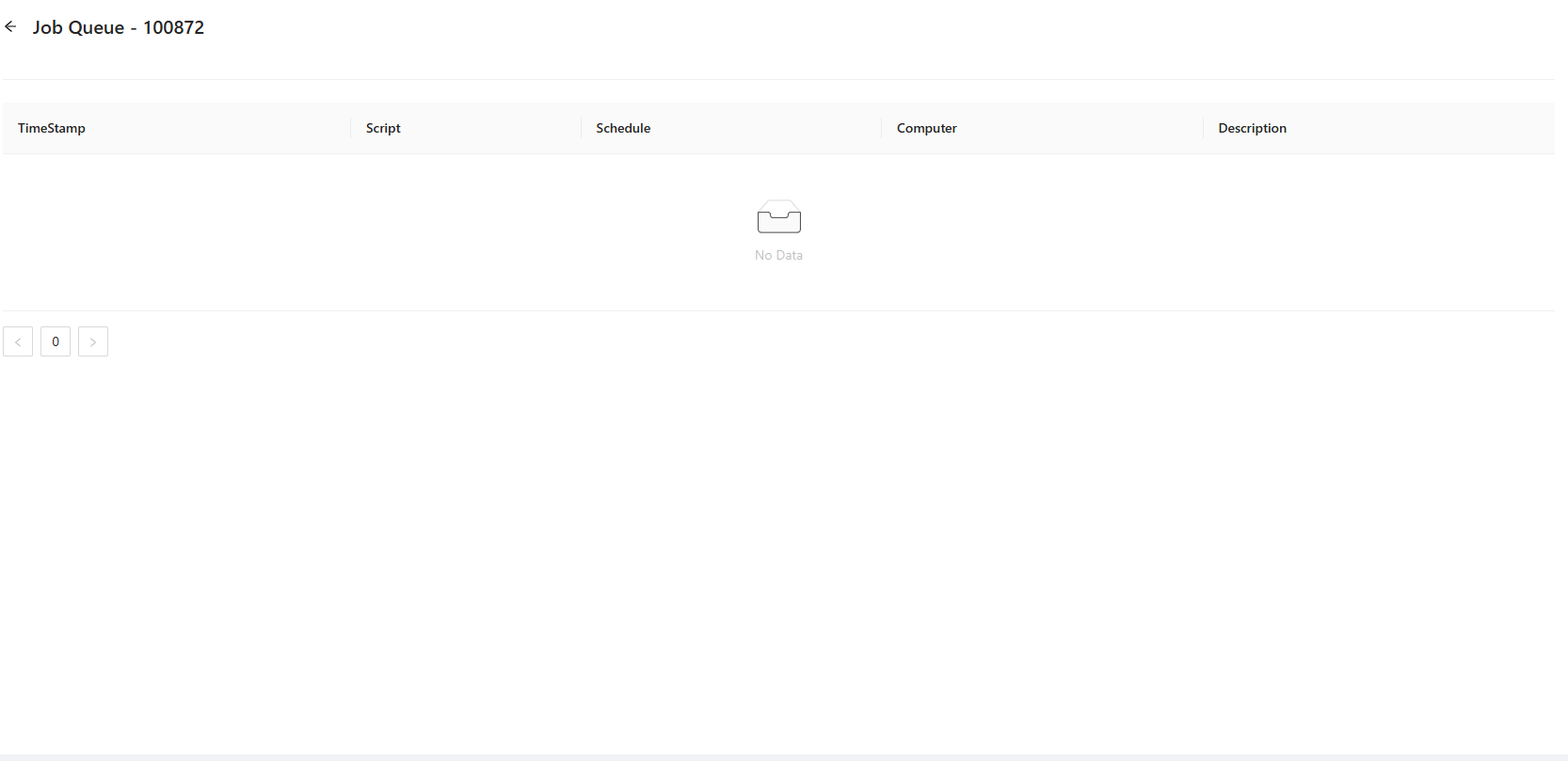
3ef33643762cb4f6e2e49b5b4d560bd0ad62712c.png