Default Field Values in Portal?
Product: PowerShell Universal
Version: 5.4.1
IIS / SQL Express
AppPool ID: LocalSystem
In a script, with parameters like below, is there any way to pre-populate fields in the resulting portal form?
The docs for “Scripts” mention default values, but these seem to not apply in the portal context.
param (
    [Parameter(
        Mandatory = $true,
        HelpMessage = "Select the organizational attribute to search"
    )]
    [ComponentModel.DisplayName("Search In")]
    [ValidateSet('Name', 'Username', 'Title', 'Department', 'Location')]
    [string]$SearchField = "Username",

    [Parameter(
        Mandatory = $true,
        HelpMessage = "Search pattern. Use regex mode for patterns like 'Smith|Jones', or regular mode for patterns like '*Smith*'"
    )]
    [ComponentModel.DisplayName("Search For")]
    [string]$SearchPattern,

    [Parameter(
        Mandatory = $false,
        HelpMessage = "Enable regex pattern matching instead of regular string matching"
    )]
    [ComponentModel.DisplayName("Use Regex")]
    [switch]$UseRegex
)
All Comments (4)

I’ve done similar with a few scripts, but just to check im thinking pf the same thing.
In the script properties your adding a role so that it shows up in the portal like this?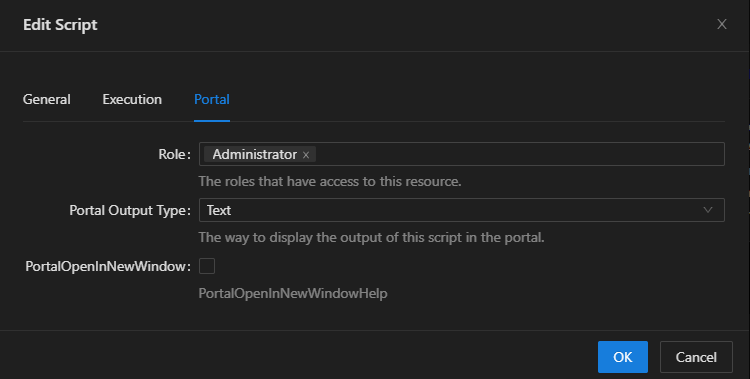
If so then what Ive got here is that script has this at the top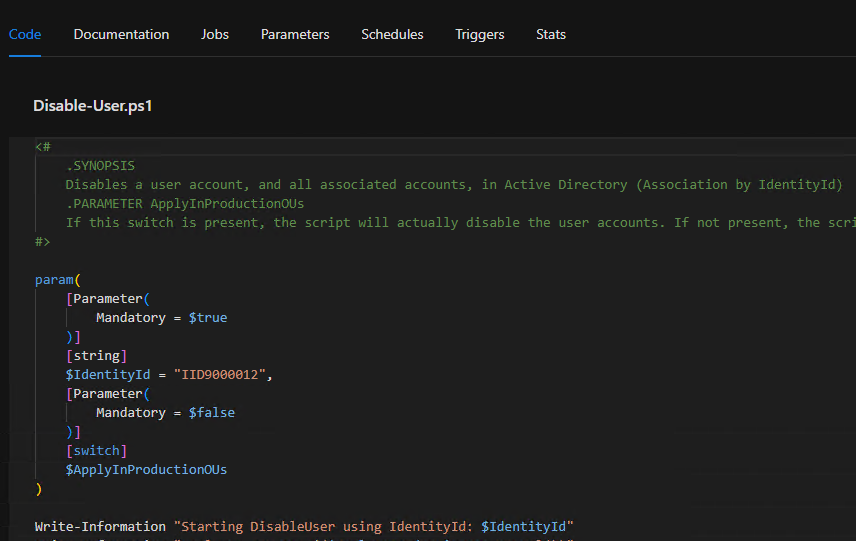
in the portal I get this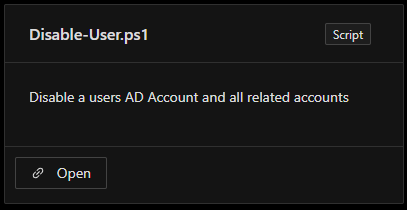
and when I open that script it shows the params with the default value for IdentityID pre-filled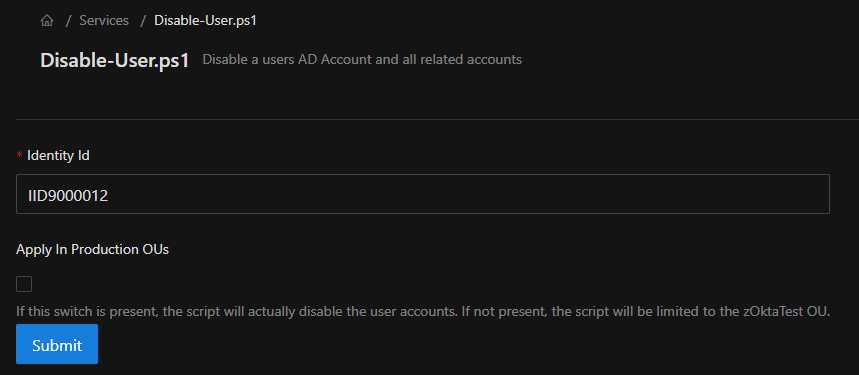
also on 5.4.1 here
70e1044ed7ca5021f6a6efa981ac396c00baba05.png
09ccfe2056e526c73e16a1a2af35711104a07364.png
bf70ba4c58cd62e6eb923865ad596130401caa95.png
90a19a842ce7e3052f2127648582a117e336b639.png
Hey @AnonymousUser, thank you!
Your reply made me re-evaluate and test: When the parameter transforms to a simple text field or a switch, then specifying a default value works just fine! Yay!
But when I try to set a default for what becomes a pull-down menu, that’s where I’m not getting anything.
    [ComponentModel.DisplayName("Search In")]
    [ValidateSet('Name', 'Username', 'Title', 'Department', 'Location')]
    [string]$SearchField = "Username",
I wonder if this is possible?
Oooh great find, that’s a really good question, I havent gotten to that sort of value in a script yet. I also struggled when I had ParameterSets in the Portal too
I’ve ended up in a pattern of writing scripts that I can then call from APIs or Apps, and don’t have many directly published scripts on the portal
Wonder if anyone else has experienced this too hey
Oh, I take that back, I have done this using ValidateSet like you have there, The only difference I can see is I dont have that ComponentModel Attribute above my variable. Testing…
EDIT
The ComponentModel line makes no diffn to the result here, but yes the default value is not displayed from the validateset. If I run the script without choosing an item off the list then it does use the defined default, but the Render of the parameter is not setting the default.
Feels like a bug report to me @matthew14