Change default new dashboard/script/endpoint code

Product: PowerShell Universal
Version: 5.2.1
Is there a way to change the default code that is displayed when a new script/dashboard/endpoint is created? - Is it stored in a template somewhere?
If I create a new script it currently shows;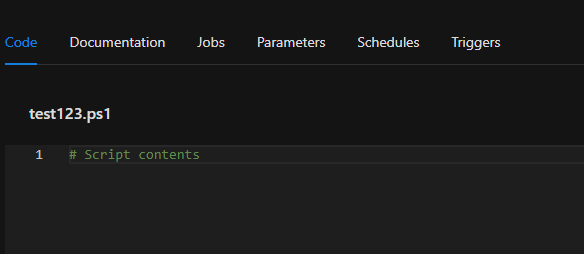
I’m looking to get something a little more useful as default;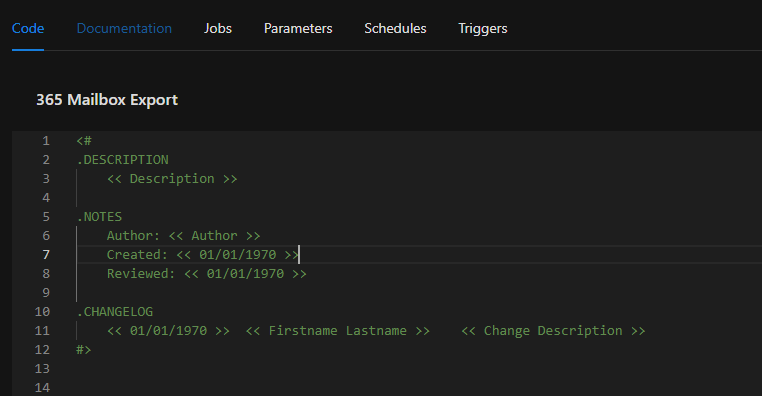
Is it possible? Thanks.
137651476daa89cd03c0b0890b3680a37de3496f.png
ba99ec0456b8ce9fd237062b8a4e5e17ad2a97b9.png
All Comments (1)
This isn’t possible and is hard coded into PSU. I opened an issue for it here.
github.com/ironmansoftware/powershell-universal
Adam Driscoll
PowerShell Expert and Developer at Devolutions
