After ugprade to PSUv5 data is not displayed correctly

Hi,
Setup:
I am running a Powershell Universal as a Docker container hosted on a Linux machine. Scripts and database are located on the Linux machine and are attached as a volume to the container.
Issue:
After upgrading from 4.4.1 to Powershell Universal v5.1.2, the dashboard does not display data correctly. When any one script runs, it affects and changes the values of where other scripts output would be. On the image you can see that most values are the same, this was caused by running one script which should only affect one section of the dashboard.
I have created two Docker containers, one running v4 and the other v5. Other than the database, they are identical. The app running on the container with PSUv4 is working flawlessly.
Clearly I am missing something.
I would appreciate any suggestions.
Thank you -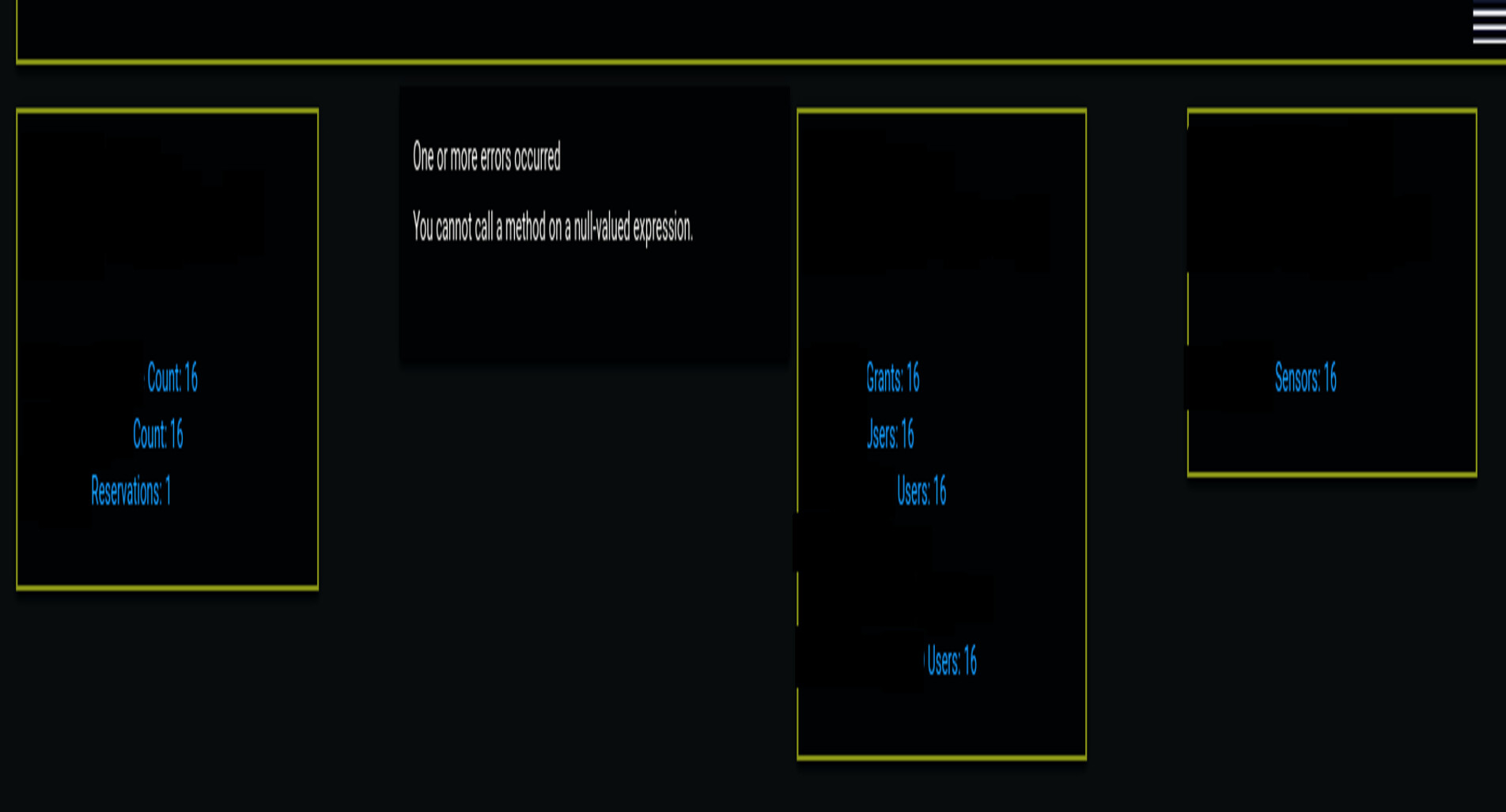
8fa397f3f7f8803afcfcc95c3a74d31a7c7bb6af.jpeg
All Comments (4)
Can you give some insight into how you are running these scripts and maybe a little info on how you have this app formatted?
Adam Driscoll
PowerShell Expert and Developer at Devolutions
The app defines a dashboard with links to navigate between different sections. Task-based scripts, in this example RDS reservations, are scheduled to query AWS for data.
App/UI Script:
This script creates a dashboard using Universal Dashboard with navigation elements to access different pages.
It includes:
- A navigation list ($Navigation) with clickable items for redirecting users to different pages (e.g., Home, AWS RDS).
- A main application (New-UDApp) with pages such as ‘Home’ and ‘RDS Reservations’.
- Navigation items use icons, and one of the items, “AWS RDS,” has a sub-menu to navigate to “RDS Reservations”.
Independent Task-Based Script (AWS RDS Data Collection):
Task-based scripts indeed use AWSPowerShell.NetCore to interact with AWS services and return PSCustomObject collections for data.
It performs:
- Queries AWS RDS for reserved DB instances using the Get-RDSReservedDBInstance cmdlet.
- Collects the data into an array of custom objects ($Data_Collection), storing details like AccountId, AccountName, Region, and State.
- Returns the collected data once the loop completes.
Data Synchronization Script for RDS Reservations:
- This script is used to display and refresh AWS RDS reservation data in a UI component.
- Using New-UDDynamic elements, the app executes task-based scripts via Invoke-PSUScript and fetches their outputs for rendering in interactive tables.
- It defines a page for “RDS Reservations” that presents RDS reservation data in a table format using New-UDTable.
- Displays dynamic data ($JobOutput) from a previously executed PowerShell script (rds_get-reservations.ps1) and allows data refresh via a button that invokes the script again and updates the table.
Please let me know if you have any questions. I am happy to provide sample scripts.
And are these scripts running with Invoke-PSUScript or are they all a part of the dashboard?
Adam Driscoll
PowerShell Expert and Developer at Devolutions
Hi Adam,
The " Data Synchronization Scripts" are the actual pages. About half of those scripts contain Invoke-PSUScrip, as well as Get-PSUScript. The Home page does not use Invoke-PSUScript, it only uses Get-PSUScript. The Home page contains multiple summary sections, each displlyed within a Card.
example of a Card:
RDS Summary card
- RDS_pendinng_maintenance.ps1
- RDS_get_inventory.ps1
…and so on
Each summary section is dislayed in a Card with:
Header: title and timestamp
Body: contains links to the actual, in this case, RDS reservation page
The Home page uses New-UDDynamic component to auto-refresh the grid’s information.