Issues with 'Create Simple Schedule'

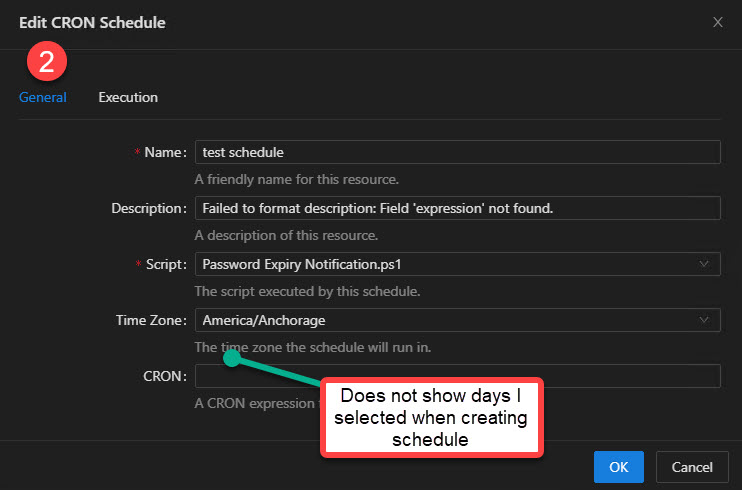
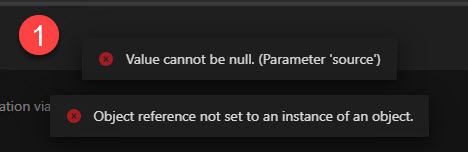
- issue is when I create a simple schedule, I get an error message when saving though it does save. (Image 1)
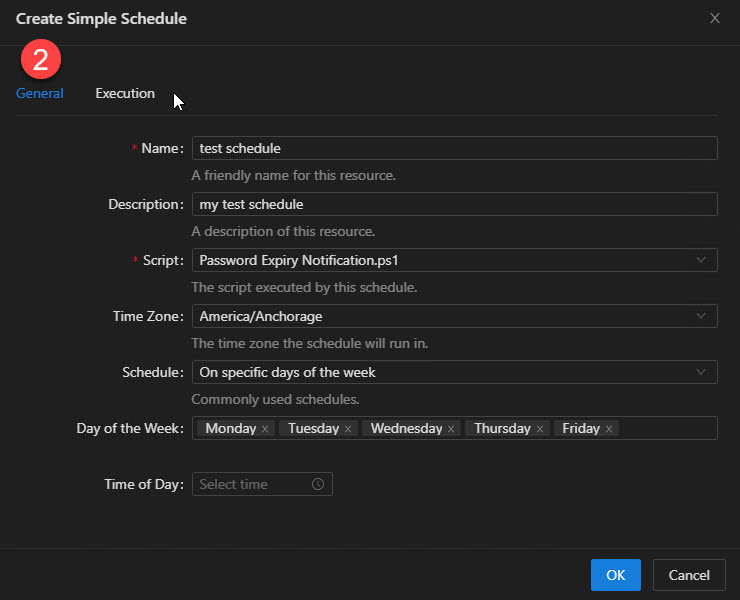
- Then when I select specific days for the schedule to run it appears to save. But when I go back to ‘Schedules’ to check it over, it does not show the ‘Day of the Week’ field any longer. I’m left unsure if it is done correctly. (Image 2s)
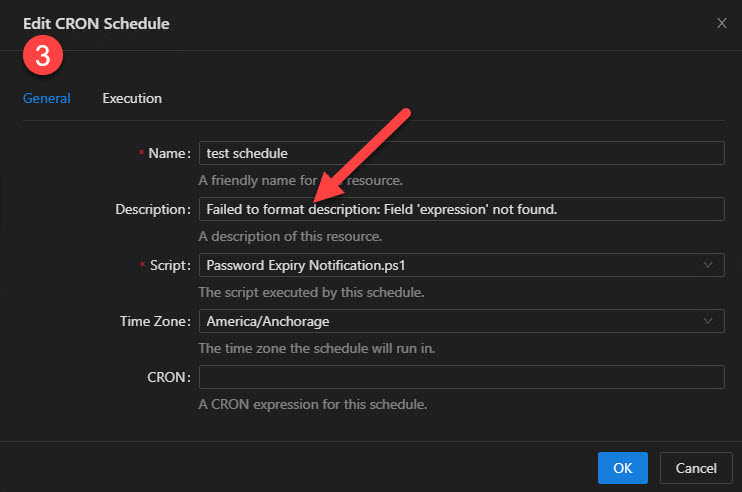
- When I save, then return to view it shows an error in the “Description” field every time. (Image 3)
Product: PowerShell Universal
Version: 5.1.2
05d2891ca96e04f64ce2019ea21f643b12c4fb03.jpeg
7c6e7b3cad7aacd977e4231a4fac5b8d9e8a6001.jpeg
86e893e611e5b5c6d4d6bf692e1a41b3c3173aa5.jpeg
9815faaaf852f3ba741aebac326bd88f7fb7b1c6.jpeg
All Comments (4)
not sure if that helps,
and I haven’t opened a thread on that yet, because I did not 100% verify…
But I was more than once under the expression, that “long script names” in the scheduler cause issues.
I had 3 schedules that did not work for whatever reason.
Since I shortened the Name and Script Name to <15 chars and made sure to just use a…z and _ it worked without issues.
Simple schedules, at the moment, just generate CRON schedules. This means that when you go to edit them, it should be displaying the CRON expression. It looks like, for whatever reason, the CRON expression didn’t get set right when you created your schedule.
I tried to reproduce your issue and I see a schedule created like this.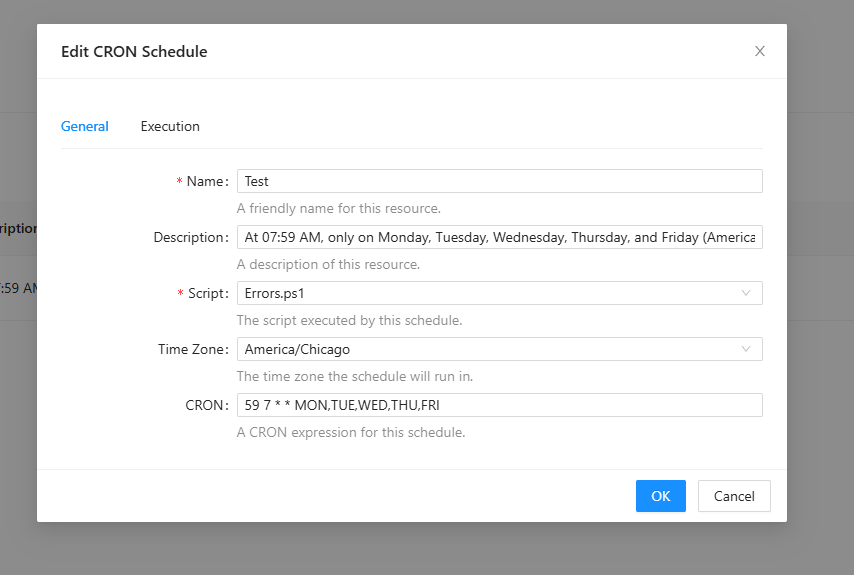
You could try to create the CRON expression manually to see if that helps.
Overall, I think we need to improve the simple scheduling to avoid this issue and just generate the CRON expression internally and provide some parameters New-PSUSchedule for simple scheduling. It would allow us to properly show the simple schedule dialog when editing.
github.com/ironmansoftware/powershell-universal
In terms of why the schedule failed the first time, I’m unsure. You may want to try @deroppi’s suggestion or just try creating the CRON expression manually.
Adam Driscoll
PowerShell Expert and Software Architect at Devolutions
86fa3db0ad22b23592aa1da47a9a9a50ba5e76ef.png
if not familiar with cron, here is what you need:
crontab.guru
After messing around with it, it seems like the selecting of specific days confused the ‘Simple Schedule’. Long script name, long job name didn’t see to throw errors. But it still shows weird info in the “Description” box.
I’m familiar with cron, though haven’t used it in decades.
Thanks for the replies.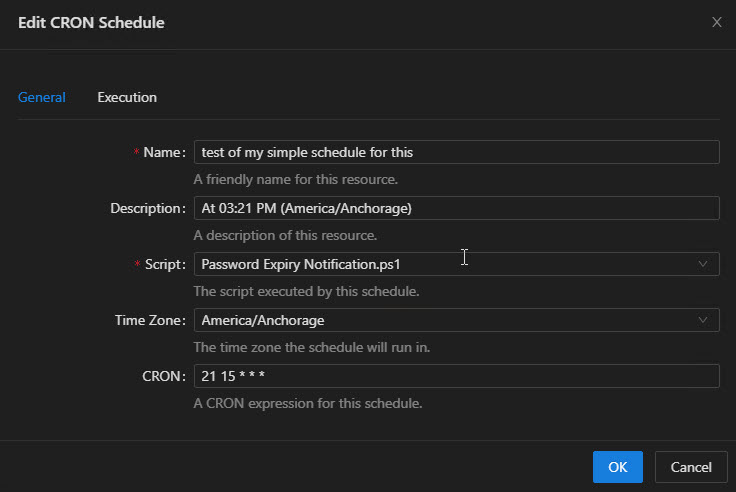
95110cd66058ed3d5599241a7aaae08bb4b98353.jpeg