Custom LoginPage

Hello everyone,
we are quite new to PowerShell Universal and would like to modernize the login page a bit. Unfortunately, we couldn’t implement it despite some good approaches. Currently, only a blue box with Windows login is displayed. Could someone give us a tip on how we can modernize the login page?
Thank you in advance.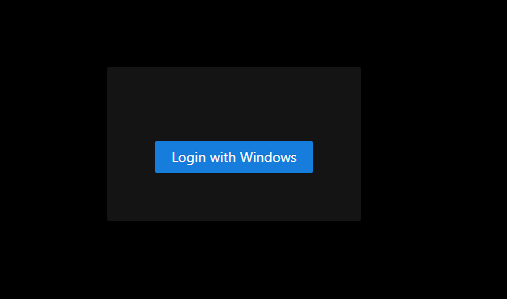
Product: PowerShell Universal
Version: 5.1.0
9426618d5f2e5d5688df98feb2b654b6f8975f5e.png
All Comments (3)
Aside from the branding settings for the login page (Settings \ Branding), we don’t offer much in terms of customization.
I’d say that if you have some examples of login pages you like, I’d be interested in seeing them. We could certainly open a feature request to further customize the page. We used to offer CSS customization, but that doesn’t allow changing the structure of the page all that much.
Adam Driscoll
PowerShell Expert and Software Architect at Devolutions
Hello Adam,
Hi Adam, thanks for your feedback. As an example, I have the following image: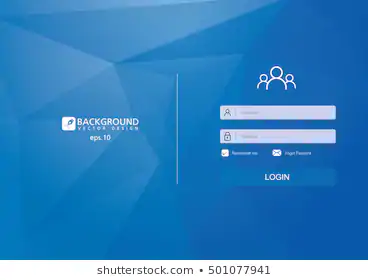
Furthermore, some time ago, I saw a topic that a member had opened. Based on his script, we tried to recreate such a login. Link: Login Page with custom background image and custom css
3985ec290c4e97b6e37391bf16744aa3b7fd1053.png
Thanks @marcobux for mentioning my post. I also support the issue about Alternative Login Page Layouts.
I also like the way microsoft allows customizations to their ADFS themes for the login page.
You can take a closer look here: microsoft/adfsWebCustomization: A repository of useful Web Customizations for Active Directory Federation Services
And here is the code with a screenshot:
adfsWebCustomization/centeredUi at master · microsoft/adfsWebCustomization
We are using this approach internally a lot.