Loading a page into an iFrame breaks the page in Chromium browsers
Loading a page into an iFrame breaks the page in Chromium browsers

Product: PowerShell Universal
Version: 4.2.21
I have a dashboard with multiple pages. One of the pages loads an iFrame containing a site with a simple search box that searches a local sqlite DB on the host server for our phone directory.
$Pages += New-UDPage -Name 'Phone Directory' -Content {
    New-UDHtml -markup '<iframe src="https://phone.domain.org" width="100%" height="1000" style="border:none;" title="Phone Directory"></iframe>'
} -NavigationLayout Permanent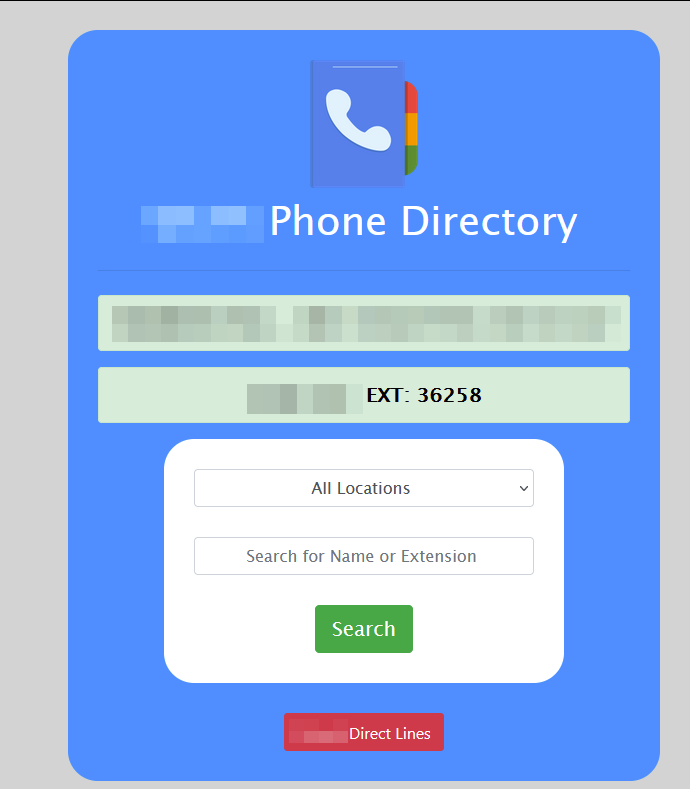
Not sure when (I don’t use it often) it stopped working in chromium browsers. The page itself loads, but when clicking the search button nothing happens. If I load the dashboard in firefox it works fine, and if I navigate to the page directly in any browser it also works fine.
This is the Edge console on page load. Up to the first Blocked is on page load. The next three errors and blocked are after typing in a name and doing a search. Chrome look similar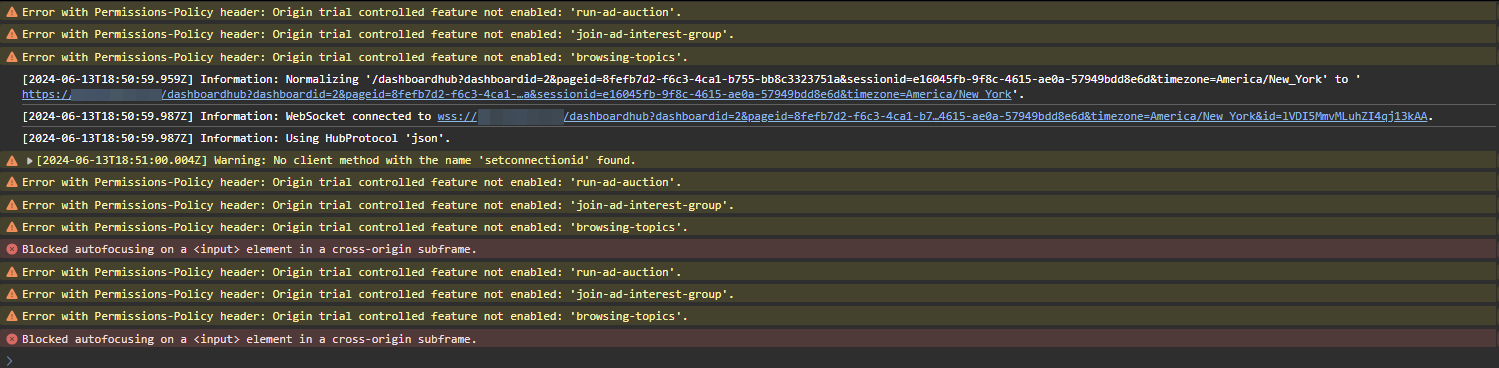
This is the console when doing the same thing in firefox and it works
88afef3524a151403c6fb5c4a87dd5b2a083091e.png
6f05bac1cbbe1b6be5a376399bdee02e3ff4657b.png
a1d051354b429fb9b11f4d402cf70af7f46d2854.png
All Comments (1)
Chromium browsers seems to block Cross Origin request by default (CORS).
I don’t know the way around it, but maybe knowing what its called can help you find it.
In chrome it seems you can disable this behaviour with a command -
How to disable cross origin restriction in Chrome? - Stack Overflow
Edit, I jinxed my self opening my mouth about CORS. Coincidentally I got a ticked regarding CORS issues on our sharepoint.
I’ll let you know if anything applicable to you situation comes up.