Deleted schedule is still running
Product: PowerShell Universal
Version: 4.2.21
I deleted the following scheduled job but its still running
When you run Get-PSUSchedule -ComputerName https://psudev.redacted/ -UseDefaultCredentials | select script the scheduled job does NOT show up and its not showing up in the admin console either.
Note I have using SQL as the backend.
cd7639337682f162ee2aee9ac1b8255e5864a6c2.png
All Comments (8)

is it in schedules.ps1?
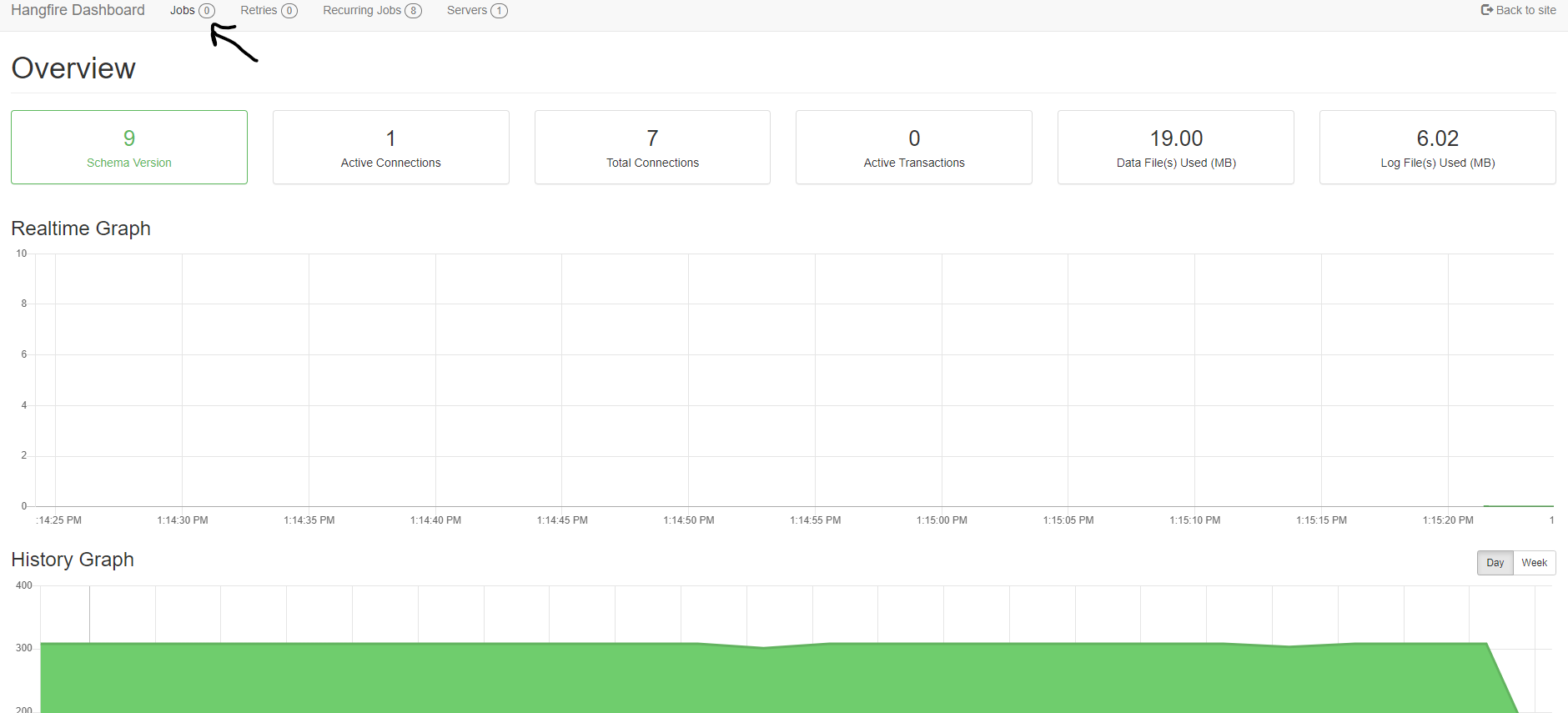
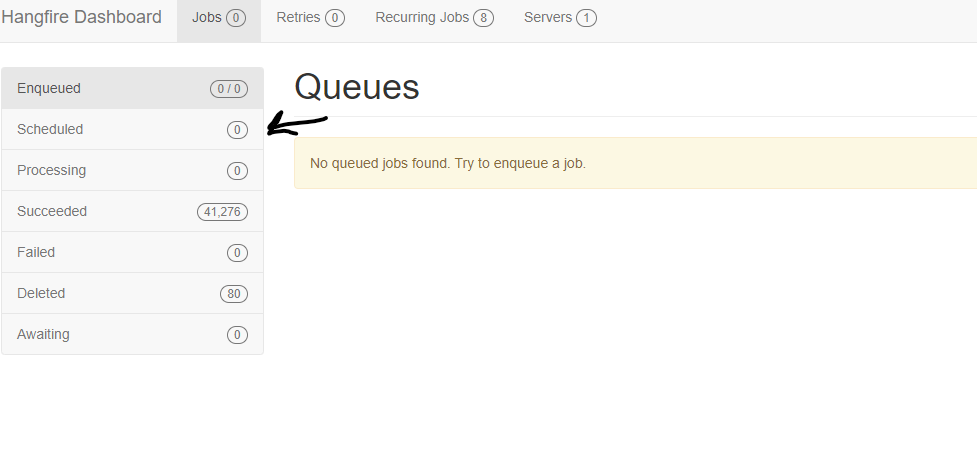
I have the same issue as well and i have posted an issue about it. in order to delete the schedule you need to to go to admin console and then automation and click on diagnostic button on the top right and that will open hangfire dashboard for you then click on jobs and click on schedule and you should see that schedule there and you should be able to delete it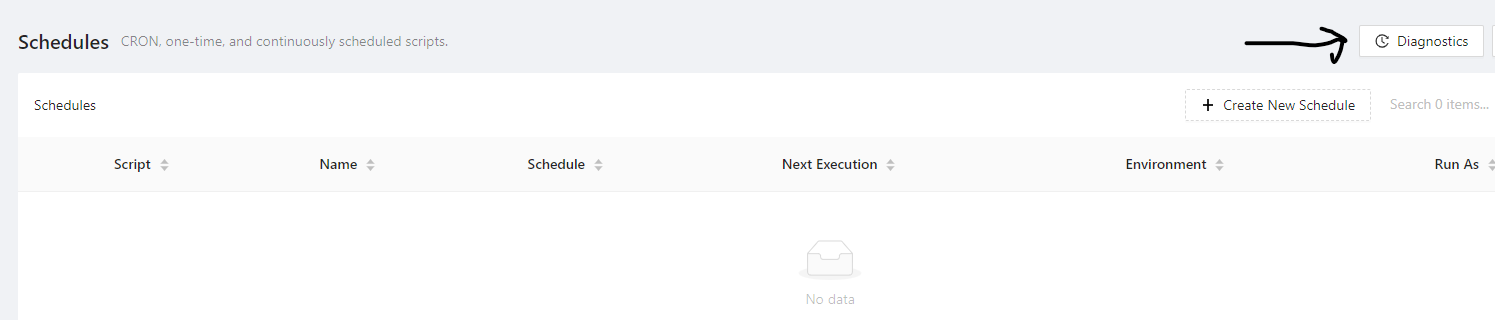
687a499a310fa884adb71abc73762b8ba112d36e.png
64a931d9785da99d84c1b012f4ecb45fa0933dcf.png
2e98c8a4a39d11dacc75093fb2d714d37ce6cc37.png
The main issue right now is deleted schedules are not getting deleted from hangfire dashboard.
Hangfire is were schedules and jobs are stored and executed.
no it is not
issue right now is deleted schedules are not g
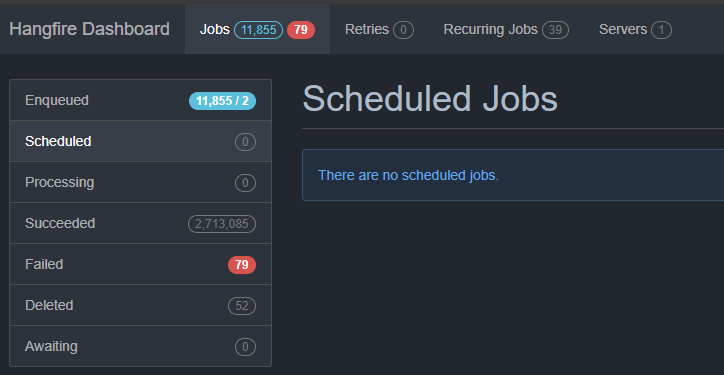
I just checked hangfire, and the scheduled job is not there, but the scheduled job is still running despite it showing up under schedules.ps1
b69e7e755e479ce2a98cccc31ff136a3a393c748.png
cc6690a32504858ac3b84ba3c016118fc75f0da6.png
schedules.ps1 is no longer created, am using psu with IIS and sql server express as well and currenty my issue if a job didnt run and i tried to delete a schedule it will be deleted from admin console but will remain in hangfire and if i try to create a new schedule it will show the new one in admin console but i will have 2 in hangfire the old one and the new one and i have to delete it manually from hangfire to make it go away.
Found it showing up under re-occuring jobs
Recurring Jobs – Hangfire Dashboard (psu.com)
444e41feabad2065ade7e0ab4972b65ebcb63ad8.png
also i want to mention that timezone has a issue as well and its not acting right