Pages Not Visible

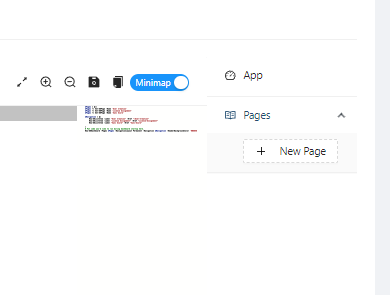
Hello. I came back from holiday vacation and cannot seem to edit my dashboards. None of the pages are visible. Restarting the dashboard and server did not fix the issue. Looking at the file structure, the respective pages are present. I am unsure how to resolve this. Has anyone seen this before?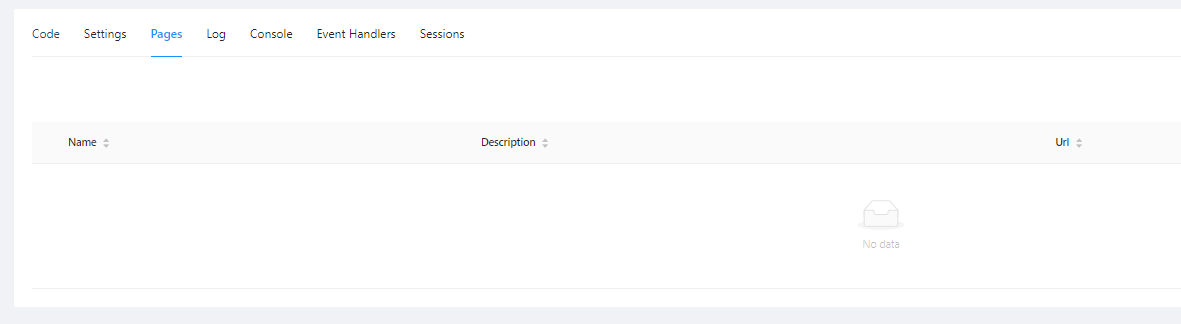
Product: PowerShell Universal
Version: 4.2.4
5d34012857d3015cea0416aee9bfea39002ed23c.png
8afdeb842a225e2d81c13cfc5ef74226d67e326c.png
All Comments (1)
We had a similar issue in our environment. Its almost as if PSU loses or “forgets” where something is, so it doesn’t display it.
Our workaround was to:
- Copy the source from the ps1 file (Super important to do this first or it will be overwritten during creation if you give it the same name as what is in the directory).
- Create new Script (or Page in your case)
- Name the script exactly the same as what is in the directory
- Paste the copied source code into the new Script and viola, all fixed
I hope there is a more friendly way of fixing this issue as I made the mistake of accidentally overwriting one of our scripts, hence the first step hahah. Lucky we had backups though.