Issue with Invoke-UDJavascript

Hi all,
I’m having a bit of an issue with Invoke-UDJavascript which has been introduced since 4.1.x (this previously worked in 4.0.12 and earlier).
It’s quite a specific problem so I’m not sure if anyone else has come across this yet, but I’m hoping by sharing some example code it might make sense to someone.
It seems that running an Invoke-UDJavascript inside an element onClick scriptblock gets stuck.
Here’s an example: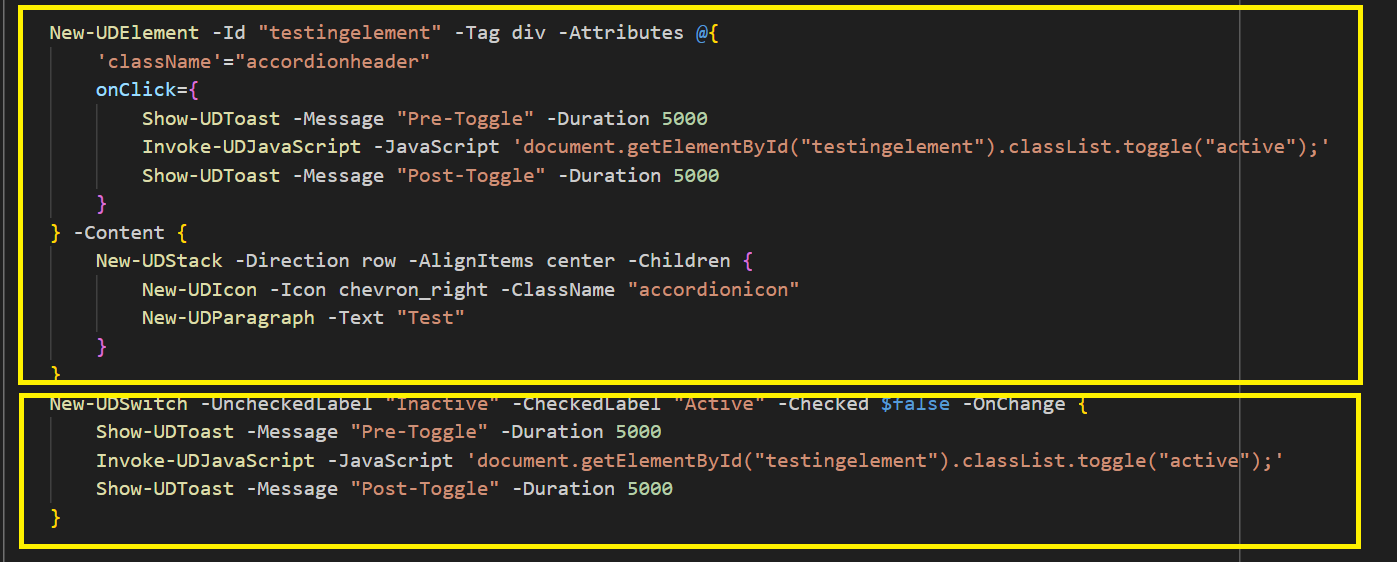
New-UDElement -Id "testingelement" -Tag div -Attributes @{
                'className'="accordionheader"
                onClick={
                    Show-UDToast -Message "Pre-Toggle" -Duration 5000
                    Invoke-UDJavaScript -JavaScript 'document.getElementById("testingelement").classList.toggle("active");'
                    Show-UDToast -Message "Post-Toggle" -Duration 5000
                }
            } -Content {
                New-UDStack -Direction row -AlignItems center -Children {
                    New-UDIcon -Icon chevron_right -ClassName "accordionicon"
                    New-UDParagraph -Text "Test"
                }
            }
            New-UDSwitch -UncheckedLabel "Inactive" -CheckedLabel "Active" -Checked $false -OnChange {
                Show-UDToast -Message "Pre-Toggle" -Duration 5000
                Invoke-UDJavaScript -JavaScript 'document.getElementById("testingelement").classList.toggle("active");'
                Show-UDToast -Message "Post-Toggle" -Duration 5000
            }
The first yellow box in the screenshot has an element with an onclick which will toggle the active selector. The second box uses a UDSwitch to do the same action.
When I click the element, it shows the first toast, toggles active but then stops and doesn’t show the second toast. The element then doesn’t respond to clicks until the page is refreshed.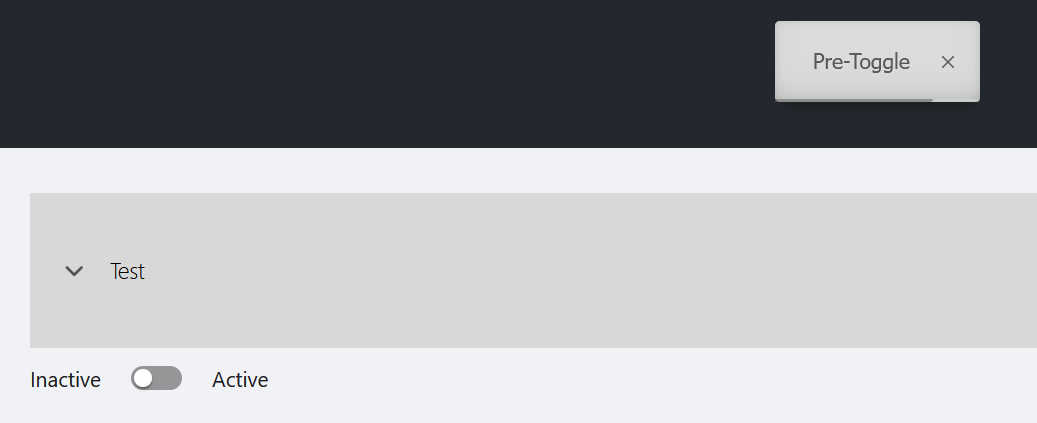
If I use the switch to toggle the element then it works as expected and doesn’t get stuck. As you can see the “post-toggle” toast is run. I can do this over and over and it will continue to work.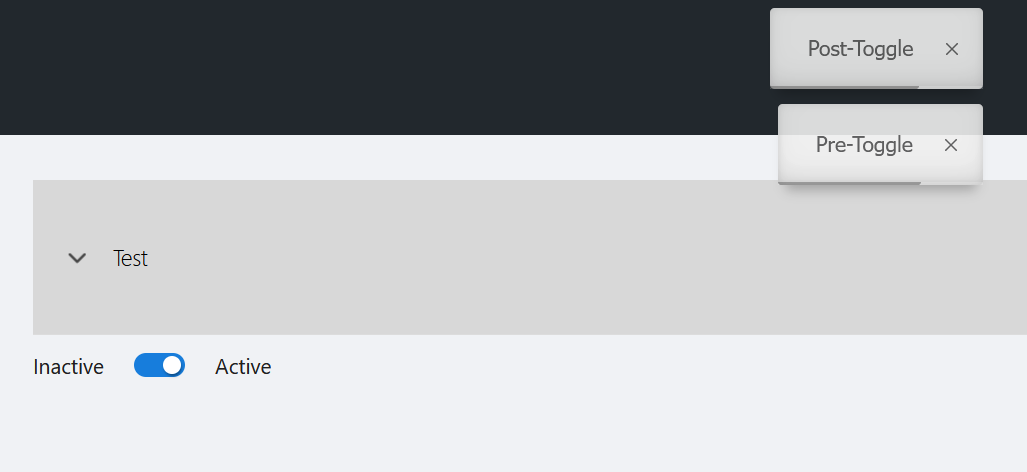
Thanks,
Tom.
Product: PowerShell Universal
Version: 4.2.4
2fc01f733f108e4848a3601dd04d977d31e3dd23.png
f653f7d554f809973866e401b448b3ab7758c921.png
776c439961c365b7d9ef3fe6d1937ae1687075c4.png