User Interfaces - Apps or Pages - Designer?

Product: PowerShell Universal
Version: 4.0.1
**Paid subscription**
The documentation is talking about a “designer” to create pages or apps, but I can’t find any option to actually enable/start that designer. As this doesn’t seem to be an issue for anybody else I sort of question my ability to read/see… help?
Reference about the designer : Apps - PowerShell Universal
My “User Interfaces” options: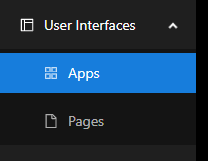
Wanted to add more screenshots of “create new App/Page”, but the forum rules don’t a.low
What am I missing? So sorry if it’s blatantly obvious…
52e05115811e6776aea7aca6927ddb37365a4045.png
Recommended Answer
When I create a new page within an app via the GUI, the designer starts automatically. So exactly as it is written in the documentation:
Once created, you will be taken to the designer for the page.
Create new page within the app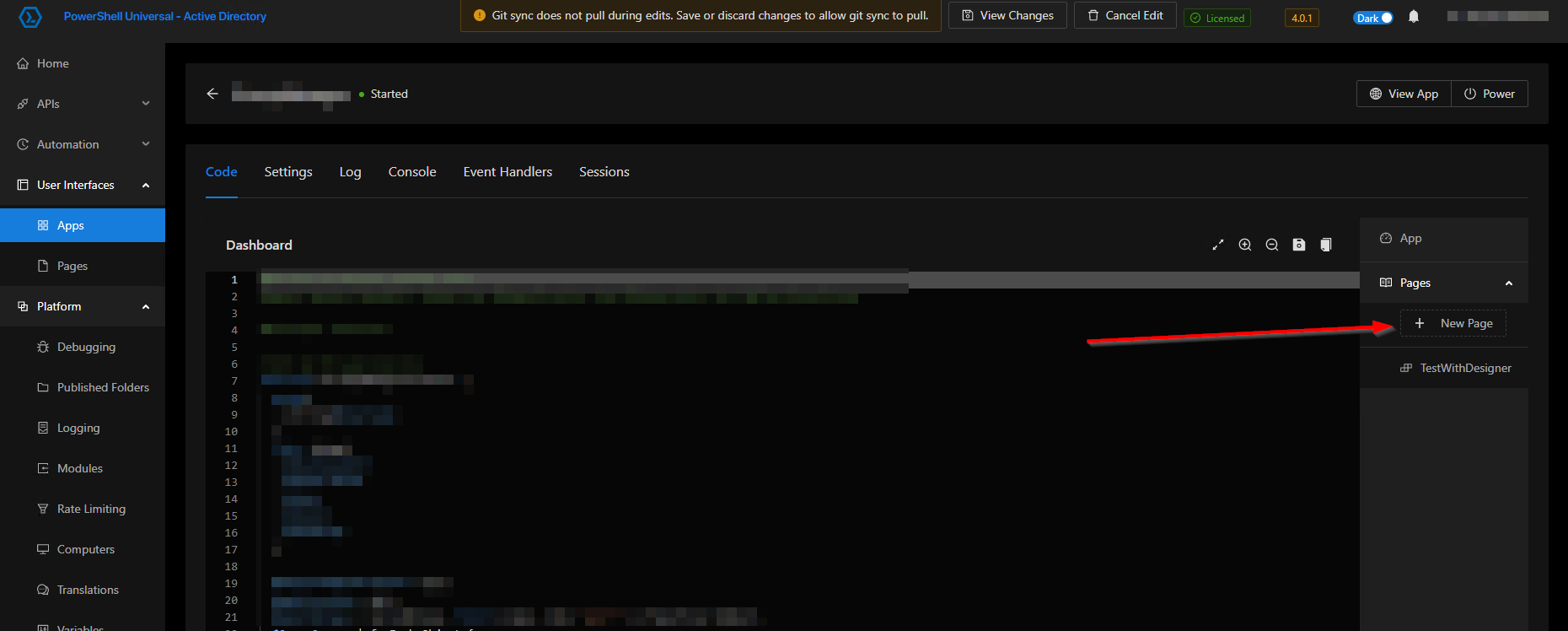
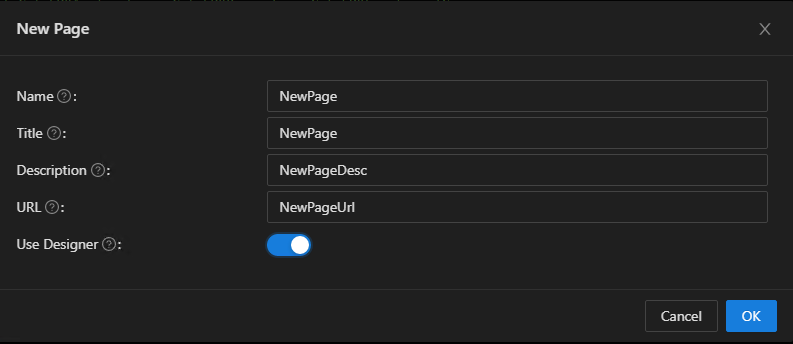
After confirming with ‘Ok’ the designer loads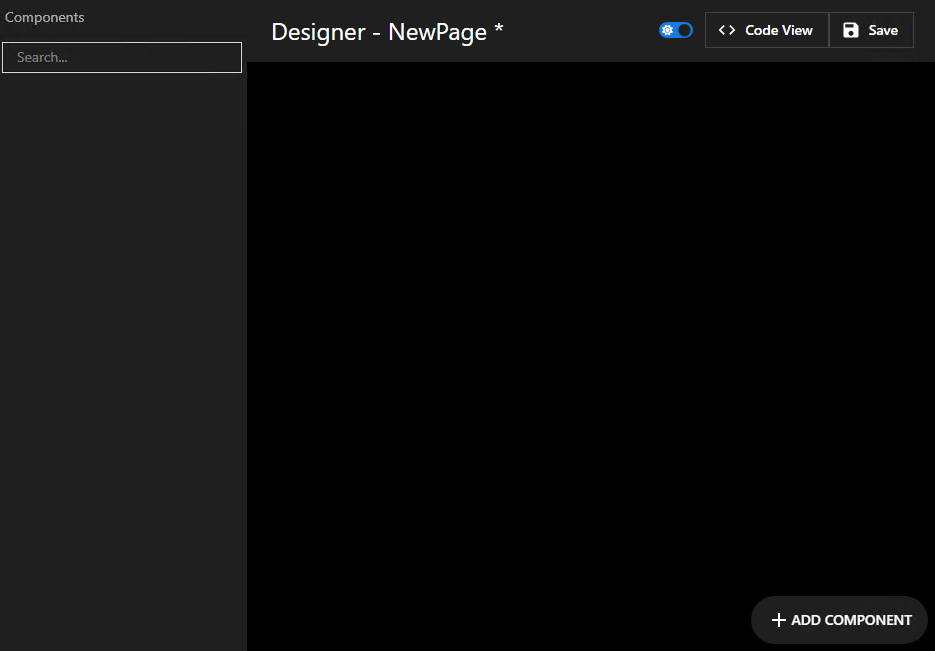
3b60d9b63ff7f213c70c3ed2ef13e897843c29f6.png
16b58737d11f4eaa4210b8db32a14b5788cb5a75.png
44a0c5a8ad3e95f0d7e200929c9cb7034d645fe0.png
All Comments (2)
When I create a new page within an app via the GUI, the designer starts automatically. So exactly as it is written in the documentation:
Once created, you will be taken to the designer for the page.
Create new page within the app
After confirming with ‘Ok’ the designer loads
3b60d9b63ff7f213c70c3ed2ef13e897843c29f6.png
16b58737d11f4eaa4210b8db32a14b5788cb5a75.png
44a0c5a8ad3e95f0d7e200929c9cb7034d645fe0.png
@timosemmler Thank You so much! I never checked the menu on the right side! jeesh… all good now!