UDCodeEditor always starts in Light Theme

Product: PowerShell Universal
Version: 4.0.1
Hi Adam,
it looks like that the UDCodeEditor show up with light theme on the first time.
First Select: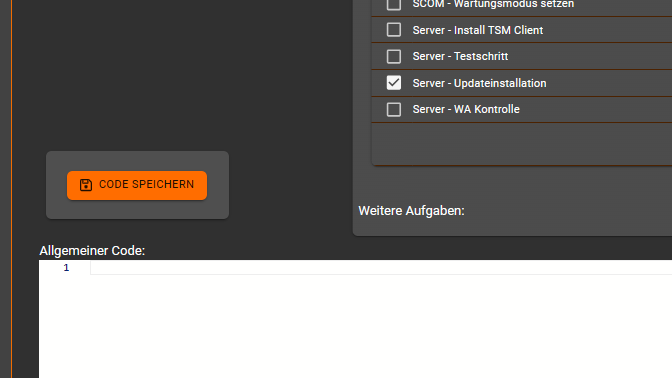
Change Theme to light and back to dark:
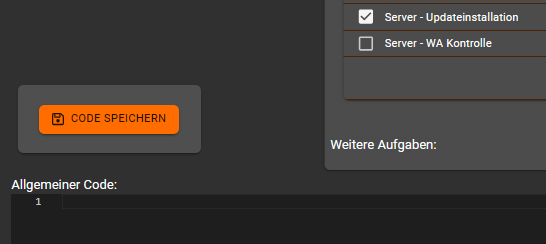
Change Selection: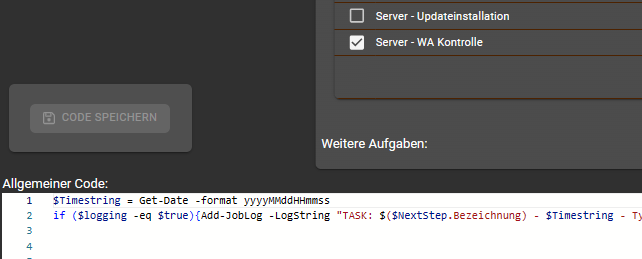
and now it is light again
e76e7fb06759882d44e415d0aed2d479c269e616.png
31014ea4bfc88cc78d466b32e50f32217fe0f32c.png
d37261d1369f7f881a6ab682b45d51e0dfddb3ff.png
d4dcb27cec7fa0c7caee590707a46cb8a8212016.png
All Comments (2)
and by the way:
Is it intended that the UDCodeEditor only adjusts to the size of the window when the page is opened or when F5 is pressed?
These are both bugs and I’ve opened issues for them.
Adam Driscoll
PowerShell Expert and Software Architect at Devolutions