"Unable to open the VPN connection" for RDM 2025.3.0.9 under Ubuntu 25.10
"Unable to open the VPN connection" for RDM 2025.3.0.9 under Ubuntu 25.10

Hi everyone,
I'm trying to migrate from Windows 10 to Ubuntu 25.10 and am running into a problem when using my existing data source XML file. While I was able to import it properly, none of the connections work and I only get the following error message. But I don't see what the actual problem is when trying to create the VPN connection.
Any ideas on where I can get more details from? Thanks!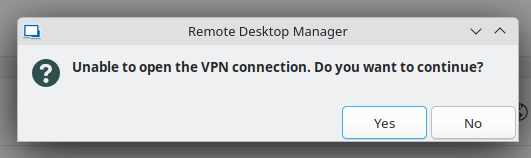
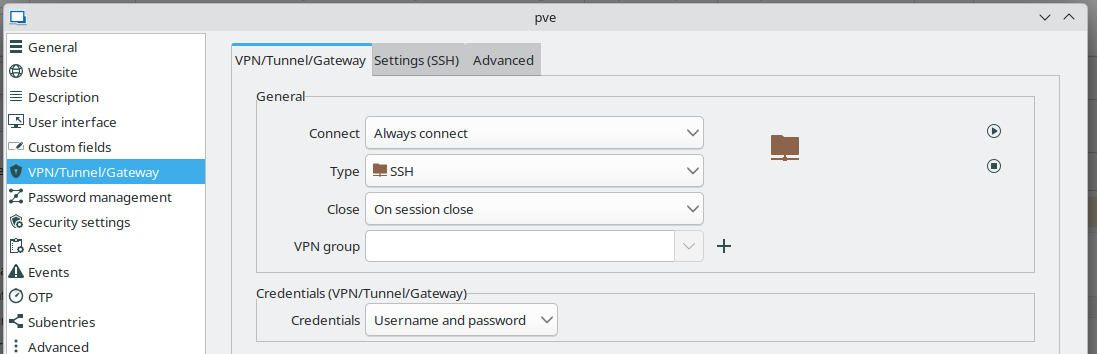
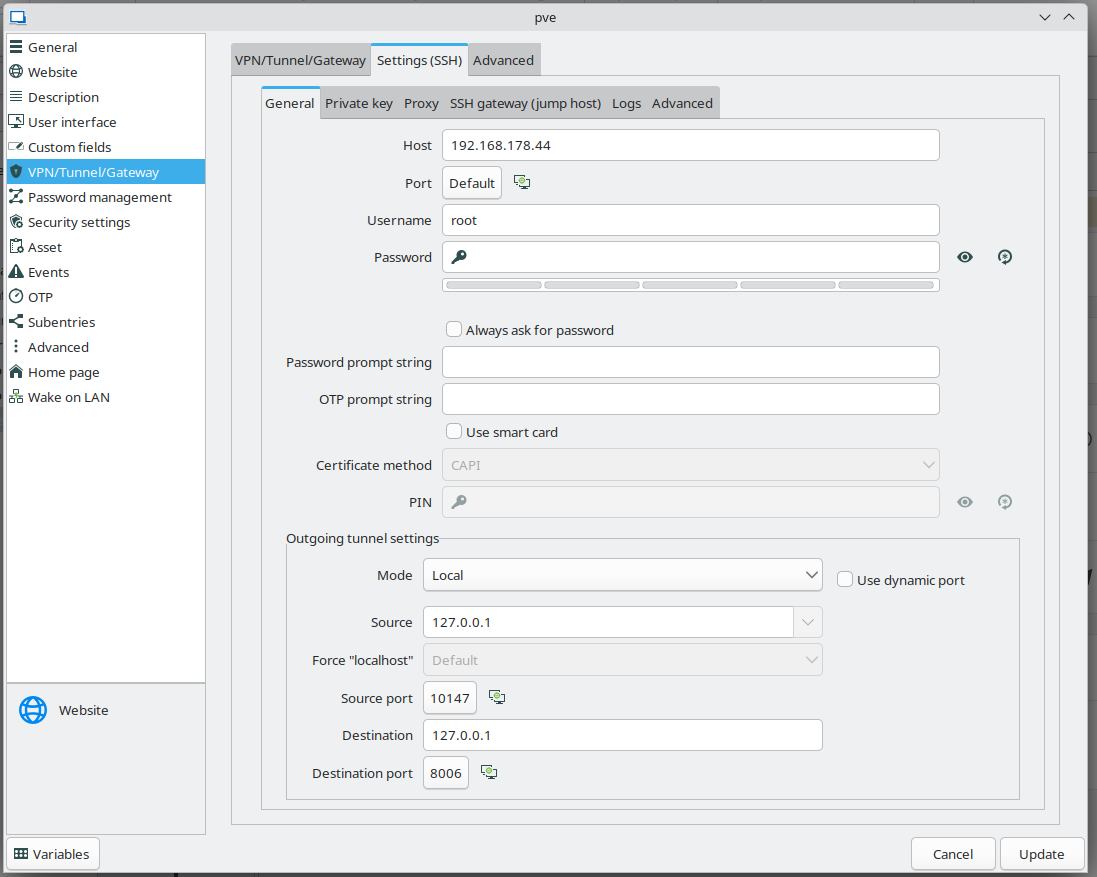
81475249-0870-47fb-a30f-fbd295961ca2.png
c0d46b56-0625-4aa7-a4d6-26a6dec6d26b.png
290c37d9-2bf9-484d-912f-f268fae8aef7.png
All Comments (8)
When enabling debugging in the settings, should I be able to see anything in the application logs window? Because for me it-'s always empty.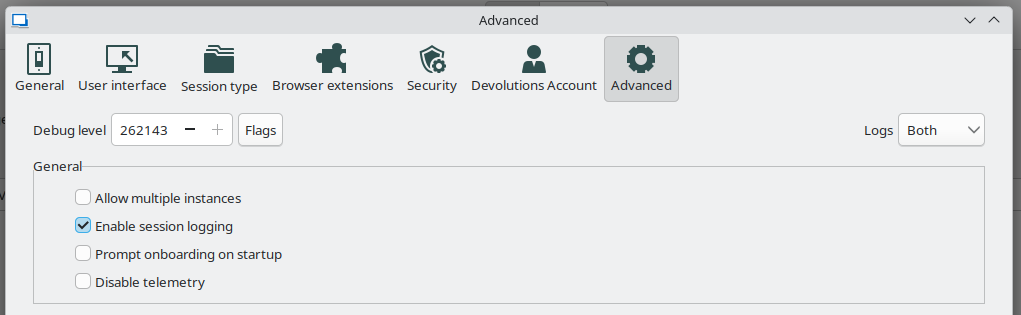
753a221e-c596-489a-aba7-fde754e2449a.png
Hello,
Thank you for contacting Devolutions Support.
Could you confirm which version of RDM Linux you are currently using?
For logging in your Tunnel settings under the "Logs" section, you can enable the logging and set the Verbose to "2" it should provide us with some additional details
Best regards,
Samuel Dery
Hello,
You can disregard my question about the version, I can see you mentioned it in the title.
Best regards,
Samuel Dery
For logging in your Tunnel settings under the "Logs" section, you can enable the logging and set the Verbose to "2" it should provide us with some additional details
Tried that already, but the log file is empty. That makes me believe there's something wrong with the settings itself and RDM doesn't even start establishing the SSH tunnel for some reason. But I can't see the reason and things look OK to me, no wrong paths to private keys or something.
Hello Pickwick81,
Could you please open RDM via the terminal using the "remotedesktopmanager" command and see if any logs appear in the terminal when the issue occurs?
Another way that might give us some logs is to open the "Performance profiling" window (Help > Performance profiling), go to the "Debug only" tab, and then start your connection again.
Regards,
Gabriel Dubois
Hello,
Thank you for your patience,
Our development team has generated a custom package that should provide us with more detailed logs, I sent you a private message with a link you can use to download this package.
Once you have installed this version, please generate the logs with the steps mentioned by my colleague and provide them to us using the same secure link.
Best regards,
Samuel Dery
Once you have installed this version, please generate the logs with the steps mentioned by my colleague and provide them to us using the same secure link.
Done, thanks for your help. Though, looks like I still can't see the root cause of what's wrong with my settings. :-)
[...]
[VPNNativeSshOpener.Open] Calling ConnectionManager.OpenConnection()...
[VPNNativeSshOpener.Open] ConnectionManager.OpenConnection() returned: NULL
[VPNNativeSshOpener.Open] FAILED: ConnectionManager.OpenConnection returned NULL, returning null
[VPNNativeSshOpener.Open] === END (FAILED) ===
[VPNManager.OpenVPN] vpnOpener.Open() returned: NULL
[VPNManager.OpenVPN] Result is NULL - VPN opener failed!
[VPNManager.OpenVPN] === END === Returning: NULL
Hello,
Thank you for your reply,
Our development team generated a new version which should hopefully provide us with some additional details with the logs.
You can use the same link I provided in a private message to access the package.
Let us know once you have uploaded the logs.
Best regards,
Samuel Dery