Inherited permissions

This user has "workspace browser extension" denied.
That has been inherited from somewhere. He is a member of 17 groups so could have been one of those. Is there a way I can find out the inheritance tree of this setting, or where is has been set?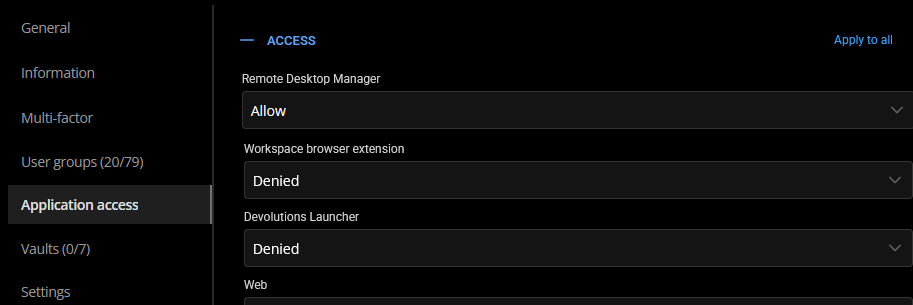
42e3efc3-7f42-45bf-af54-a6eb845aaa5f.png
All Comments (5)
Hello,
These settings are inherited from Administration => System settings => Application access
I hope this helps 😉
Regards,
Min
Nope.
One of the 85 RDMS groups we have must overwrite it. That user is in 23 groups. I suppose I could go through them one by one for 110 users, but surely there's an easier way.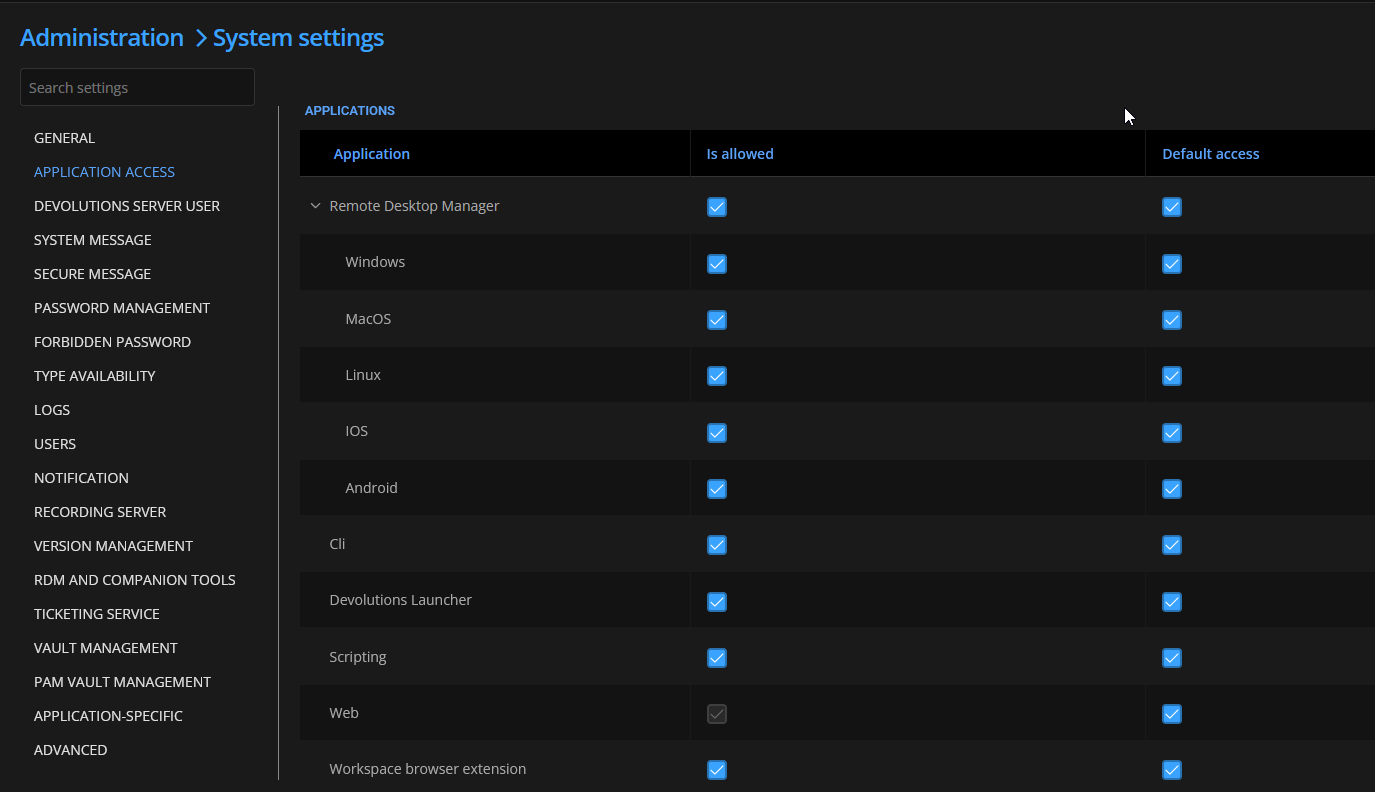
ae693880-632b-490b-a9f9-62c2b13bd839.png
Hello,
Is the option Enable application access in user groups at the bottom of this page enabled on your side?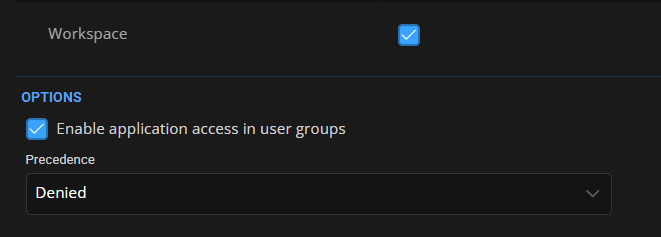
If so, please also verify the settings for the User groups: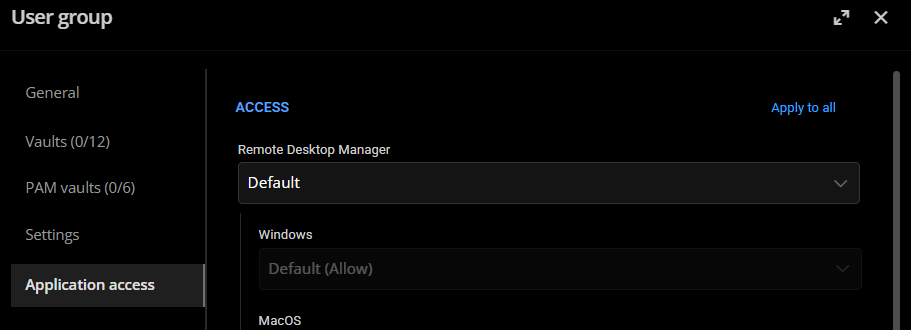
Regards,
Min
a788f697-cff0-4880-abdc-c6866bbb381c.png
a6ae91cc-4ed9-48ee-adbe-ef4c497f12a6.png
Yes it is.
Yes I know I can manually go through and check 80 odd groups and 120 odd users but that wasn’t my question.
Is there a way I can find out the inheritance tree of this setting, or where is has been set?
Hello,
According to the screenshot, the application access is directly set at the user account. If it were inherited, even from the system settings or from a group, it would be stated as in the following screenshot: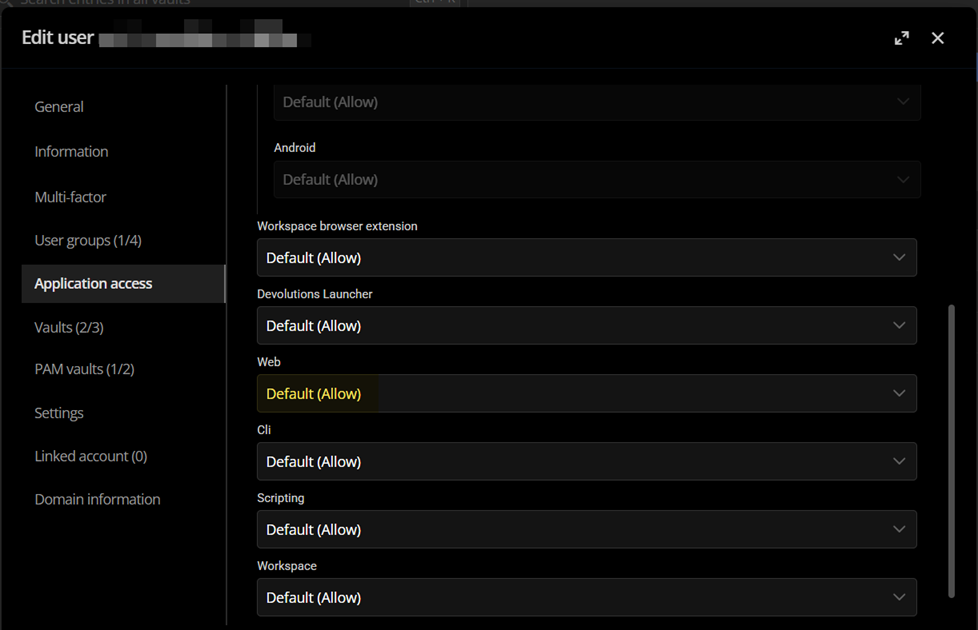
Regards,
Min
55291fb0-7bcf-463f-b88c-0dbc132c423c.png