Backup failed with warrning message

Hello,
I setup a dvls backup and I have a warning message at the end of the backupbut I think it's working properly
warning message :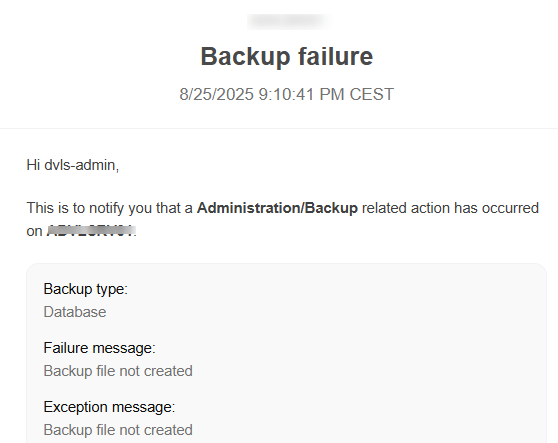
webfiles backup ok : 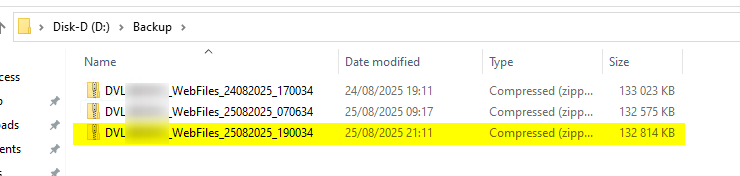
BDD backup files : ok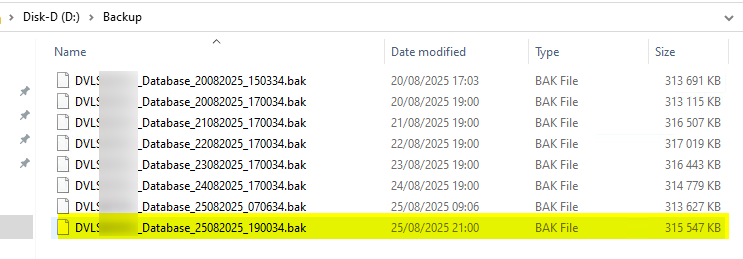

DVLS Backup configuration :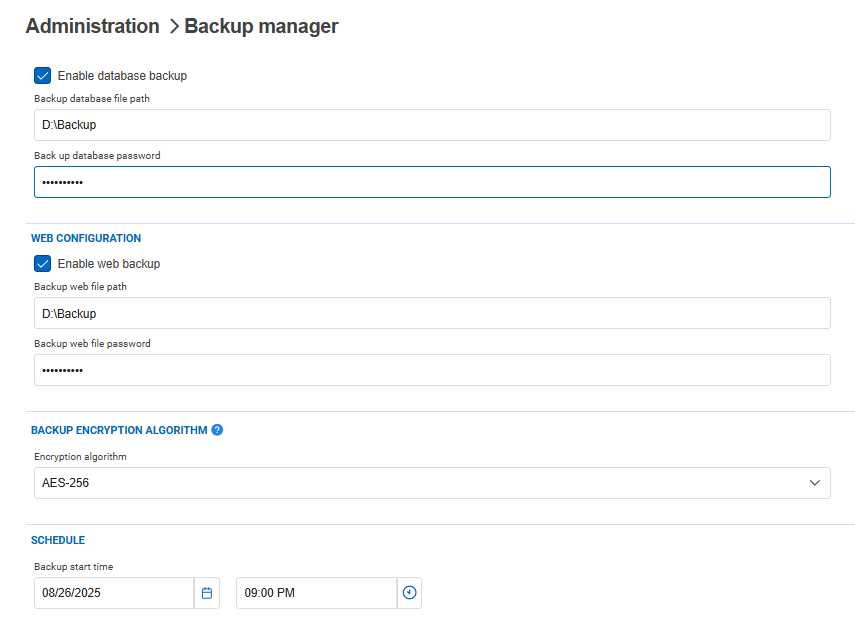
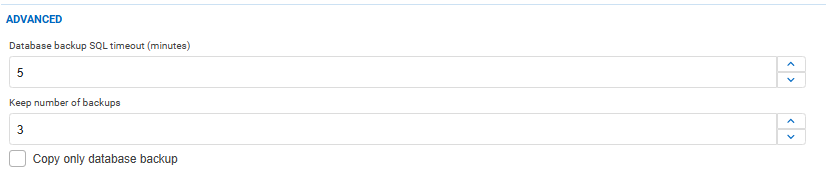
DVLS configuration :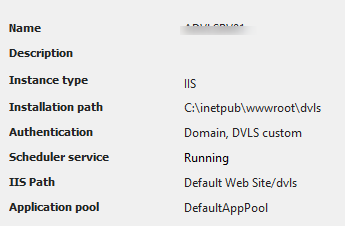
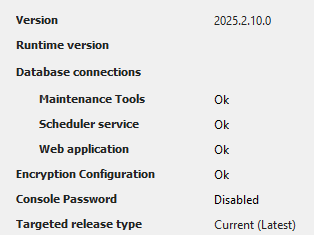
BDD is on a SQL Express server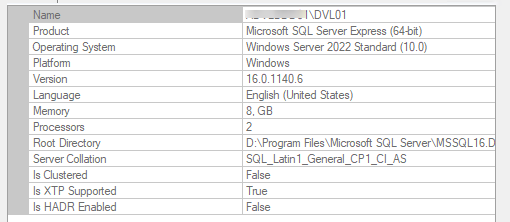
33ea304a-c6e7-4c5a-8700-2f88c650ec2c.png
58e2518f-0086-438a-889c-07677c0b0f88.png
78fc752d-3d8d-4ce7-ab10-e39e6a32afc3.png
1278f9c4-34ee-404a-adef-30c321125db9.png
be672a14-d628-4ffb-be75-6c36fbe53458.png
eddf3463-fab0-43be-b07e-fecfcbfaef61.png
4224b260-514e-4a3f-9167-b82d89c220e1.png
6670d19c-7b8b-4c09-98ce-8e61267dd3fb.png
be97016b-d5ce-4182-b921-ead3a40f8c13.png
Recommended Answer
Hello everyone!
After a remote session with the client, we resolved the issue by creating the right account for the Schedule Backup and giving it the right permissions in the Devolutions Server Console and SQL Server Management Studio.
The backup we saw in his folder was the Web Backup, and the Database backup caused the Error received by email. When configuring a Devolutions Server Instance with the DB not on the same server as the installation of the DVLS, we highly suggest creating the accounts in the documentation below.
https://docs.devolutions.net/server/kb/knowledge-base/pre-deployment-account-survey/
Have a nice day!
Best regards,
Maxim Robert
All Comments (4)
Hello Cedric,
Thank you for contacting us on this matter!
Could you please ensure that the following users have the appropriate read/write permissions on the backup folder:
- DVLS Application Pool user
- Scheduler Service user
- SQL Server Service user
If needed, here's our documentation on the Backup Manager:
https://docs.devolutions.net/server/web-interface/administration/backup/backup-manager/
Please test with these adjustments and let us know if the issue persists.
Best regards,
Maxim Robert
Bonjour,
Thanks for answer
user right and security are correct
DVLS : 
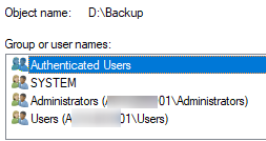
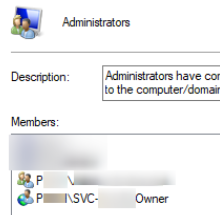
SQL :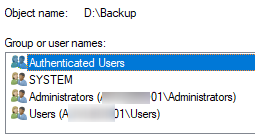
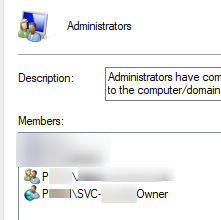

SQLAgent$DVL01 is not start because it's an SQL express version : 
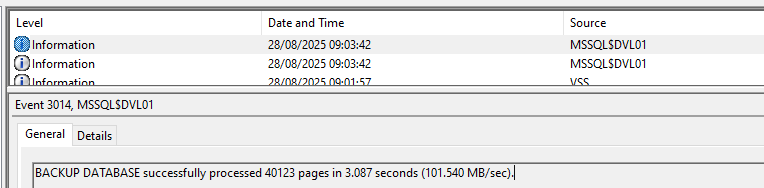
All files are created in the directories. I have datas in it. I can unzip the files ...
d22bed25-3f39-4cf7-9218-8701476bfcba.png
cc5f41ce-48bf-4050-a9f8-6d189a8bb324.png
6a670031-1279-4b14-b917-4b3afb04f8f4.png
292f8dfe-994c-42a5-941d-13fdb6609b0c.png
771215de-4101-4d4f-b0f8-1489073d0633.png
d74151f7-7b33-42d4-85eb-503b87f3a288.png
1c80f60e-0497-4f8c-a1a9-9c3b495229c8.png
e90f87d1-010b-406c-aeec-1e0be81f155f.png
Hello,
Thank you for all the information!
I opened a ticket and sent you a link to schedule a session so that we can investigate the issue further. Please let me know if you haven't received my email.
Best regards,
Maxim Robert
Hello everyone!
After a remote session with the client, we resolved the issue by creating the right account for the Schedule Backup and giving it the right permissions in the Devolutions Server Console and SQL Server Management Studio.
The backup we saw in his folder was the Web Backup, and the Database backup caused the Error received by email. When configuring a Devolutions Server Instance with the DB not on the same server as the installation of the DVLS, we highly suggest creating the accounts in the documentation below.
https://docs.devolutions.net/server/kb/knowledge-base/pre-deployment-account-survey/
Have a nice day!
Best regards,
Maxim Robert