Scaling on RDP sessions

4k monitor, have my scaling in KDE set to 150%. Everything looks fine except when I connect to RDP sessions. Everything is super small. I found the font size override for SSH connections. Is there something for RDP?
All Comments (8)
Sorry, I should say I found the scaling options in the rdp connection, but none of those seem to do anything when I change them, then disconnect and reconnect to the server.
Hello,
Thank you for reaching out to us regarding this,
Could you confirm which version of RDM you are currently using?
We have the following knowledge base article regarding this type of issue, could you give it a try and let me know if the problem persists?
https://docs.devolutions.net/rdm/kb/troubleshooting-articles/high-dpi-issue/
Best regards,
Samuel Dery
I'll check in the morning, but I just downloaded the newest version this afternoon. And the directions you sent were for Windows, this is Debian.
V 2025.2.1.4
There is no option for display scaling in the user interface options.
None of the other options listed in that article apply to Linux.
I do see a scaling option in the connection's properties but I changed them and it doesn't seem to do anything.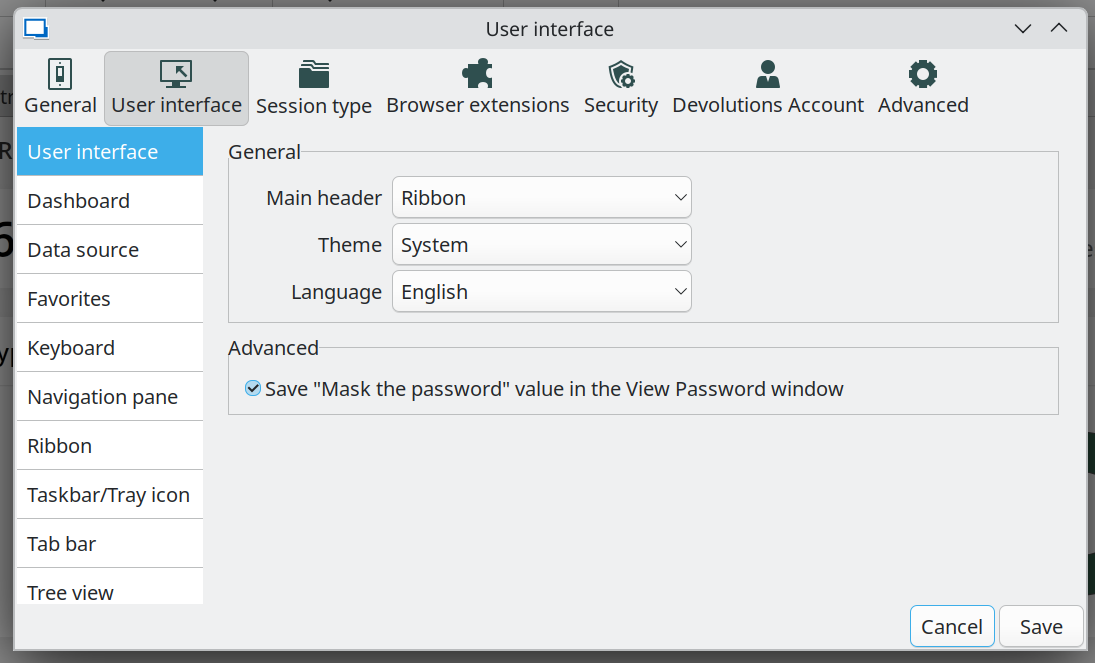
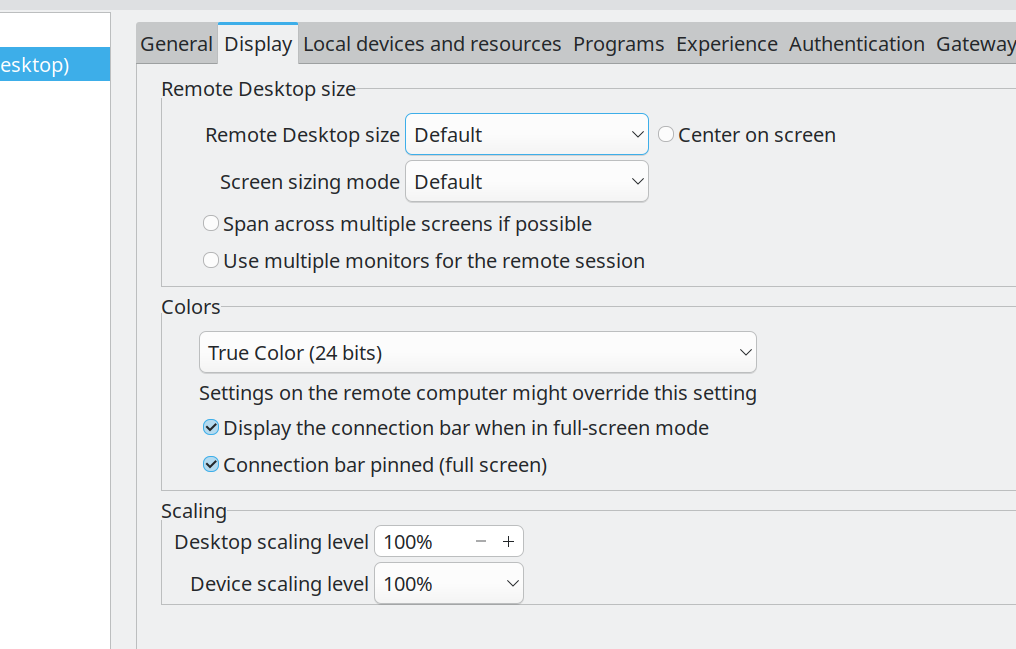
Screenshot_20250812_092348.png
Screenshot_20250812_091501.png
Hello,
Thank you for your reply,
I see, my apologies for the mistake.
I will check with our development team to see if we have similar options for RDM Linux, I will keep you updated regarding this,
Best regards,
Samuel Dery
Hello cculver,
I investigated this issue, and there is currently a bug that prevents the scaling settings from working with the default screen sizing mode. I created a ticket so we can get it fixed.
For now, there is one possible workaround: set the Screen Sizing Mode to "Dynamic Resolution". Let us know if this helps.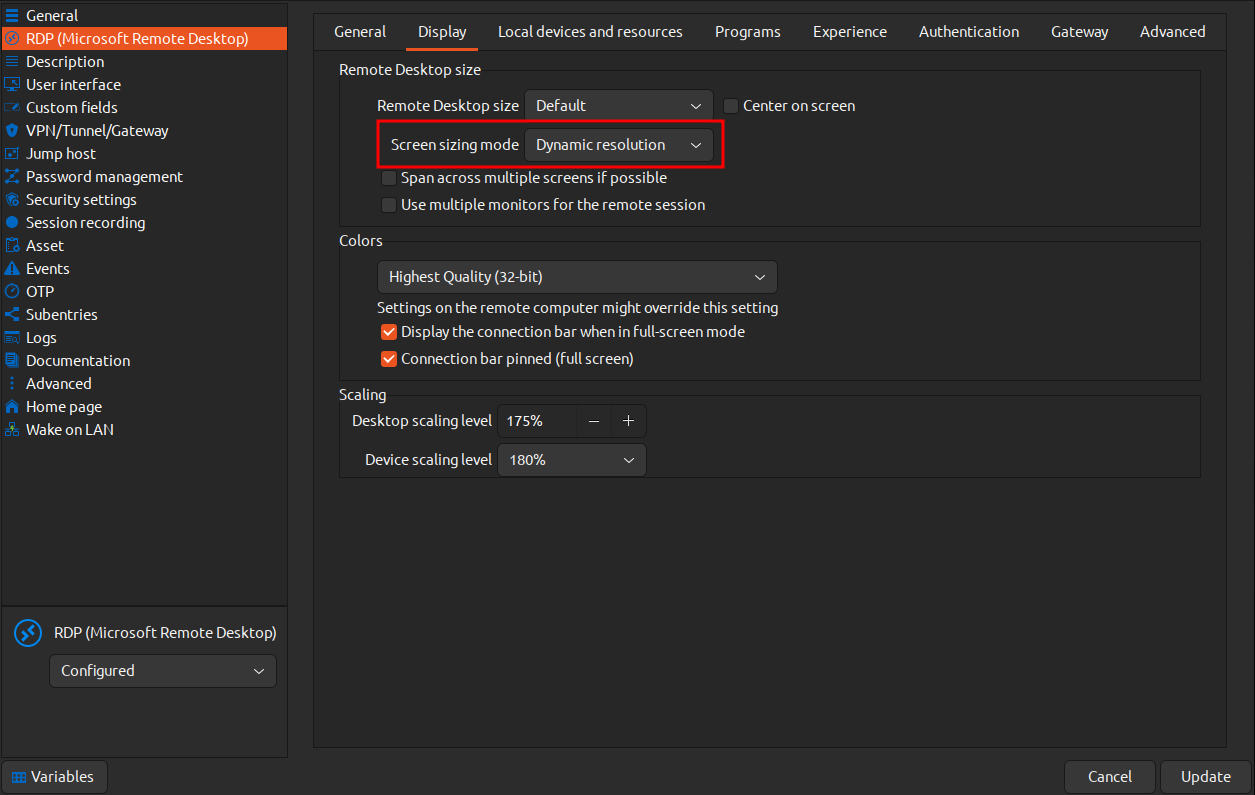
Regards,
Gabriel Dubois
7732d495-94c6-4ba6-b3e3-77b5493eb3ab.png
After further investigation, we found that it is intended to work only with dynamic resolution. We will rearrange the UI to make this clearer.
Regards,
Gabriel Dubois
I can confirm that using both "dynamic" and "desktop scaling level" has fixed it. Thank you!