New-DSSession crashes with unhandled error

Hi,
This is Devolutions.PowerShell module version 2025.2.3 on PowerShell 7.5.2 on Windows 10 x64.
The command New-DSSession -BaseUri https://myname.devolutions.app causes unhandled error as follows:
I think the issue is that I specified the URL of Devolutions Hub and not Devolutions Server, but it should fail gracefully.
Thanks.
a1c19138-f6e5-4936-b05b-8539ed64dfa2.png
All Comments (7)
Hello,
Thanks for reaching out.
The New-DSSession is not intended for Hub. It's intended for Devolutions Server (DS).
You will need to use Connect-HubAccount.
I suggest you look into Application keys (https://docs.devolutions.net/powershell/hub-powershell/powershell-commands/#connect-hubaccount)
I hope this helps!
Best regards,
Alex Belisle
Yes, thank you. But I still think that New-DSSession should give better error message. At the maximum it could be so helpful as to detect that the URL is of Hub and give an appropriate message based on that.
Hi!
Wow, did I miss a good one...
Sorry for that, I've read the issue, knew the solution, but did not read til the end.
I'll report this and see what can be done.
Thanks for your patience.
Best regards,
Alex Belisle
Hello!
We opened a ticket to improve the error message in New-DSSession when the module is unable to reach the public server info...
We'll keep you posted.
Best regards,
Alex Belisle
Hello!
A clearer message will be shown when the connection fails, starting on Devolutions.Powershell 2025.2.4.
I will still display an error, but we'll give better guidance on handling the error.
I hope this helps!
Best regards,
Alex Belisle
It's much better now, thank you! Errors must be as informative as possible to reduce contact rate for support.
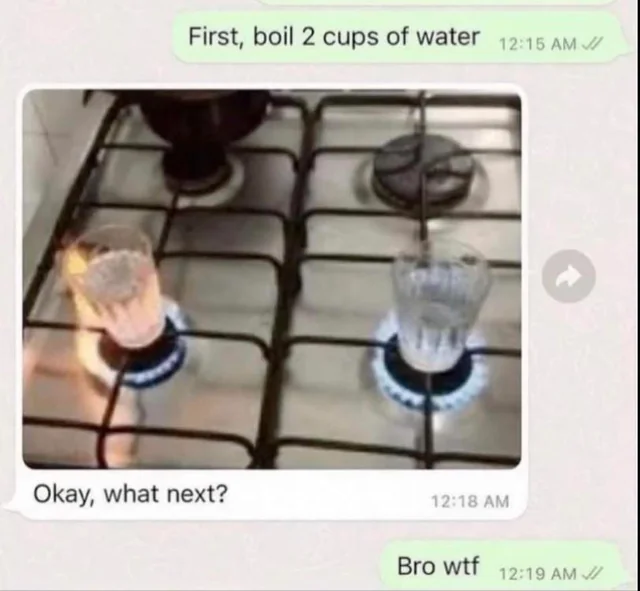
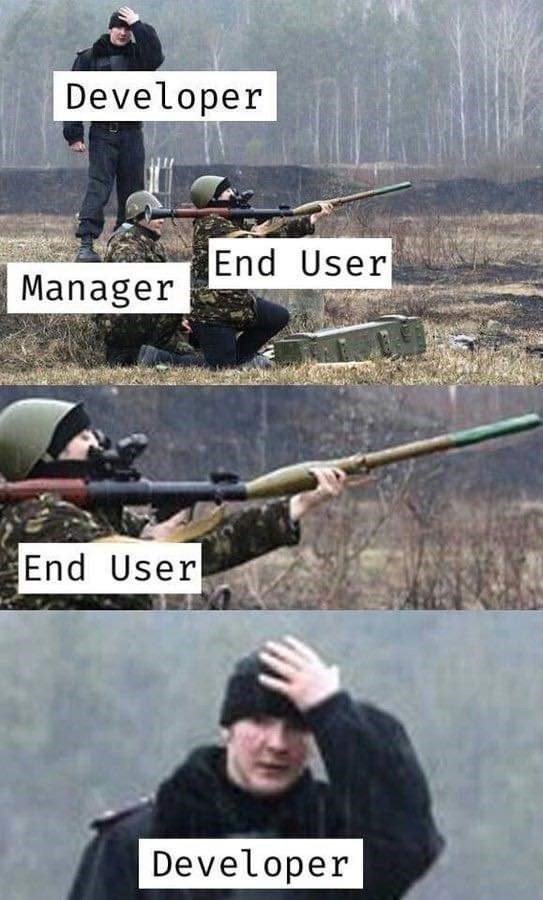
We, the users, are usually in a hurry, often don't read docs and work like below.
But sometimes you're guilty of bugs as well :)
Happy afternoon!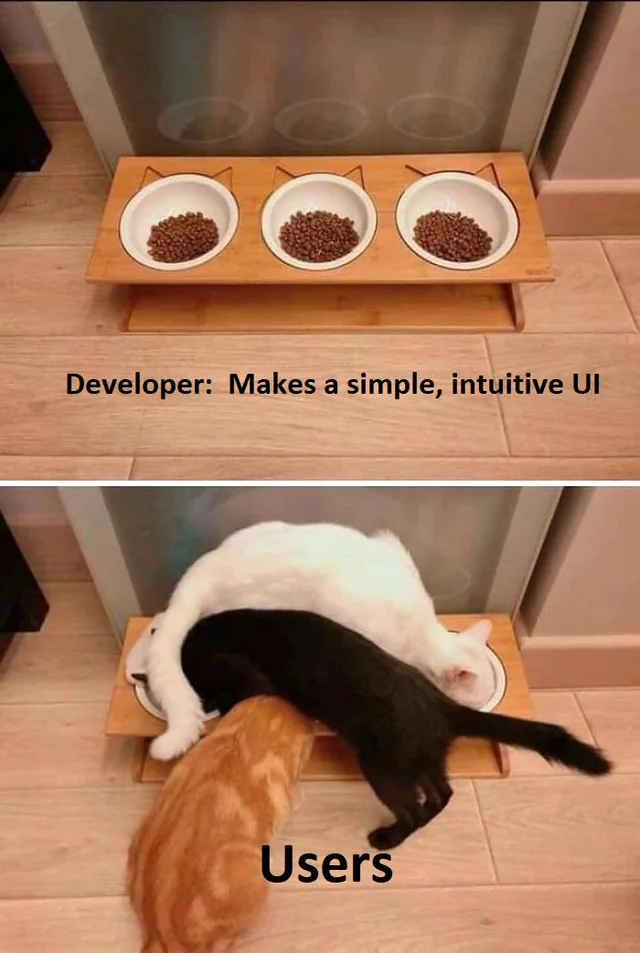
84f29358-8c14-44b4-af7a-d5ec45df8e19.png
3c386acf-ca18-4812-a16c-ca8aff32471f.png
0321d31b-0dec-42f6-8933-d04ecf6c03ac.png
Hello RDMTinkerer,
Thank you for this refreshing feedback.
The error message has now changed and will show:
New-DSSession: There was a problem reaching your DVLS instance. This may be due to an incorrect URL, the URL not pointing to a valid DVLS instance, or an unexpected error.
Best regards,
Patrick Ouimet