Import and export options in Devolutions Server

Hi,
Is there a way to import a CSV file into Devolutions Server? I couldn't find the import or export options under Help & Tools.
All Comments (11)
Hello,
Thank you for your feedback.
You can import CSV files when you click on the Add new entry button in a vault.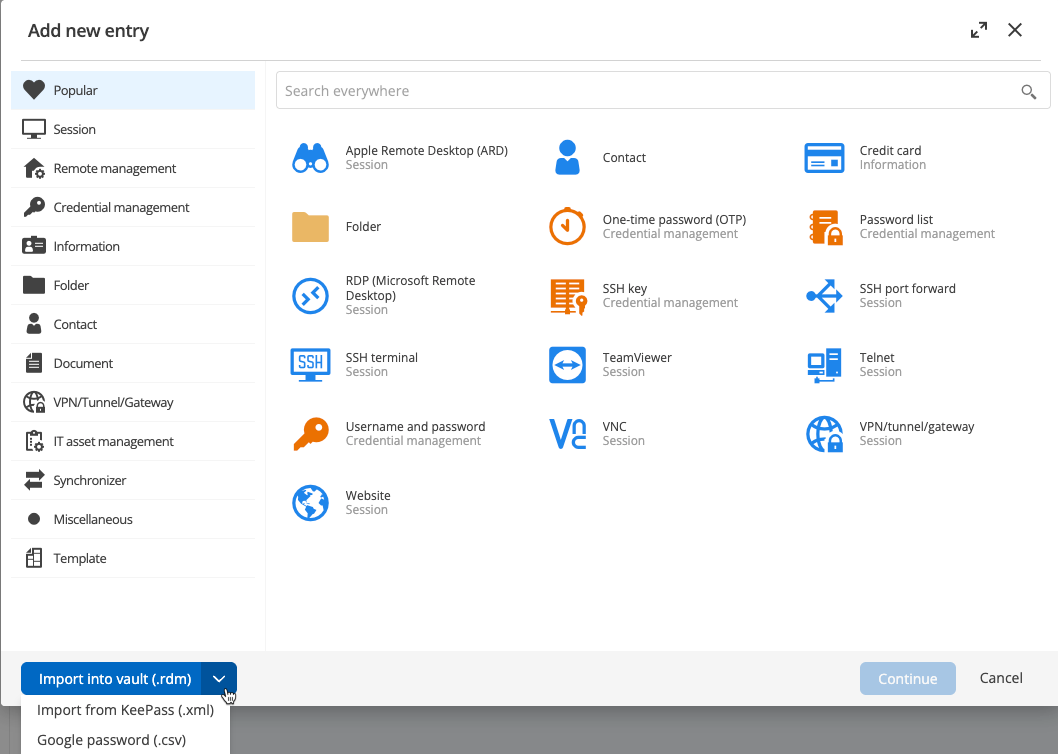
Let us know if that helps.
Best regards,
Érica Poirier
3c969abe-517a-4b3a-aacb-2c375f04ce6e.png
If I have a CSV file, should I pick Google password (.csv)?
And what does “Google password” actually refer to?
Hello,
Thank you for your reply,
Indeed, you can try this options,
It refers to the Google password manager,
From what password manager is your CSV Export from?
Let me know,
Best regards,
Samuel Dery
ok, thanks.
It's from Password state.
Hello,
Thank you for your reply,
No problem, let me know if you have further questions regarding this,
Best regards,
Samuel Dery
Hello,
I tried to import from CSV file but the mapping seemed to import some kind of html in the password field so it did not quite work for me. It seemed to map “Notes” from PasswordState to password!
Hello,
Thank you for your reply,
Do you also use RDM or only the DVLS Web interface?
Let me know,
Best regards,
Samuel Dery
Hello, wed odn't use RDM and it's only DVLS.
This is what I get when I try to import it: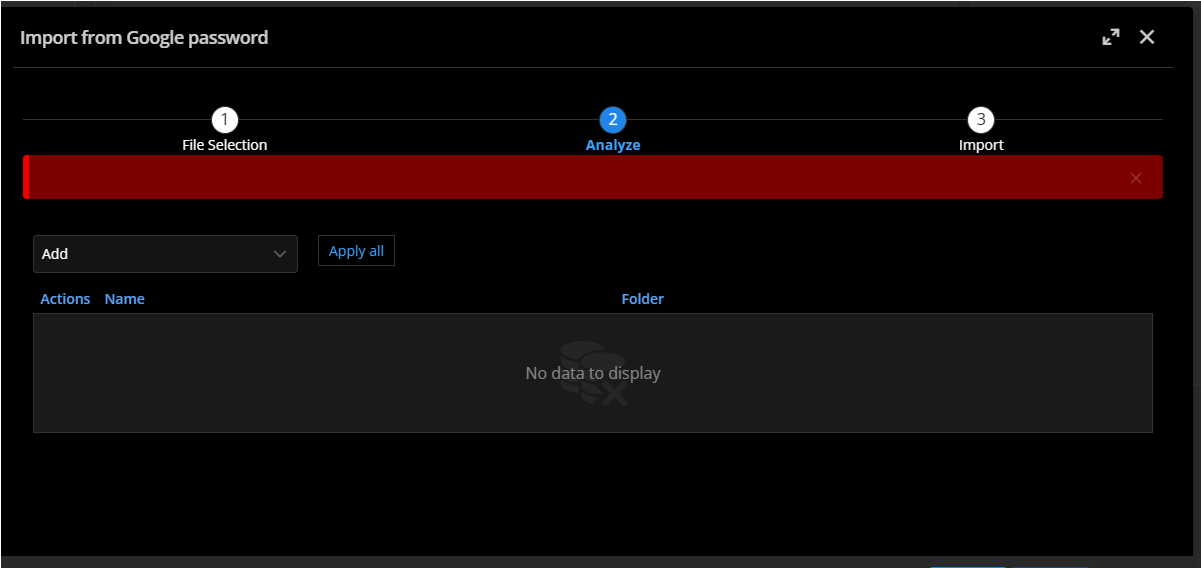
Also, I can import it to my User Vault, but the mapping is incorrect.
e9c14213-0bb4-4ae3-944f-aa46ea45821f.png
Hello,
Thank you for your reply,
Is this an import that would only need to be done once?
Would you be able to provide me with a sample of the .csv file without any sensitive data?
Let me know,
Best regards,
Samuel Dery
Hello,
We have the same issue to import bitwarden CSV to Devolutions Server.
I tried with Google Password CSV but same result as @Jsab :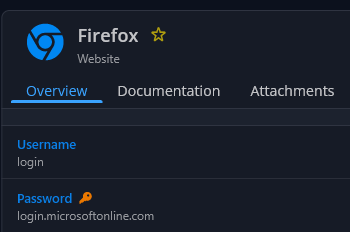
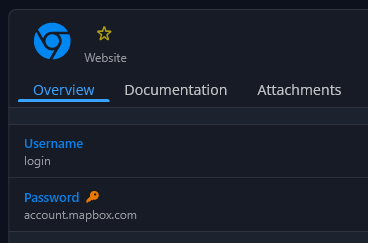
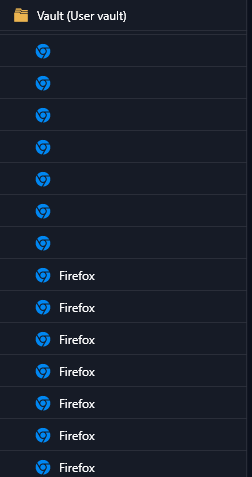
It could be useful to be able to made manual association for each column from the CSV to a specific field in new entry Devolutions server.
Also, be able to made a massive delete could be very helpful in this case.
-> No way to delete all wrong entry in root "user vault", only one-by-one which is problematic.
@Samuel Dery i can provide you a sample if you want.
Alternative:
I tried to export bitwarden and import to keepass + export keepass and import xml keepass to Devolutions Server.
-> Work better but all entries are imported automatically to Website - Legacy instead of new website format.
fd25e9f6-a740-4062-85cc-43c4c27211f2.png
5659eedc-7a8c-402e-b471-f25dcf82e8fa.png
ce173c26-9e47-429c-bbcc-77f5d277dbf7.png
Hello,
We currently support only the Google Password Manager format for CSV imports.
If you have access to RDM, you would benefit from additional import options. However, I understand that not everyone has access to RDM.
I will create an improvement ticket to add broader import support to the DVLS website.
I’ll let you know as soon as it becomes available.
Thank you for reaching out to us.
Marc-Andre Bouchard