PAM Vault Permissions

Hello,
We had to perform a DB restore of Devolutions. Since that was done, we have not been able to update permissions on PAM folders. We get the following error:
Error:
NotFoundException - Exception of type 'Devolutions.Server.V2.Domain.Exceptions.NotFoundException' was thrown. at Devolutions.Server.V2.Application.Common.GuardClause.IGuardExtensions.IsNotNull[G,T](G guard, Func`1 getMethod, T& value) at Devolutions.Server.Controllers.ControllerGuard.ConnectionExists(Guid id, Connection& connection) at Devolutions.Pam.Controllers.PamCredentialsController.GetPamCredentialCheckoutPolicy(Guid id) --- Pam
Source:
Devolutions.Server.Common
When viewing the properties of a PAM vault, we see this: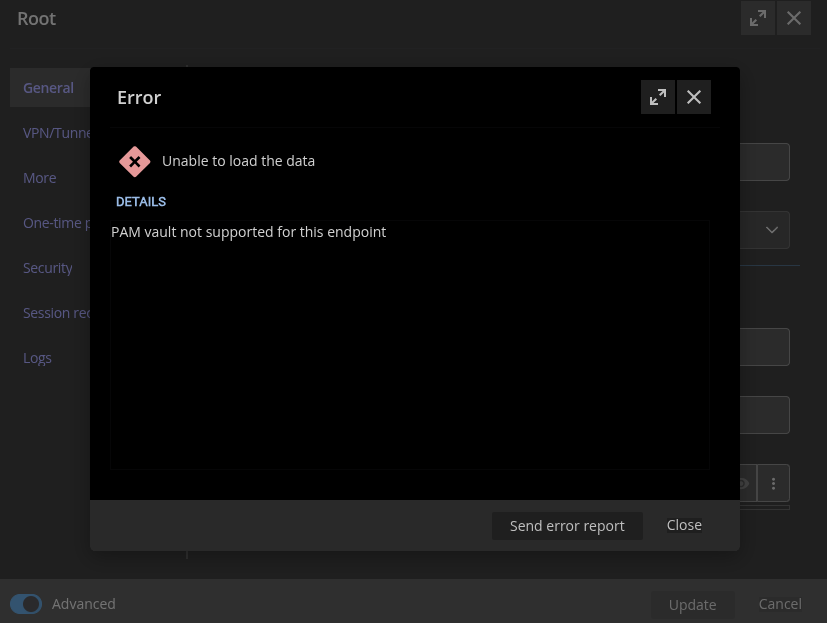
b4c28349-3cd2-4b23-a783-cb89275282dd.png
Recommended Answer
Hello,
We were able to identify the root cause of the issue and have implemented a fix.
Because the resolution involved making changes directly to the database, we recommend that anyone encountering a similar problem reach out to our support team at service@devolutions.net.
We’ll be happy to schedule a session and assist you directly in resolving the issue.
Best regards,
All Comments (6)
Hi,
What version of DVLS are you using?
Did you restart the server after the restoring the database?
Based on what I see from the screenshot, the edit window is not from a PAM vault
(There is not section for Logs and Session recording on a PAM vault).
It looks like there are some missing data migration.
You can try to restart the server, on restart it should run any missing migration.
Regards,
David.
David Savard
Hello,
I we are on version 2025.1.11.0.
That screenshot was from the "properties" of the vault
I just rebooted the server and still having the same issue.
Here is the properties window from one of the entries in that vault so you can see that the entries are recognized as PAM entries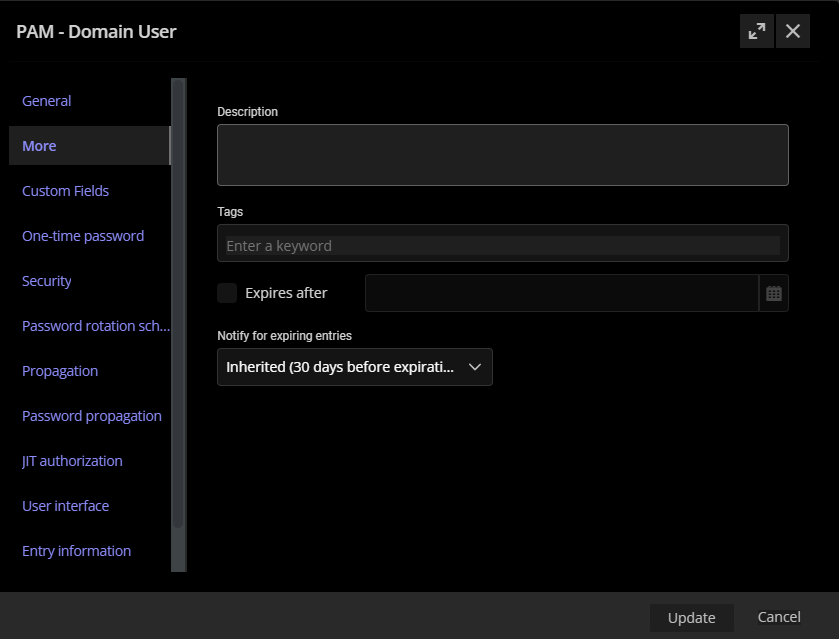
a9c6079a-21f6-44e6-97d5-a4f82631ea59.png
Hi,
depending on how old the backup was, some tables/fields might be missing on the database,
you can go to the Devolutions server console and check the database version and to a database update.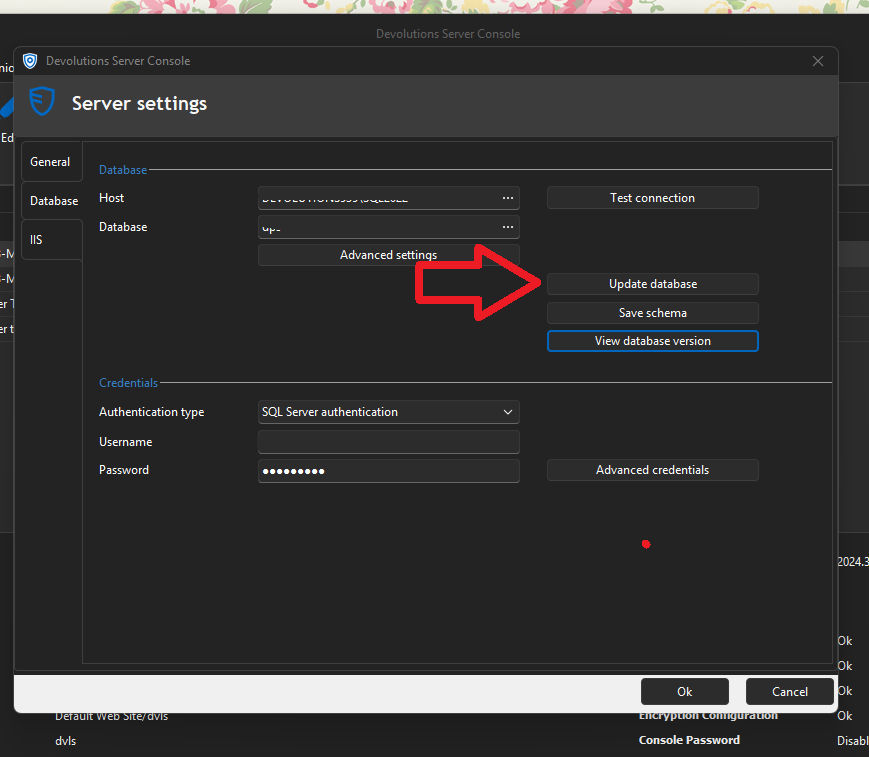
Regards,
David
David Savard
6e07956d-375e-4dc1-a314-b1983f3326f2.png
Hello,
I pressed the update Database button and restarted the Devolutions server. No change in our situation.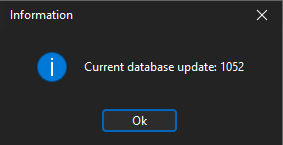
017d2b3f-d2ed-4b01-abe1-f04350e93e6b.png
Hello,
Thank you for your feedback.
I have opened a ticket on your behalf, and we will send you a link to book a support session to solve this issue.
Best regards,
Érica Poirier
Hello,
We were able to identify the root cause of the issue and have implemented a fix.
Because the resolution involved making changes directly to the database, we recommend that anyone encountering a similar problem reach out to our support team at service@devolutions.net.
We’ll be happy to schedule a session and assist you directly in resolving the issue.
Best regards,