Black window when starting RDM

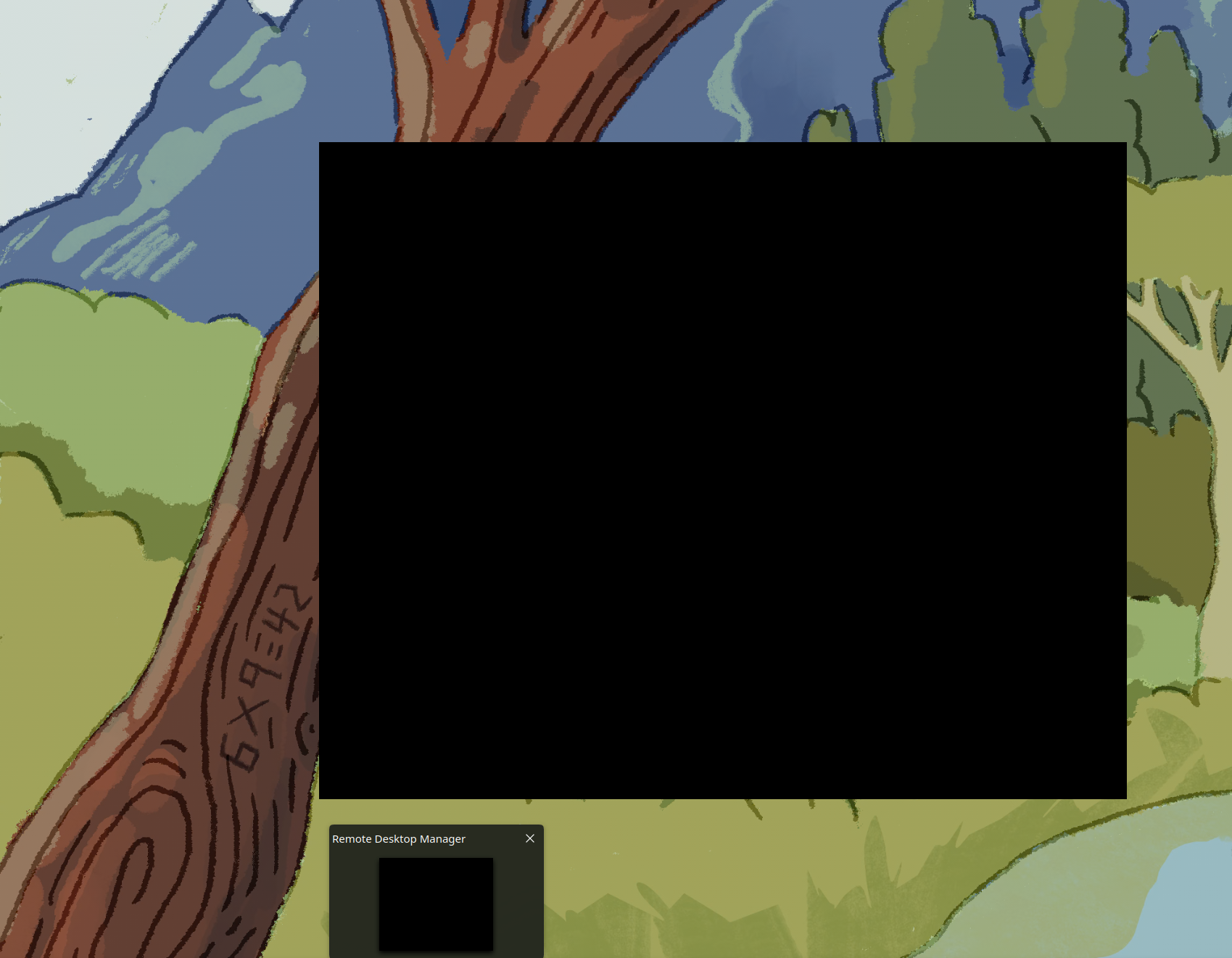 pretty much as per title - when i start RDM i get a black screen and cannot continue.
Fedora42 KDE spin, using the RemoteDesktopManager_2025.2.0.9_x86_64.rpm package.
I've moved from windows to linux last week and RDM was running fine last week with various sleep & reboots. this morning RDM refuses to start and results in this black screen!
The only obvious recent change i've done is add MFA to the local DB, but I've been able to start RDM a few times since enabling that.
attempting to close RDM via the taskbar 'X' results in the 'not responding' window.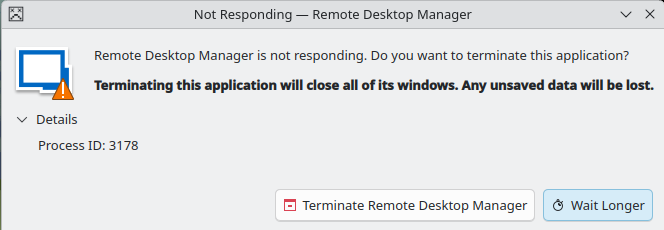
i've moved the profile folder ~/.rdm to ~/.rdm-bak and started fresh which is now allowing RDM to run but obviously i need to run through setting things back up again.
RemoteDesktopManager.log.db shows the following:
72025-07-21 07:59:132025.2.0.9 - 64-bitSystem.AggregateException: One or more errors occurred. (Unable to write data to the
transport connection: Connection reset by peer.)
 ---> System.IO.IOException: Unable to write data to the transport connection: Connection reset by peer.
 ---> System.Net.Sockets.SocketException (104): Connection reset by peer
   at System.Net.Sockets.NetworkStream.Write(Byte[] buffer, Int32 offset, Int32 count)
   --- End of inner exception stack trace ---
   at System.Net.Sockets.NetworkStream.Write(Byte[] buffer, Int32 offset, Int32 count)
   at Devolutions.Rpc.Transport.TcpConnection.Send(Byte[] data, Int32 offset, Int32 length)
   at Devolutions.Rpc.Transport.BaseConnection.Send(Message message)
   at Devolutions.Rpc.Rpc.Peer.Devolutions.Rpc.Proxy.IProxyCallbackHandler.HandleProxyCallback(String interfaceName, String procedure
Name, Object[] parameters, MethodBase methodBase)
   at System.Threading.ExecutionContext.RunFromThreadPoolDispatchLoop(Thread threadPoolThread, ExecutionContext executionContext, Con
textCallback callback, Object state)
--- End of stack trace from previous location ---
   at System.Threading.ExecutionContext.RunFromThreadPoolDispatchLoop(Thread threadPoolThread, ExecutionContext executionContext, Con
textCallback callback, Object state)
   at System.Threading.Tasks.Task.ExecuteWithThreadLocal(Task& currentTaskSlot, Thread threadPoolThread)
   --- End of inner exception stack trace ---
   at System.Threading.Tasks.Task.ThrowIfExceptional(Boolean includeTaskCanceledExceptions)
   at Devolutions.NativeSessions.RDPClientProxyImplementation.get_IsRunning()
   at Client.Views.Embedded.EmbeddedRDPView.Resize(Rectangle newSize)
   at Client.Views.Embedded.BaseEmbeddedView.OnSizeAllocated(Object sender, SizeAllocatedArgs args)
   at InvokeStub_SizeAllocatedHandler.Invoke(Object, Span`1)
   at System.Reflection.MethodBaseInvoker.InvokeWithFewArgs(Object obj, BindingFlags invokeAttr, Binder binder, Object[] parameters,
CultureInfo culture)
------------------------ extended stack ------------------------
   at Devolutions.RemoteDesktopManager.Managers.LogManager.HandleException(Exception exception)
   at GLib.ExceptionManager.RaiseUnhandledException(Exception e, Boolean is_terminal)
   at GLib.SignalClosure.MarshalCallback(IntPtr raw_closure, IntPtr return_val, UInt32 n_param_vals, IntPtr param_values, IntPtr invo
cation_hint, IntPtr marshal_data)
   at Devolutions.RemoteDesktopManager.Program.Main(String[] args)
9954f470-9e1f-4494-be47-33d29a9e3552.png
bbabbbc3-66c7-4c98-87ef-19fd92ea77fa.png
Recommended Answer
Hello,
This is a bit unusual. Could you please follow the steps outlined in the documentation below to reset RDM to its default settings and check if the issue persists?
https://docs.devolutions.net/rdm/kb/how-to-articles/reset-rdm-to-default-settings/?tab=linux
If the problem continues, kindly try installing RDM using Flatpak and let us know if that resolves the issue:
https://flathub.org/apps/net.devolutions.RDM
Best regards,
Carl Marien
All Comments (2)
Hello,
This is a bit unusual. Could you please follow the steps outlined in the documentation below to reset RDM to its default settings and check if the issue persists?
https://docs.devolutions.net/rdm/kb/how-to-articles/reset-rdm-to-default-settings/?tab=linux
If the problem continues, kindly try installing RDM using Flatpak and let us know if that resolves the issue:
https://flathub.org/apps/net.devolutions.RDM
Best regards,
Carl Marien
I was just preparing to run through your first link; I closed a working RDM, but then clicked the wrong icon on taskbar so RDM started back up at 10:01 - black screen again! No changes to RemoteDesktopManager.log.db file at this point so cant get any info on whats going on there.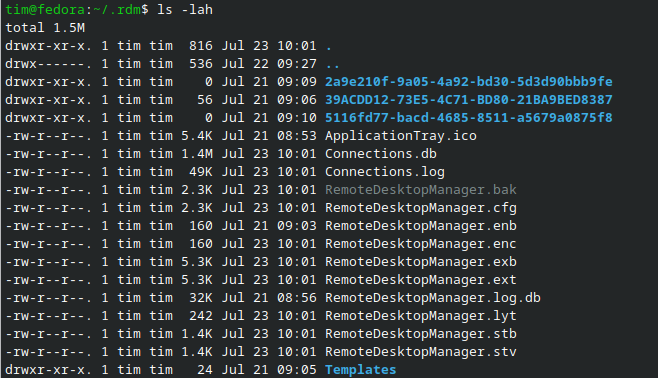
ran through your first link and all is well again. I've tested a few more restarts (with and without MFA enabled on the datasource) and so far it's happy and i cannot reproduce the issue.
if it happens a 3rd time, i'll try the flatpak.
e449696e-686c-4450-9d88-e563d4ccc7f6.png