Gateway farm connections not working

Hello,
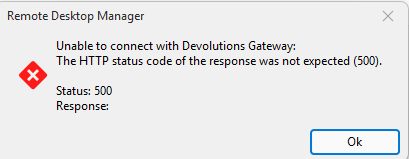
Connections in a Hub Data source configured to launch via a Devolutions gateway farm are not working, both via RDM (2025.1.38) or the Hub web UI. If the respective gateway server is removed from the farm, and the connection reconfigured to launch via it (instead of when it is a gateway member), then the connection works fine. Have tested with 2 different gateways, one that uses ngrok, and the other which is directly accessible and uses a legit wildcard cert.
Please let me know if you would like any additional info.
Thanks
Joe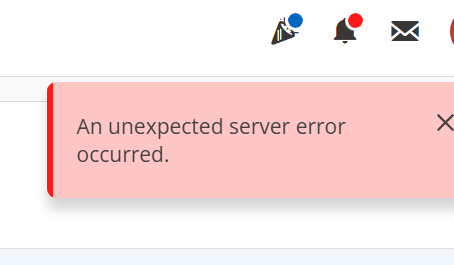
0861d86b-e89f-4361-a0c2-73071f012278.png
3db80bb1-96f8-465b-b93c-974e06366771.png
All Comments (3)
Hello Joe,
Are you able to open your browser's console (F12, or right-click in the page -> inspect) to see exactly which call fails with a 500 error? (Console tab or network tab in the browser's console) This would help us pinpoint the problem.
Do you have the PAM service installed? Is the option to force gateway token generation by the PAM service enabled?
Since it's a connection issue, I somewhat doubt logs would be available, but are there any logs in the gateways that could be linked/useful here?
Thank you, have a good day!
Maxime Morin
Hi Maxime,
Launching the connection via Hub Web UI in developer mode, it shows the 500 error as an internal server error.
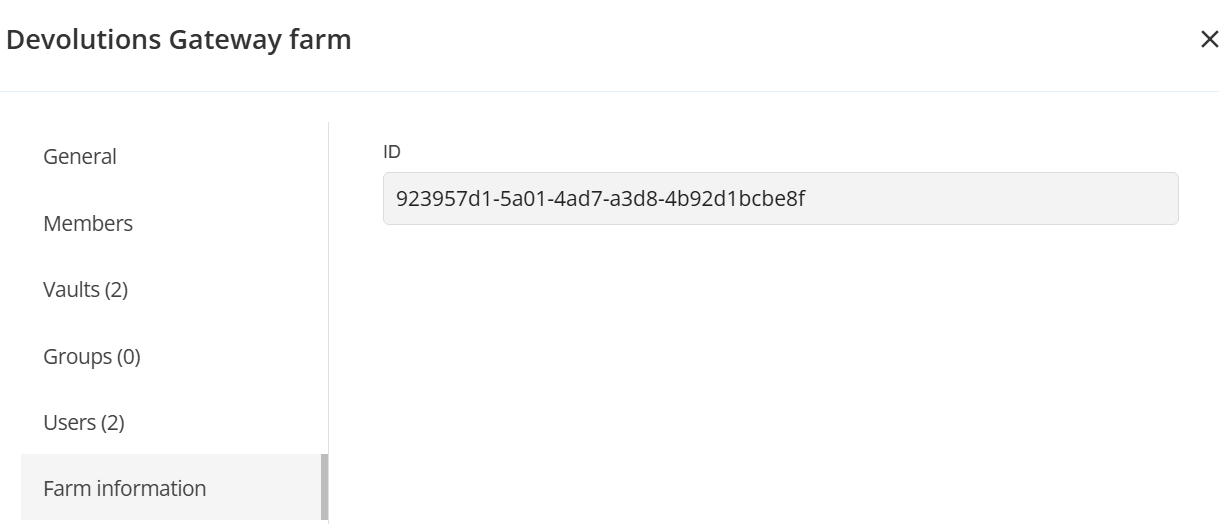
Yes the PAM service is installed/enabled on one of the gateway servers, but not the other, and neither works when a farm member, so not sure if its that. But please let me know where to find the 'force token generation' so I can verify its current setting.
The following entries appear in the gateway log when launching the connection via web UI:
2025-05-14T19:00:35.928174Z INFO listener{port=7171}:https{client=192.168.2.174:49319}:request{method=OPTIONS path=/jet/diagnostics/clock}: devolutions_gateway::middleware::log: duration=10µs status=200 OK
2025-05-14T19:00:35.930634Z INFO listener{port=7171}:https{client=192.168.2.174:49319}:request{method=GET path=/jet/diagnostics/clock}: devolutions_gateway::middleware::log: duration=23.1µs status=200 OK
2025-05-14T19:00:35.970911Z INFO listener{port=7171}:https{client=192.168.2.174:49319}:request{method=OPTIONS path=/jet/diagnostics/logs}: devolutions_gateway::middleware::log: duration=12.2µs status=200 OK
2025-05-14T19:00:35.997330Z INFO listener{port=7171}:https{client=192.168.2.174:49319}:request{method=GET path=/jet/diagnostics/logs}: devolutions_gateway::middleware::log: duration=24.1207ms status=200 OK
2025-05-14T19:02:06.125482Z INFO listener{port=7171}:https{client=192.168.2.174:49319}:request{method=GET path=/jet/diagnostics/clock}: devolutions_gateway::middleware::log: duration=25µs status=200 OK
2025-05-14T19:02:06.173470Z INFO listener{port=7171}:https{client=192.168.2.174:49319}:request{method=GET path=/jet/diagnostics/logs}: devolutions_gateway::middleware::log: duration=22.3814ms status=200 OK
Joe
01f09e8e-2f57-4b7b-b6d4-749ec4708a90.png
a42ed556-a327-4a5f-ba7d-a35dddd22e6f.png
Hello Joe,
The setting is located in the application services page when creating or editing a service.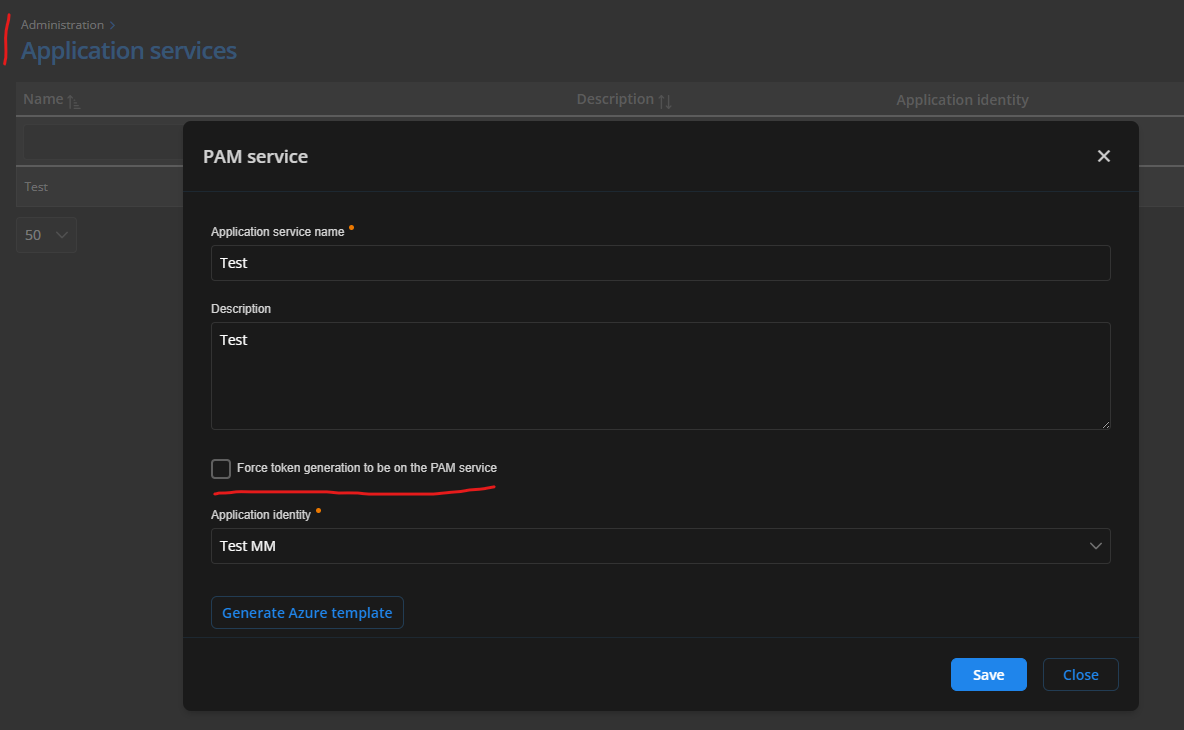
Thank you for the other information, it is indeed a server call that fails when trying to create a gateway session. We will be checking that.
Have a good day!
Maxime Morin
7528cb4f-b558-438c-9673-4b61f54c514c.png