Dark Theme does not work in Linux.

I've installed RDM on the following Linux installs which were all bare metal.
Bazzite (newest)
Debian 12.10
Archlinux 2025.01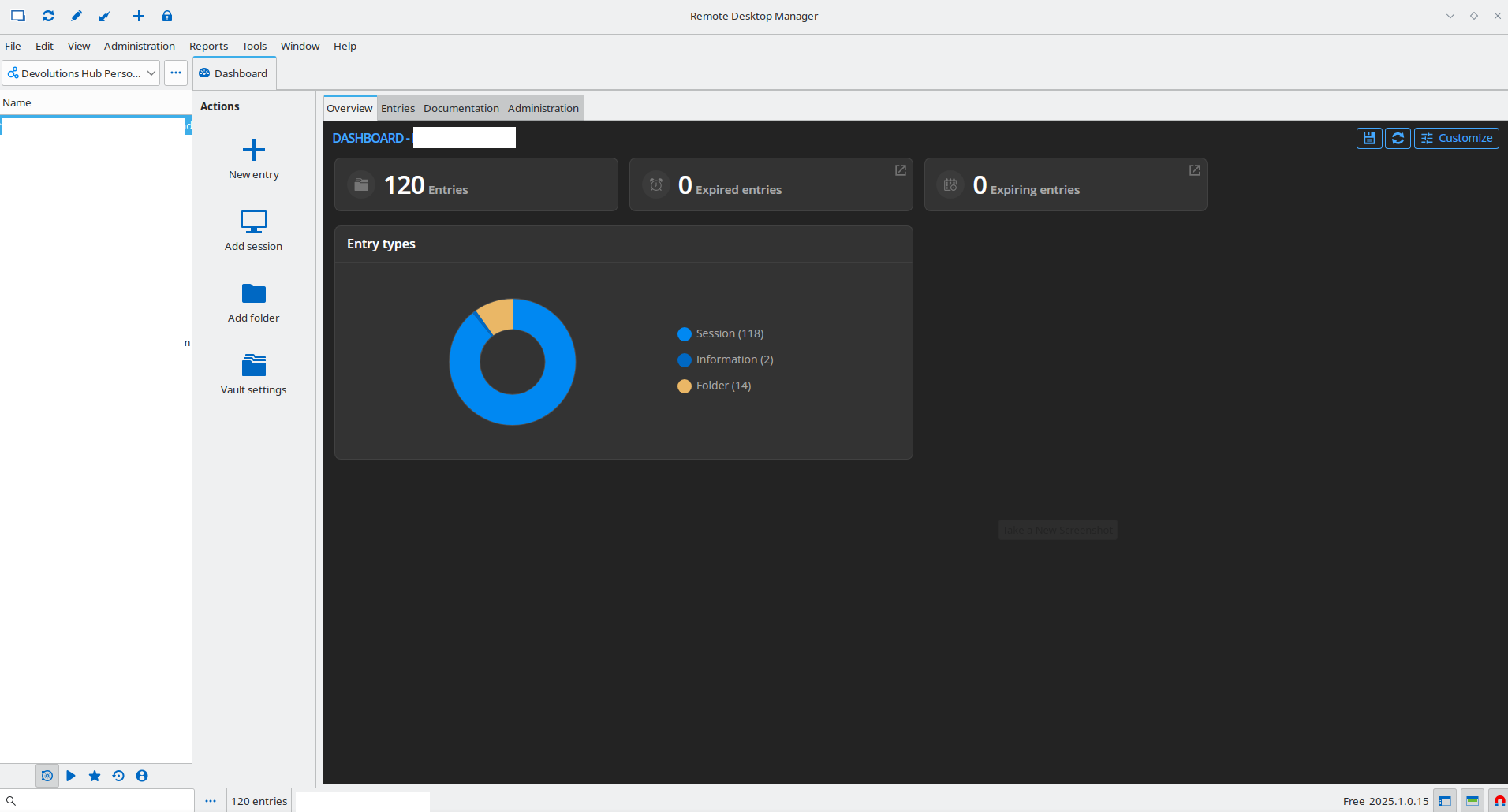
Ubuntu 24.04
POP_OS! 22.04
I've attached a screenshot that I cut my data out of but you can see which parts accept dark mode and which do not.
Most of my work is done at night. It would excellent to have this working.
Thank you.
RDM-darkmode-notworking-right.png
Recommended Answer
Hello Rob,
Have you also tried running the following command?sudo flatpak override --env=GTK_THEME=Adwaita:dark net.devolutions.RDM
Regards,
Simon Duguay Létourneau
All Comments (6)
Hello,
Thank you for reaching out. When you set dark mode in RDM on Linux, it only affects the dashboard and not the entire application. To enable a dark theme for the whole app, you'll need to configure your GTK3 themes on your machine.
Typically, this involves modifying the GTK3 settings file, like this:
# ~/.config/gtk-3.0/settings.ini
[Settings]
gtk-theme-name = Adwaita-dark
Please note that this change will applies to all GTK3 applications.
Best regards,
Simon Duguay Létourneau
Hello,
I recently switched from Windows to Fedora KDE Plasma and had the issue that the Flatpak version of RDM does not apply the Dark Mode. I don’t want to use the RPM package because with that it worked immediately.sudo flatpak override --env=GTK_THEME=Adwaita:dark net.devolutions.RDM
This post led me to the solution for my problem. Using the following command, I explicitly start the RDM Flatpak with the correct theme:
@Simon Duguay Létourneau thanks for the udpate
Im using Pop_os 24.04 with Cosmic using the DEB install.
likewise Dark mode only sets the ribbon to dark mode.
I created a settings.ini file with the settings above. This made more of the interface dark but the side bar was still in light mode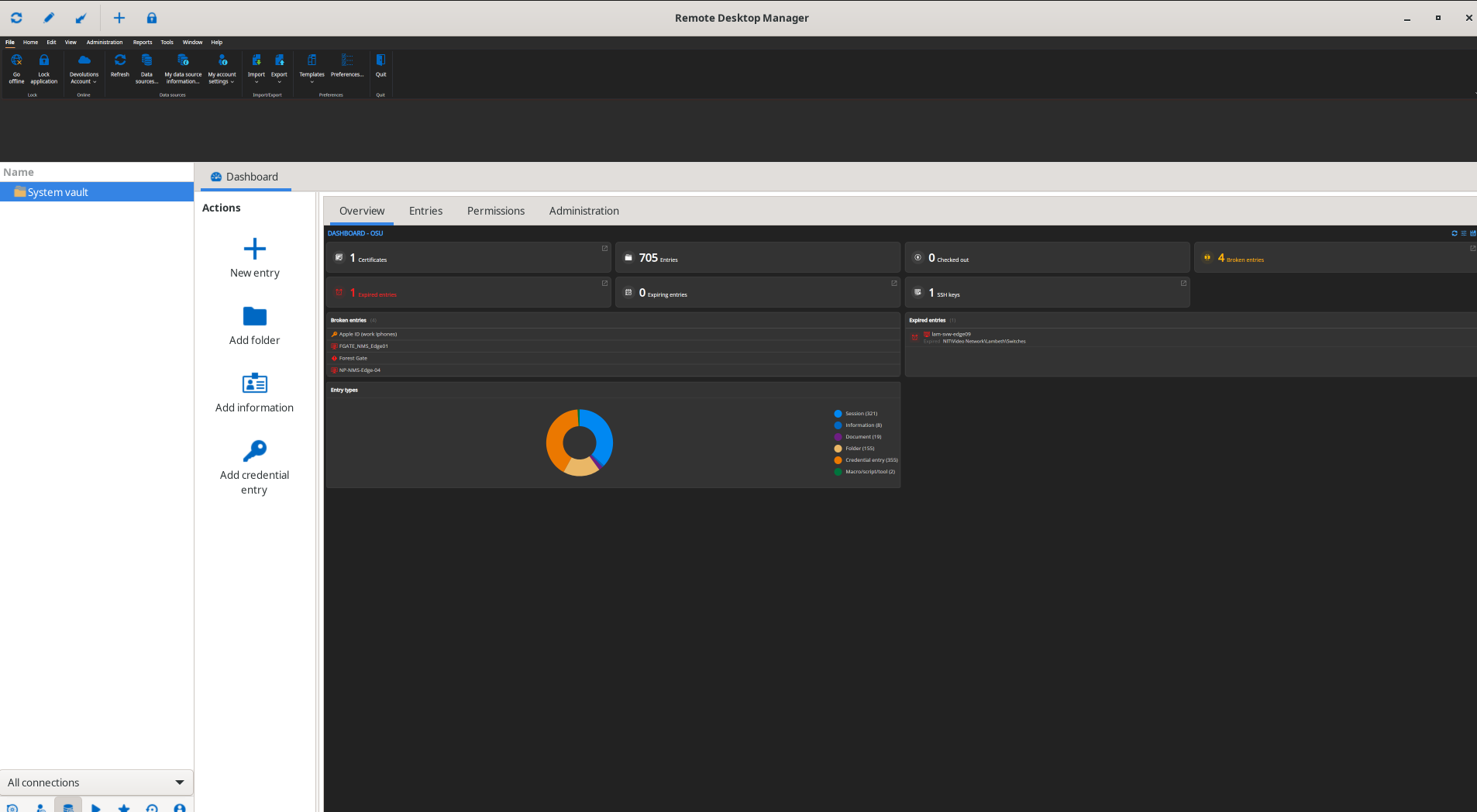
Cheers
Rob
Screenshot_2026-02-15_13-23-37.png
Hello Rob,
Have you also tried running the following command?sudo flatpak override --env=GTK_THEME=Adwaita:dark net.devolutions.RDM
Regards,
Simon Duguay Létourneau
I didn't end up trying that GTK theme but I believe the issue was solved in the next version.
If it shows up again I will try this fix.
thank you.
You can probably mark this one as solved.
Hello Rob,
Have you also tried running the following command?
sudo flatpak override --env=GTK_THEME=Adwaita:dark net.devolutions.RDM
Regards,
@Simon Duguay Létourneau
Sorry slow response but this worked a treat!