DVLS: Entry Expiry Notifications

DVLS: 2025.1.5.0
RDM: 2024.1.29.0
Hi All
We are using the Entry Expiry function for several Entries which works great so far.
But ive two Questions about it:
Im receiving a month before the Entry is expired an expiry message which tells me, that the Entry is expired by tomorrow:

Maybe this is a bug?
And the second Question is, it seems that only global Administrators receive the Mail Notifications. Since for several Entries are different Teams responsible, we need an Option to set specific Email Addresses for each Entry (or an option to use predefined Notification Groups from DVLS as example). Is there allready an option available or planned in future to achieve this?
Thanks and best regards,
Andreas
6447e079-6e12-4b32-a3e9-b1737be2cf70.png
56f9c6fd-fa6b-4038-a4a2-67c0ad49f729.png
All Comments (4)
Hi Andreas,
Thank you for bringing this issue to our attention. We’ve investigated the matter, and a fix has been implemented. It will be included in the next release of Devolutions Server.
As for your follow-up questions: both global administrators and vault owners have access to expired and expiring notifications. Additionally, users can manually subscribe to specific entries and choose to receive notifications for expired or expiring items. To do this, simply click the bell icon in the entry dashboard toolbar and select the desired notification options.
If you have any further questions or need assistance, feel free to reach out.
Best regards,
Alexandre Martigny
I have been getting these as well.
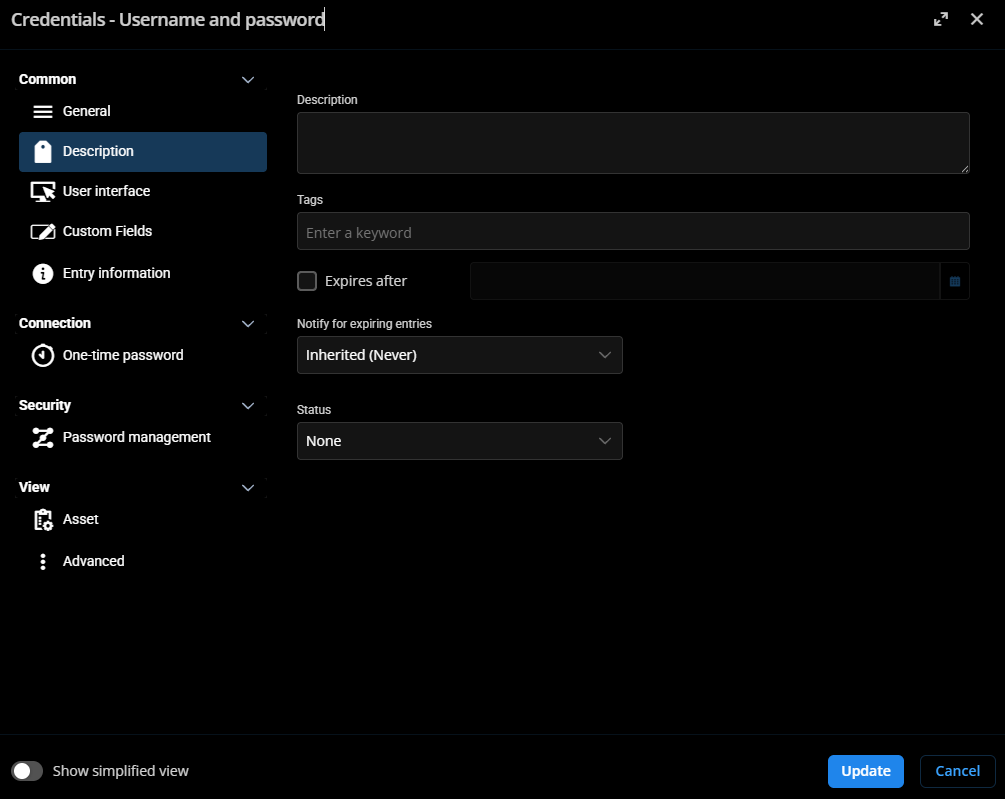
I have been getting these notifications since I deleted the old creds. I have three username and password entries that I had listed as expire on a date. I have removed the expiration data from them. I have deleted them and recreated them. I have turned on notifications on them and yet I still get the email notification. I am not sure how to get these to stop.
DVLS: 2025.3.4.0
RDM: 2025.3.29.0 64-bit
a4208c14-4d61-4506-86da-e1c917b036be.png
f8da1b31-f9a9-45ac-b8e5-2d46aa0c1bc6.png
Upgrade DVLS.
Version 2025.3.12.0 (December 18, 2025)
Upgrade DVLS.
Version 2025.3.12.0 (December 18, 2025)
@VTScott
I have upgraded to 2025.3.12.0 and the expiration notifications are now gone. Thank you