DVLS: SCHEDULER_NO_STANDBY_AVAILABLE

DVLS 2025.1.4.0
Hi All
Since 2025 Update we have a sporadic crash of the DVLS Scheduler.
First, i reveive the Email: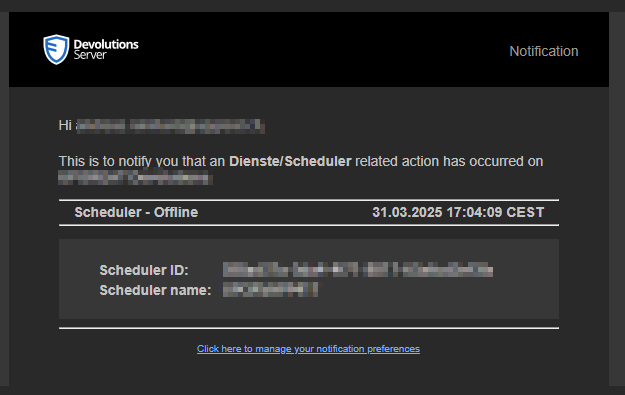
After checking the Service, its still running but not working anymore.
When i try to restart, its not possible directly.
Only stopping the Service will completely close the Process which throws a 1053: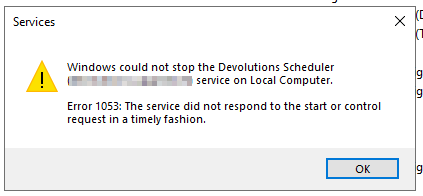
After this im able to normal start the Process again until the next time.
I dont find any usable Log Informations until this in the Console:
What can i dot for further troubleshooting?
Thanks,
Andreas
c6b25bf1-aeba-430a-aa56-4c9e07f61ae2.png
ad01a418-f581-49f9-903c-1922f11df14b.png
d726d221-fd0a-42d9-9d01-758db3e71eb6.png
All Comments (3)
Hello Andreas,
Thank you for reaching out to our forum. The issue you're encountering with the Scheduler Service can stem from several possible causes, such as:
- The required .NET runtime is either missing or corrupted
- The service is running under an account that lacks the necessary permissions
- Security tools (like antivirus or firewall) are delaying or blocking the service
- The service path is broken or misconfigured
Here’s what I recommend checking next:
- Open the Devolutions Console, go to the Support tab, and run the IIS Diagnostic tool to confirm that all prerequisites are in place.
- In Windows Services, verify the account used to run the Scheduler Service. If issues persist, try changing it to Local Service and test again.
- Check Event Viewer (Application and System logs) for recent errors related to .NET Runtime or other relevant services.
- Confirm that no new security rules or antivirus updates are interfering with the service.
If neither helps try to go under companion Tab and unistall and reinstall the scheduler.
Additionally, here’s a helpful article that explains how to enable debug logging for the Scheduler Service:
https://docs.devolutions.net/server/kb/knowledge-base/scheduler-service-general-information/#enable-scheduler-logging
Let me know what you find, and I’ll be happy to assist further.
Michel Audi
Hi Michel
After reinstall the whole service and changed also the service user to local system, i had again the same error this night: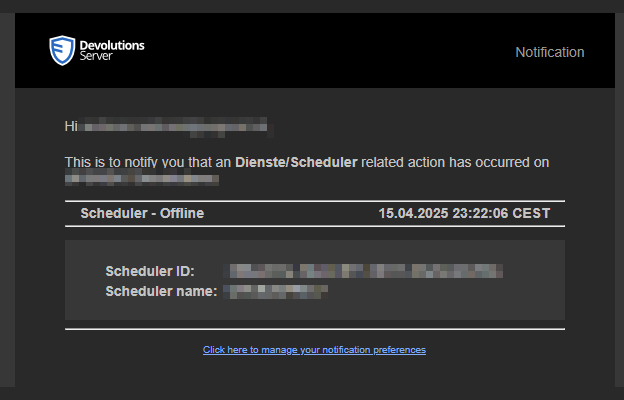
Please check my gathered informations below.
- The required .NET runtime is either missing or corrupted
service is installed since 2021 and have never made problems before updating to dvls v2025. no dotnet errors available in eventlog so far.
only events i got are the those: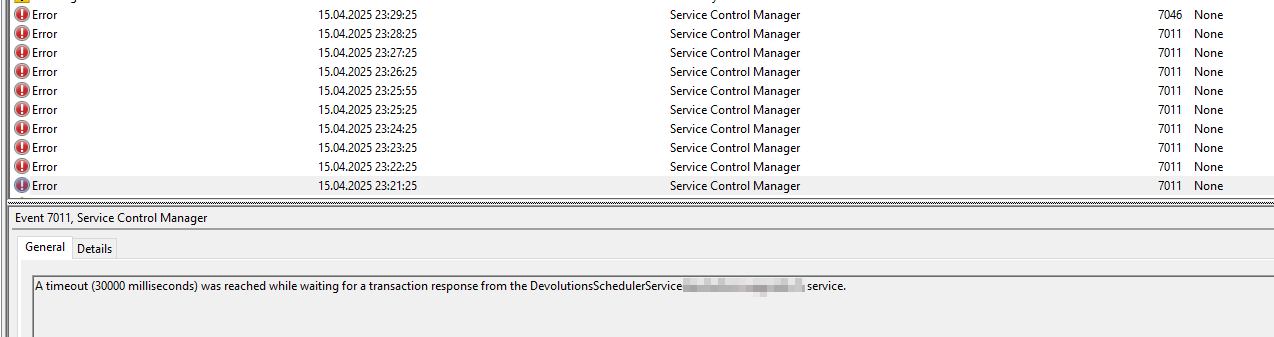
- The service is running under an account that lacks the necessary permissions
its a local admin
- Security tools (like antivirus or firewall) are delaying or blocking the service
no activity logs in the specific time range
- The service path is broken or misconfigured
i would be unable to restart the service if this is the case
- Open the Devolutions Console, go to the Support tab, and run the IIS Diagnostic tool to confirm that all prerequisites are in place.
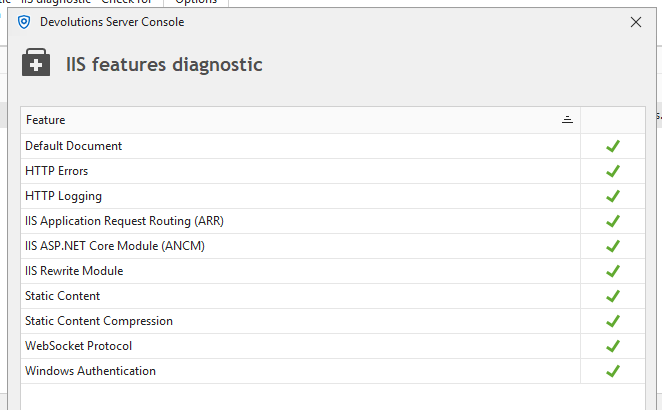
- In Windows Services, verify the account used to run the Scheduler Service. If issues persist, try changing it to Local Service and test again.
i've reinstalled (uninstall and installed) the service. also tried it with system user and local path instead of unc paths which points to the same destination
- Check Event Viewer (Application and System logs) for recent errors related to .NET Runtime or other relevant services.
 no dotnet relevant events under application events in the given time range. dotnet is working good so far
- Confirm that no new security rules or antivirus updates are interfering with the service.
There are no activities in av logs in this timespan
FYI: Other Services like Devolutions Gateway Service are working nonstop.
Ive also activated Debug Logs. But there are no better logs available, also not on Syslog Server.
Best Regards
Andreas
59aae4a5-0733-45de-85cc-6eb2ca222f98.png
218087cc-59f0-4348-bf68-9ea15ddaebb6.png
2c1e2c98-fcf4-41cf-819a-2e2265b9a72d.png
7d90e5ff-2857-4667-9a0e-68a4e75d3096.png
Hello Andreas,
Based on what’s shown in your Event Viewer, it looks like the scheduler is timing out. This can be caused by several factors. I’d like to share a link to our knowledge base that outlines all the tasks managed by the scheduler service account:
Scheduler Tasks – Devolutions KB
I recommend going through each scheduled task in your Devolutions Server Web UI and stopping them one by one to identify which one is causing the issue. In many cases, timeouts occur during log cleanup operations.
For more detailed insights, you can enable debug logging by going to Administration > Server Settings > Logging. Under Scheduler Log Path, assign a folder path where the logs will be written this will give you a clearer view of what's happening with the scheduler.
Best regards,
Michel Audi