copy to clipboard changed in 2025.1.x?

Upgraded to 2025.1.25.0 64-bit. I am using https://www.clipboardfusion.com/ as a clipboad manager. When using "copy to clipboard" for username/password etc. the values are not appearing in Clipboard Fusion anymore. Did you change something re clipboard handling and is there a switch to change the behaviour back.
This is kind of a showstopper for me right now :(
Recommended Answer
Doh! Found the issue. My bad — you were correct, something did change between 2024.3 and 2025.1. I had completely forgotten about the change.
While fixing the clear clipboard timer issue, we started sending a clipboard format that helps us identify RDM as the source of the clipboard, so we don’t clear the content copied from a different app. However, that fix introduced a bug where we also sent the sensitive formats in Legacy mode not just in Copy Once (Secure).
The issue has been resolved and will be available with the next release. I’ve also added two new system options to control the sensitive formats, allowing you to disable them if you choose. By default, they’re enabled for Copy Once (Secure) and disabled for Legacy — which matches how v2024.3 behaved before the accidental change in v2025.1.24.
Sorry for the inconvenience!
More info from Microsoft on the sensitive clipboard formats : Cloud Clipboard and Clipboard History Formats
Stéfane Lavergne
All Comments (15)
I switched to ditto for testing, same problem and even the official windows clipboard manager (Win-V) doesn't catch the valiues copied to the clipboard. So this points a bit to RDM as the culprit. That's a problem for everyone with a clipboard manager (so every sane admin ;) )
Hello,
Could you verify the behavior with the Clipboard diagnostic tool in RDM?
https://docs.devolutions.net/rdm/kb/troubleshooting-articles/clipboard-diagnostic/
Let us know if you can identify anything with this tool.
Best regards,
Érica Poirier
I am not sure what exactly you wan me to do, but when when copying, this stays empty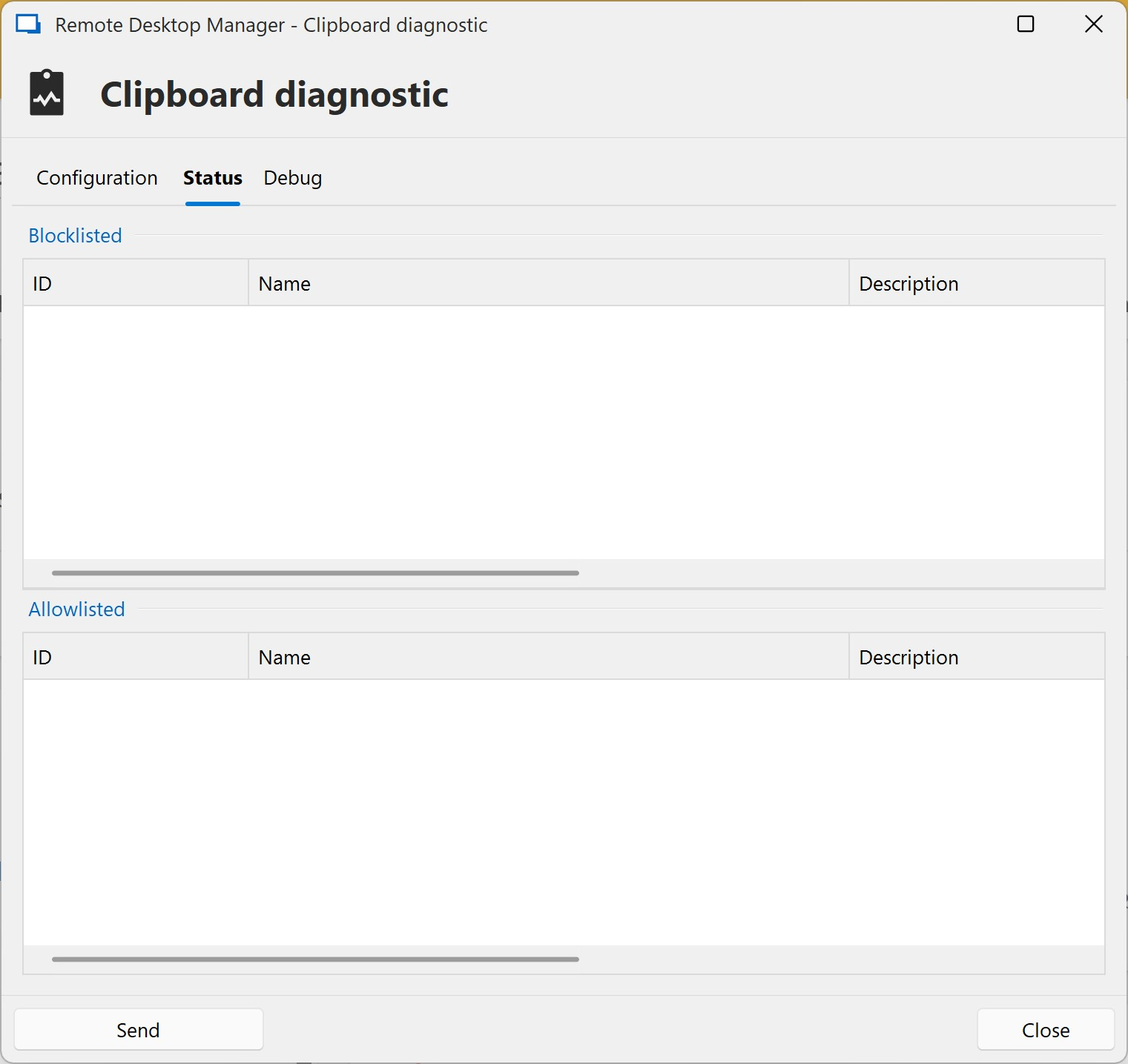
here things are happening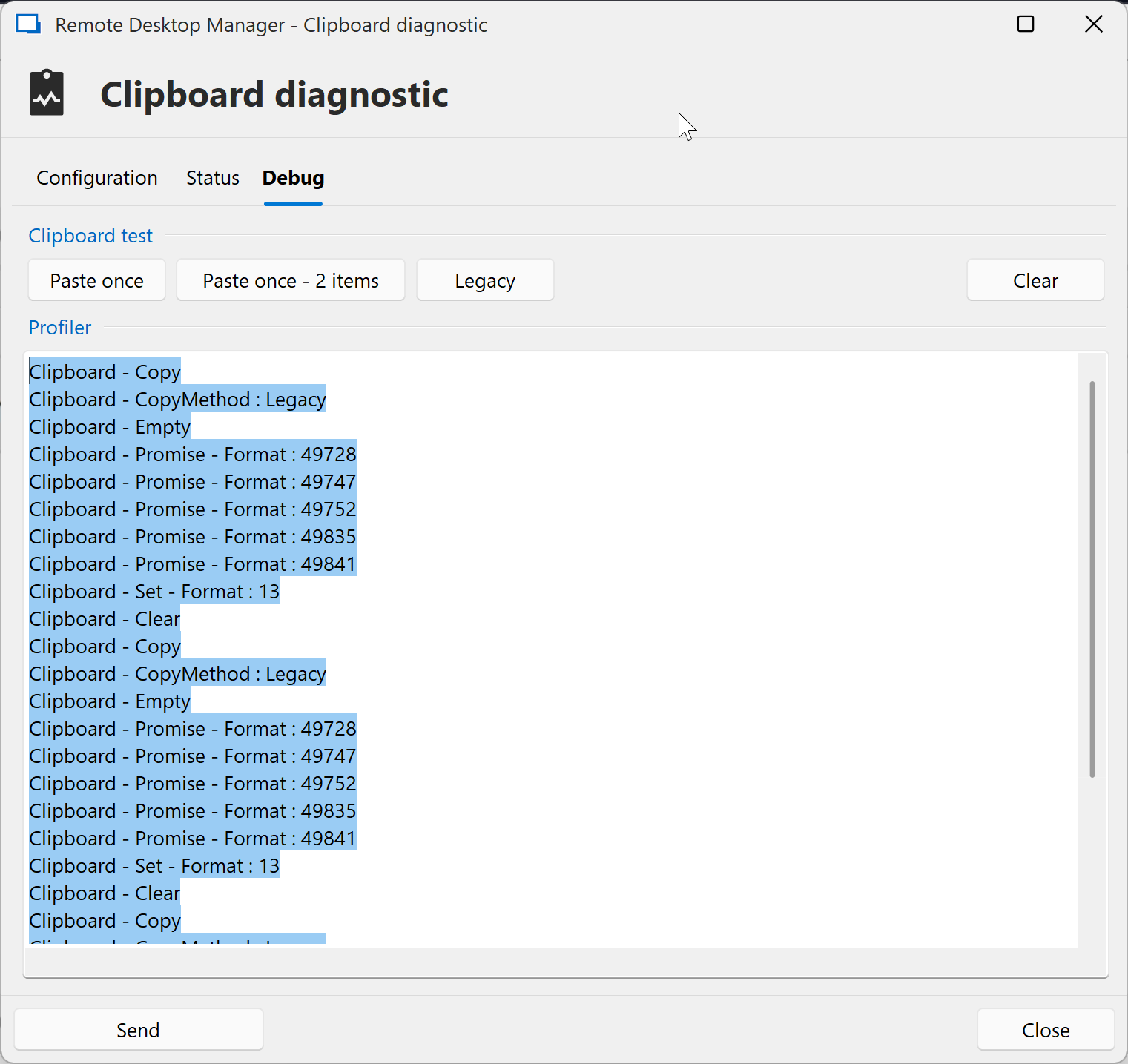
f81f9617-c64e-4722-a989-8e4cc4ad995c.png
a6bbaf3b-fb26-416a-ab37-7b892c884024.png
You didn't post your configuration tab so I'm not sure what mode you are using.
If you are using Paste once (secure) then this is what we would expect and want. You see if you are using a secure password management solution, letting a clipboard manger have a clear-text copy of all your passwords defeats the purpose of using such a tool. So with Paste once (secure) we do few tricks to prevent clipboard managers from getting access to the content of the clipboard. Things like sending special, industry defined, clipboard formats that explicitly tell clipboard managers that the data is sensitive and that they should go look at it. Now most ignore these formats and still go read the data. Adding to my dislike of clipboard managers, especially ones that upload the data to the cloud and if I had to guess the data is most likely not encrypted.
The other choice is to use the Legacy format. Here we send the data to the clipboard, any app can do whatever they like with the data. Then if you've configured clear clipboard delay we will go and clear it. If you want to use a clipboard manager, this is most likely your only option.
Note: Copy username & password, must use the Paste once (secure) method as this is the only way for RDM to know when the paste was done in the other process and to move to the second value. We have an option to disable this if you don't want to use it.
Note 2: if you want to use Paste once (secure) but still want to use a clipboard manager, then you need to add rules/settings to tell RDM to allow them to take it and how to react if/when they take the content. This turns Paste once (secure) in hybrid that allows say the clipboard manager but then delays the next action for a configured delay interval. Configuring this is complex but it's usually your only option. This is where the clipboard diagnostic comes into play, it acts like a honeypot letting you see what/who is doing what with the clipboard.
My suggestion, use Legacy
Stéfane Lavergne
Hello,
To add to my colleague Stefane’s message, you can find the clipboard options by navigating to File -> Settings -> Application -> Advanced.
Best regards,
Carl Marien
ok, I tried every combination in the debugger and in RDM itself. Nothing makes the clipboard show up in the clipboard managers, debugger shows this, but I am not sure after legacey or paste once: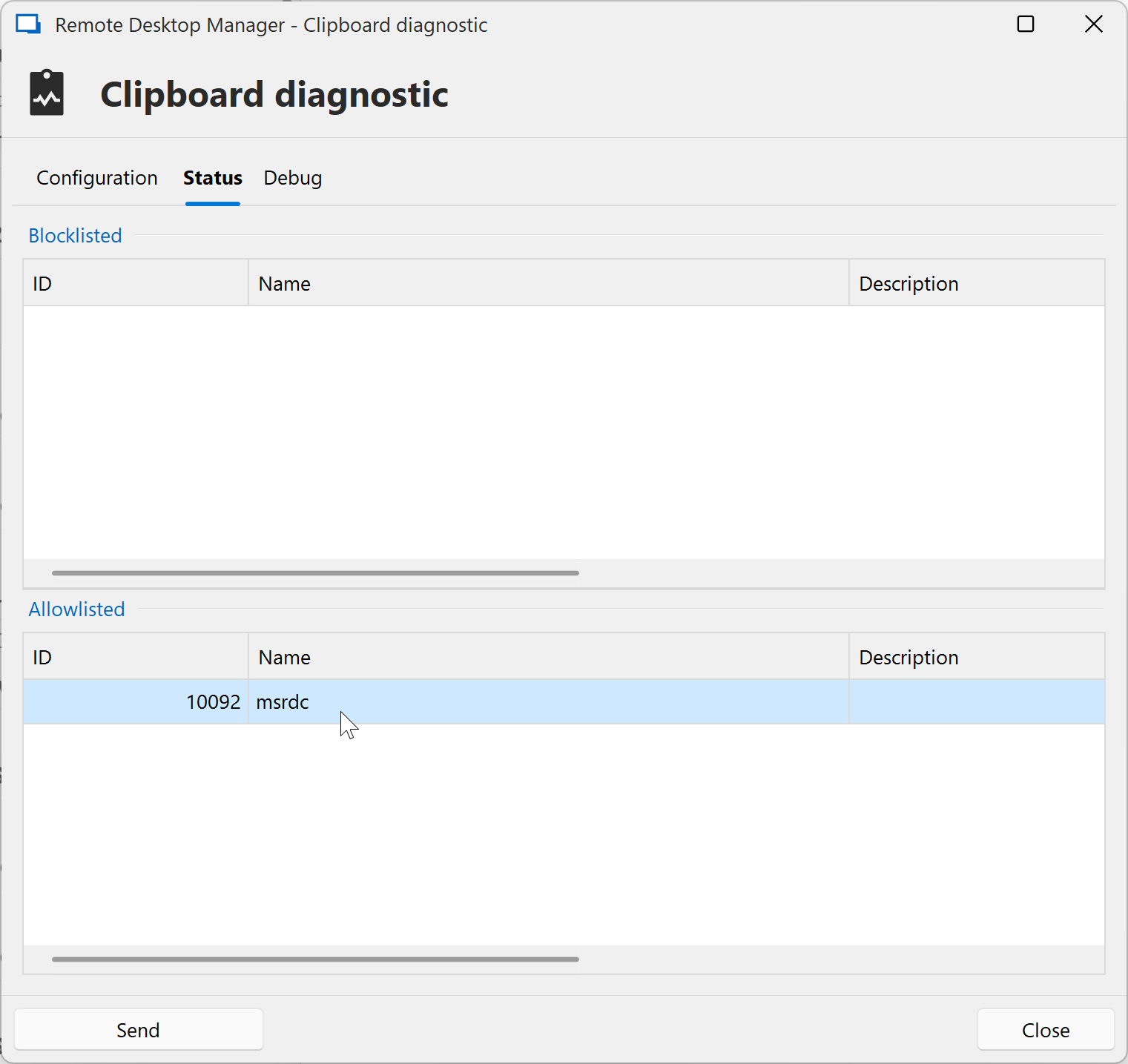
e4d0594e-3100-4efe-b280-2e9791ba0795.png
On the Debug tab, the first two Paste once & Paste once - 2 items uses Paste once (secure) while the third button Legacy uses Legacy
If you want to know what RDM is configured to use via the Copy username or Copy password, look at the Configuration tab, Clipboard copy method
Stéfane Lavergne
Test with notepad, pasting in notepad will make notepad show up in the Allowlisted list.
Now. if your clipboard manager is not showing up in the list, it’s either because it respects the sensitive clipboard format and is not fetching the data, or your clipboard chain may be broken.
The clipboard chain is like a group of people holding hands—if one process exits without reconnecting the people on either side, the chain breaks.
Try rebooting your PC. This can happen after installing or uninstalling software, or if a process is forcefully terminated.
Stéfane Lavergne
sure, but the debug window is a bit confusing. I just realised, that the test buttons copy stuff into the clipboard :)
so:
- I disabled the clipboard manager
- pressed all three buttons and copied the result into notepad (ok sublime, but should be the same)
- only legacy pasted something into sublime
I am not sure, what the configuration tab in the clipboard diagnostics do (do they set the RDM setting? do they temporarily overwrite them?) but anyway, when I restart the clipboard manager (for simplicy sake the windows internal Win-V), nothing arrives, no matter what test button.
Reboot, this is not normal, testing with Paste once and pasting into notepad(Notepad++ in this case) you should see this
Clipboard - CopyMethod : PasteOnce                     <= The button you pressed
Clipboard - Paste Once - Count : 1                     <= describing the button
Clipboard - Empty                                      <= clears clipboard
Clipboard - Promise - Format : 50536                   <= sending all the "sensitive" formats
Clipboard - Promise - Format : 50535
Clipboard - Promise - Format : 49270
Clipboard - Promise - Format : 49334
Clipboard - Promise - Format : 49713
Clipboard - Promise - Format : 13                      <= text format, leting the other apps I have text and I wan to share
Clipboard - Render - Requester : 528100 - Format : 13  <= A request, with handle 528100
Clipboard - Requester : 528100 - Process Id : 39444 - Name : notepad++    <= OK it belongs to notepad++, check for blocklist or allowlist
Clipboard - Set - Format : 13                          <= all good, send the data
Clipboard - Render - Allowlisted - Requester : 528100  <= add notepad++ to Allowlist
Clipboard - Done!                                      <= Done
Clipboard - Empty                                      <= clear the clipboard
You should see all processes that request the contents with a the line Clipboard - Render - Requester : 1111 somewhere in the output and then see what RDM decided to do in the output below it.
The configuration tab is not an override but rather the actual current RDM settings, changing them will make them take affect immediately. Keep in mind the 3 test buttons circumvent the settings as they force either Legacy or Paste once (secure) so that you can test which scenario is best for you.
Stéfane Lavergne
sure, but this is not what's happening, see below. This is consitent over different installations (tested on another notebook) and different clipboard managers (win-V in windows 11, clipboard fusion, ditto). Please escalate, this is seriously crippling work here.. :(
with clipboard manager:
Clipboard - CopyMethod : PasteOnce
Clipboard - Paste Once - Count : 1
Clipboard - Empty
Clipboard - Promise - Format : 49767
Clipboard - Promise - Format : 49766
Clipboard - Promise - Format : 49754
Clipboard - Promise - Format : 49753
Clipboard - Promise - Format : 49768
Clipboard - Promise - Format : 13
no clipboard manager:
Clipboard - CopyMethod : PasteOnce
Clipboard - Paste Once - Count : 1
Clipboard - Empty
Clipboard - Promise - Format : 49767
Clipboard - Promise - Format : 49766
Clipboard - Promise - Format : 49754
Clipboard - Promise - Format : 49753
Clipboard - Promise - Format : 49768
Clipboard - Promise - Format : 13
Clipboard - Render - Requester : 199292 - Format : 13
Clipboard - Requester : 199292 - Process Id : 23208 - Name : Notepad
Clipboard - Set - Format : 13
Clipboard - Render - Allowlisted - Requester : 199292
Clipboard - Done!
Clipboard - Empty
sure, but this is not what's happening, see below. This is consitent over different installations (tested on another notebook) and different clipboard managers (win-V in windows 11, clipboard fusion, ditto). Please escalate, this is seriously crippling work here.. :(
Who do you expect me to escalate to? I'm the developer who worked on this feature and co-founder of Devolutions.
What I'm trying to understand is your issue. You gave me two debug traces. The second one works as expected — I think we can agree on that. As for the first, we see no process whatsoever requesting the clipboard content.
- Did you try pasting into Notepad?
- Did you try to paste into Notepad but it failed?
- If no clipboard manager is requesting the content, it's because they are respecting the sensitive clipboard format. If that's the case, then this behavior is expected and desired.
- Did some other process replace/clear the content of the clipboard?
Stéfane Lavergne
2025-03-25_15-53-15.mp4
sorry, didn't want to offend anyone here, but this is such a major issue in our workflow that I got a bit inpatient.
so, the issue:
1) this didn't happen in 2024.x versions, so something did change. Do we have a fallback?
2) I do not try to paste anywhere (but could) when I run a clipboard manager. I expect the copied values in the clipboard managers list. that's how it worked and how we need it.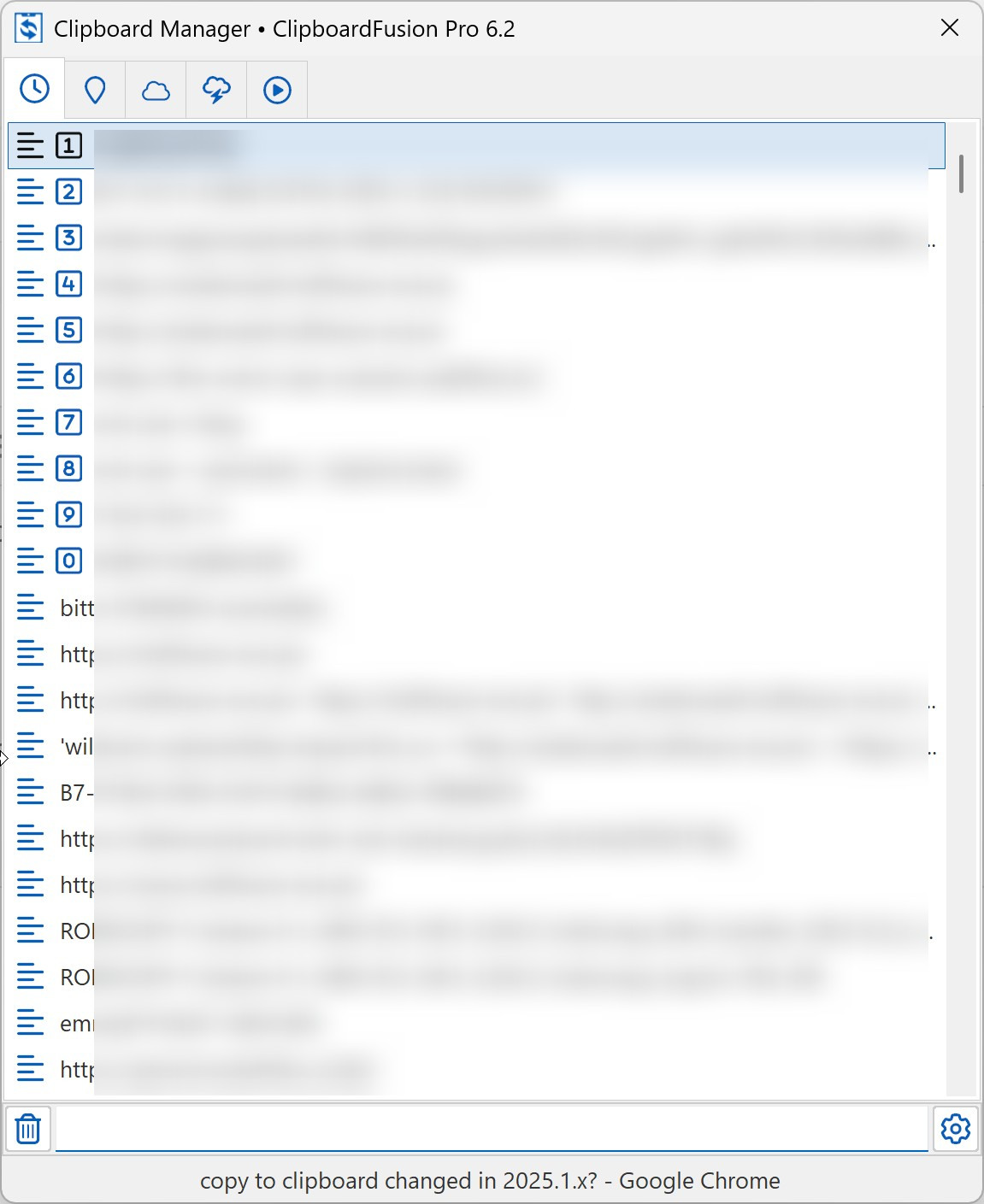
3) "If no clipboard manager is requesting the content, it's because they are respecting the sensitive clipboard format. If that's the case, then this behavior is expected and desired." - that's what's troubling me.I never heard about this feature, is this a windows thing? How can I disable it? I will ask clipboard fusions support if they "respect the sensitive clipboard format" and if they please don't :)
74cb1c2c-63e8-41e2-96d2-2e3796c7f70d.png
Doh! Found the issue. My bad — you were correct, something did change between 2024.3 and 2025.1. I had completely forgotten about the change.
While fixing the clear clipboard timer issue, we started sending a clipboard format that helps us identify RDM as the source of the clipboard, so we don’t clear the content copied from a different app. However, that fix introduced a bug where we also sent the sensitive formats in Legacy mode not just in Copy Once (Secure).
The issue has been resolved and will be available with the next release. I’ve also added two new system options to control the sensitive formats, allowing you to disable them if you choose. By default, they’re enabled for Copy Once (Secure) and disabled for Legacy — which matches how v2024.3 behaved before the accidental change in v2025.1.24.
Sorry for the inconvenience!
More info from Microsoft on the sensitive clipboard formats : Cloud Clipboard and Clipboard History Formats
Stéfane Lavergne
great! and thanks for the info re sensitive clipboard stuff, basically a good idea..