Passkey Support in Mobile App
2 votes

Hi,
Is it planned to integrate the Passkey functionality into the mobile apps?
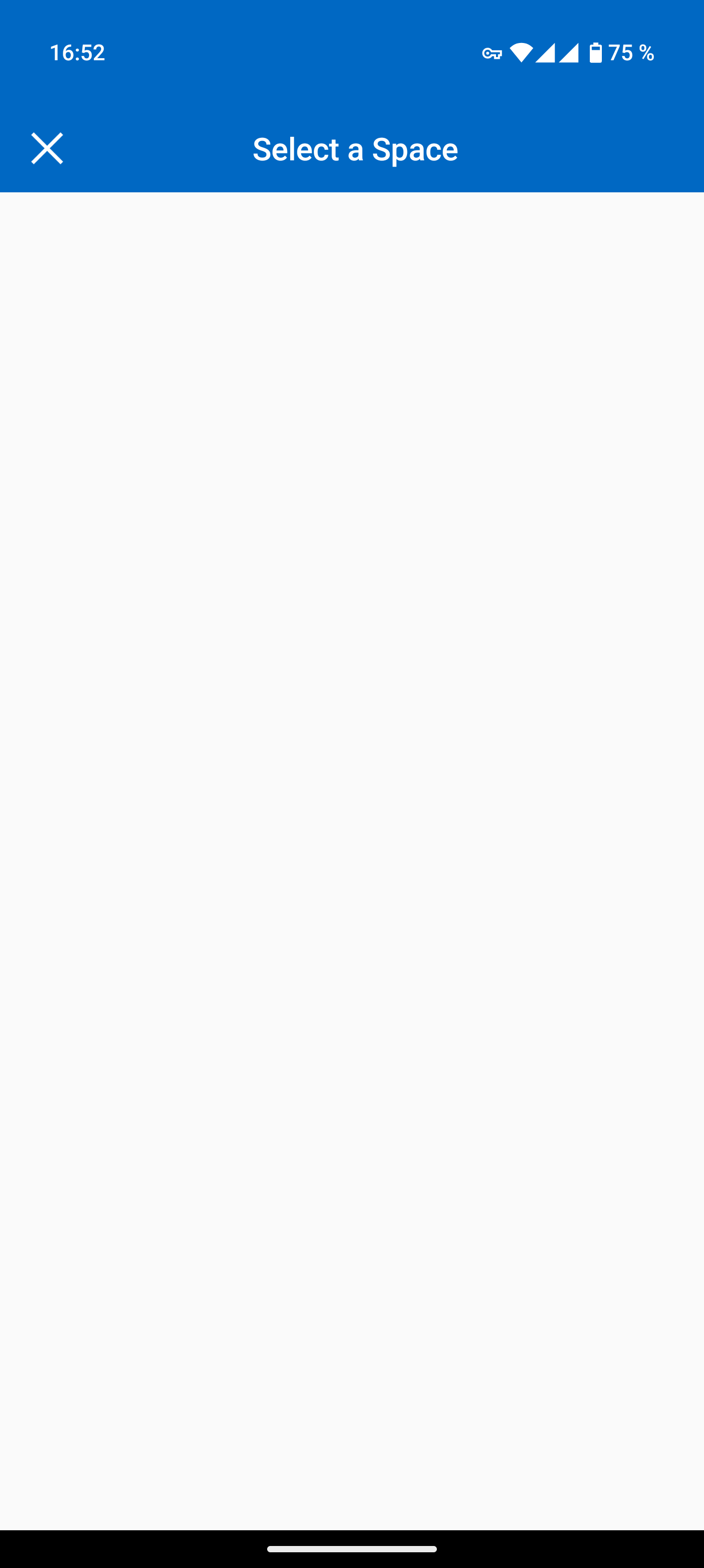
I tested it on Passkey.io via my Android phone (Android 15). It suggested the Workspace app as a Passkey provider, but I was unable to proceed because I could not select a space.
Best regards,
Andrijan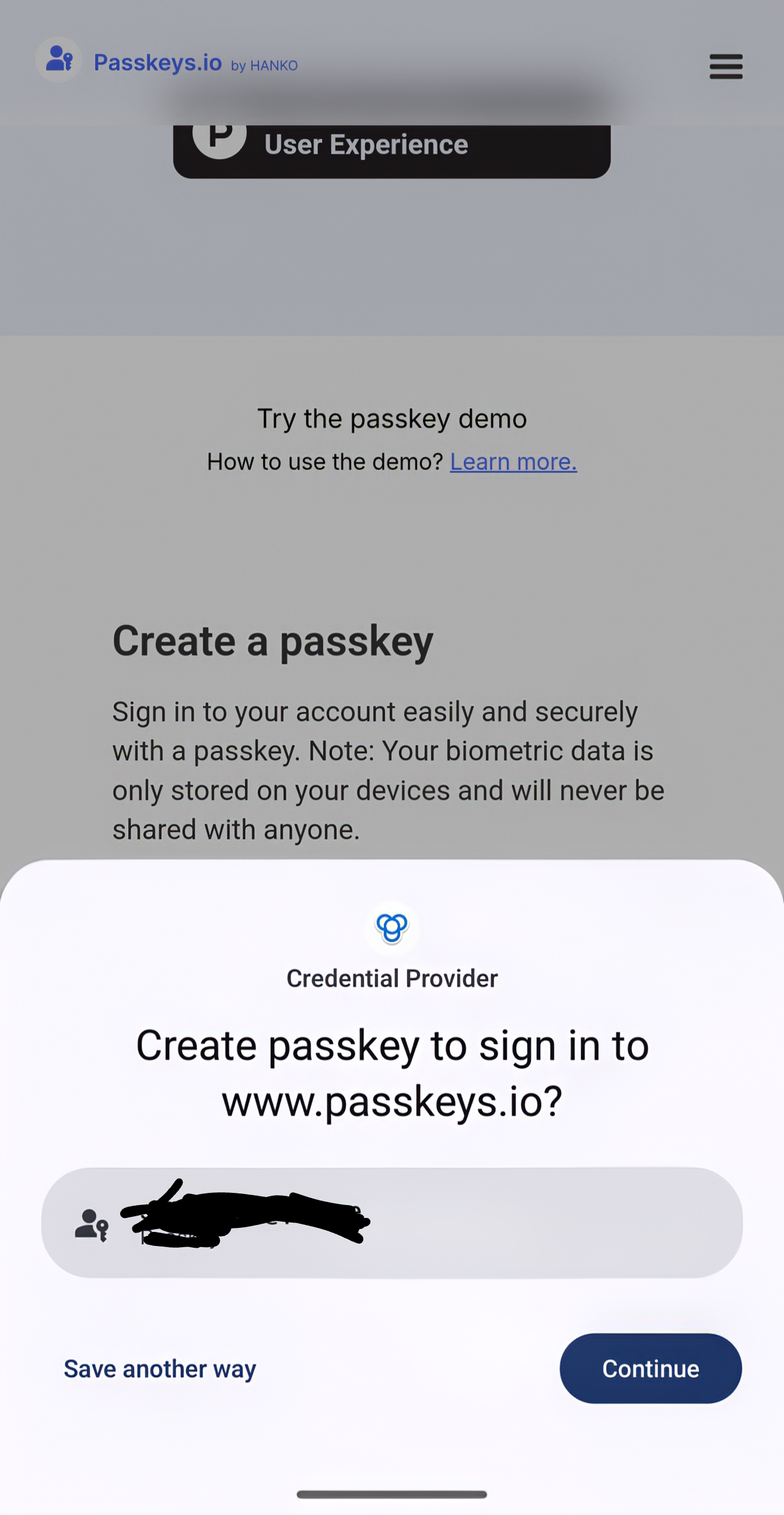
Screenshot_20250313-165237.png
Screenshot_20250313-165230~2.png
Recommended Answer
Hi, it's available for all three Space types. Just to be sure, you can synchronize your Autofill settings in the main app settings. To access it you can:
- Open main menu
- Select 'Settings' at the bottom
- Select 'Autofill Settings'
- Refresh it by clicking on the Sync button on the top right
After that, you should be able to see your Hub Personal space in the list when adding a Passkey.
Best regards,
Sébastien Aubin
Product manager - Password Management
All Comments (4)
Hi, the blank page is supposed to show the available spaces (previously connected Spaces in the Main App) where you can save the Passkey. Did you add a Space in the app before using the autofill?
Best regards,
Sébastien Aubin
Product manager - Password Management
Yes, I was testing it with Devolutions Hub Personal.
Is it maybe exclusive to Devolutions Hub Business?
Hi, it's available for all three Space types. Just to be sure, you can synchronize your Autofill settings in the main app settings. To access it you can:
- Open main menu
- Select 'Settings' at the bottom
- Select 'Autofill Settings'
- Refresh it by clicking on the Sync button on the top right
After that, you should be able to see your Hub Personal space in the list when adding a Passkey.
Best regards,
Sébastien Aubin
Product manager - Password Management
Hi, okay, thank you. That was the problem. I had to sync the autofill settings manually.
Now, it seems to be working. I can see the space now.