Cannot connect to Devolutions Gateway

Hi,
I'm checking out the PAM module in DVLS and I'd like to test it with Devolutions Gateway but I can't get it to work. Our goal is to install the gateway at several customers to maybe also remove the need for a VPN connection. We'd also like to keep LDAP/LDAPS closed over our VPN.
DVLS and the target servers are on a different network with a firewall in between (No VPN). DVLS to Target Server traffic is allowed over TCP7171 and TCP8181
This is my install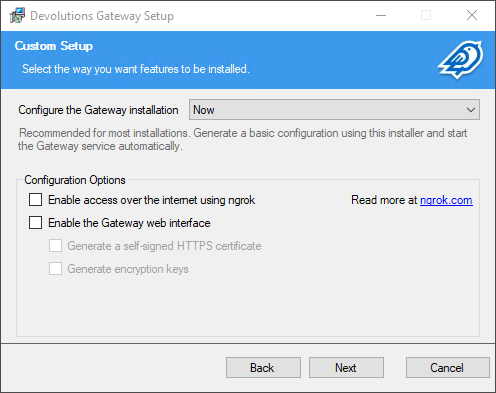
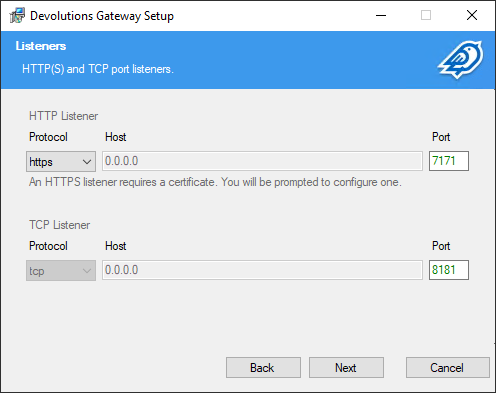
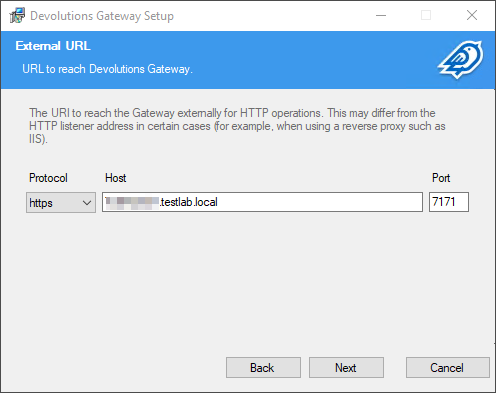
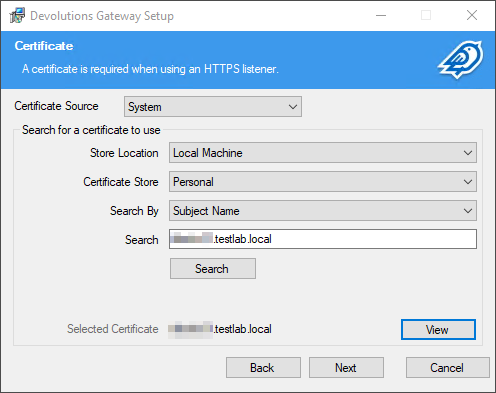
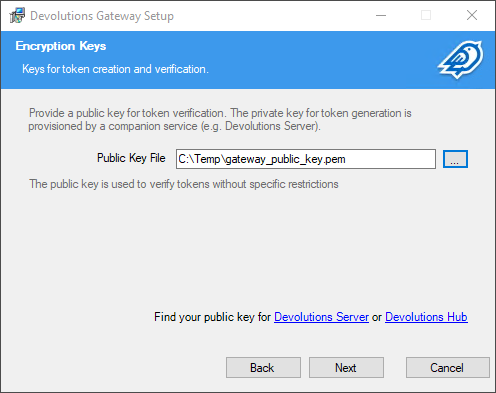
Configuration in DVLS: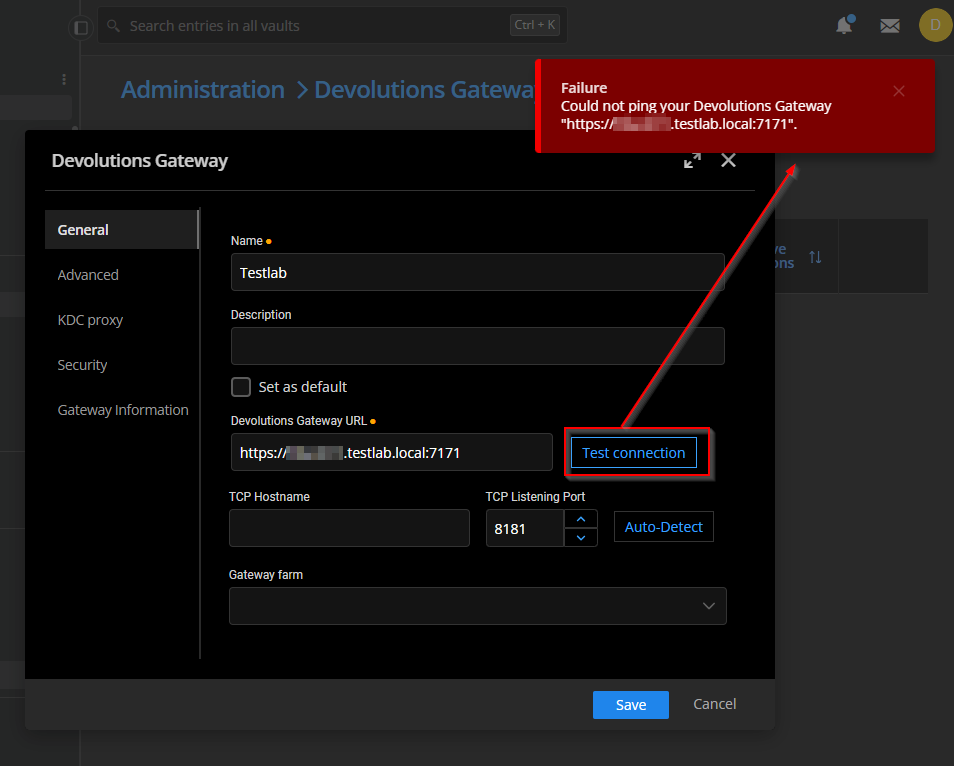
I also tried with IP adres but that didn't work
DVLS can resolve the DNS name
Target Server is listening for connections + firewall on the server is disabled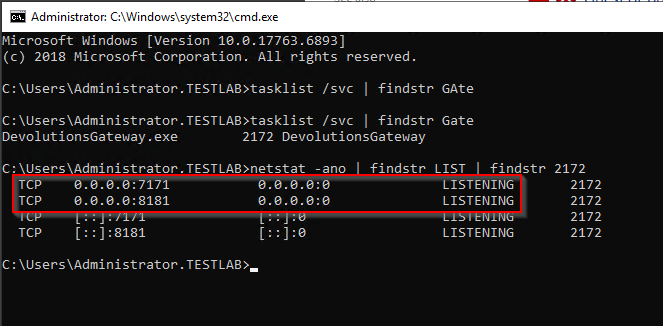
Firewall between these machines is allowing connections:
When saving and running diagnostics, I get the following: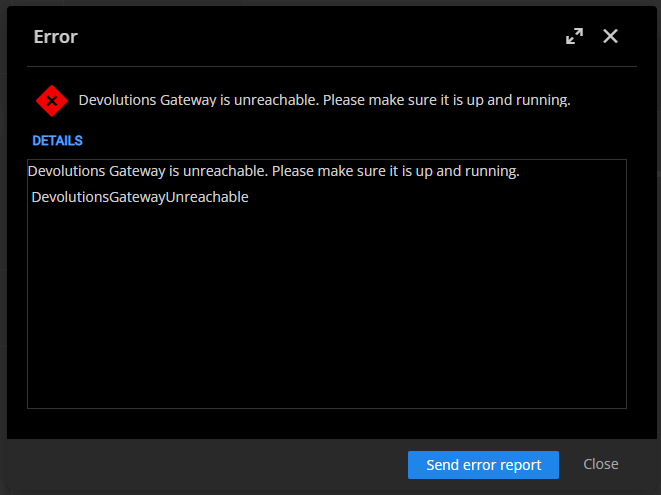
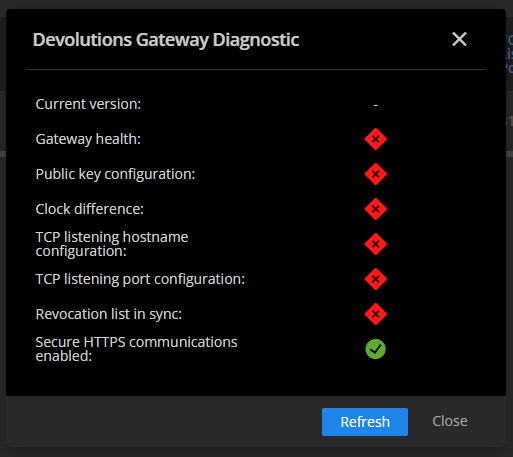
I can sort of connect to the target server from the DVLS server: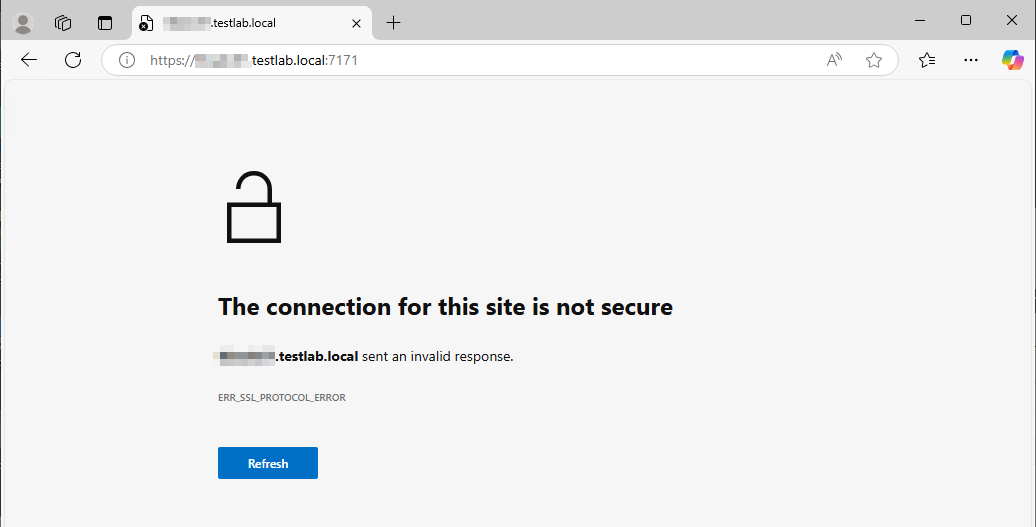
But it says no certificate is installed
If I install the service with 'Enable the Gateway web interface', test connection works but
- Auto-Detect other settings does not
- I don't want that web interface
- I don't want the service scanning ports
What am I doing wrong?
Best regards,
Thomas
e5650d06-a615-459e-80ed-26b522115f3a.png
24a8e474-5b1b-4935-9b57-5f13983e500d.png
d04689f5-a792-4127-8069-54b55180a2a4.png
20b12662-7e89-4d7d-bbd7-81809aa431b0.png
b8b1d2ce-d057-4a93-9d28-141ed69d438f.png
824fa38d-1366-498e-9c2b-c6114eb2c728.png
6cf498d6-dd24-42a4-ad8e-4bd52e1b0076.png
c72b8716-87d6-4223-acde-bc1971f7d73d.png
918f0abd-e4cb-4d75-9ba6-6d243d5d729d.png
0d17e2f7-2f0f-48a9-8d85-67cfdf04f137.png
54b9e016-cd73-4f32-9208-03ee9289674a.png
All Comments (1)
Hello Thomas,
According to your screenshots I assume the service account for the Devolutions Gateway does not have the proper permissions for the private key certificate:
https://docs.devolutions.net/dgw/kb/how-to-articles/use-windows-certificate-store/#giving-the-devolutions-gateway-service-read-permission-on-the-certificate-private-key
After this configuration please restart the Devolutions Gateway service and check the certificate again: https://docs.devolutions.net/dgw/kb/troubleshooting-articles/gateway-troubleshooting/#verify-a-gateways-health
PS: Port 8181 is only needed from RDM => Devolutions Gateway
Regards,
Min