DVLS - sql authentication server error

Hi,
I installed a DVLS server on a w2k22 EN "ADVLSRV01" and the sql database on another server "ADVLBDD01"
I installed the SQL Server manually and created the database with the DVLS server on the ADVLSRV01.
When i tried to open the DVLS interface. I have the DVLS logo in the middle of the windows and the blue circle turn around and that's all :)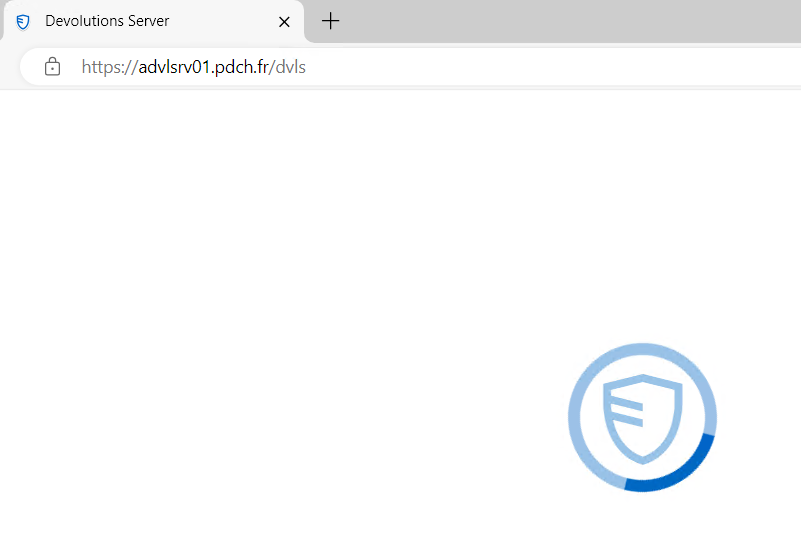
in the SQL Server logs I have this error message : Message
Login failed for user 'ADDomain\ADVLSRV01$'. Reason: Failed to open the explicitly specified database 'DVLSBDD01'. [CLIENT: 10.1.16.153]
DVLS try to use the computer name to open a session on the SQL Server.
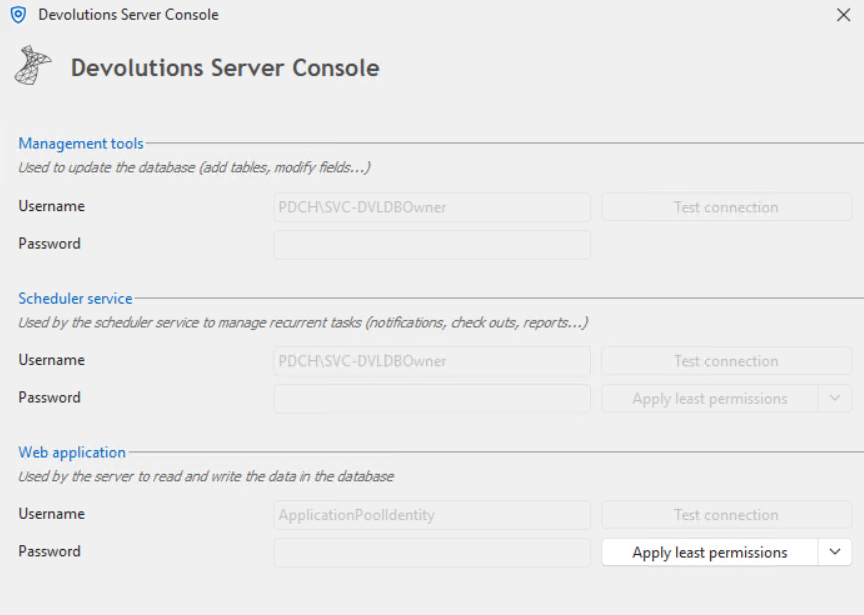
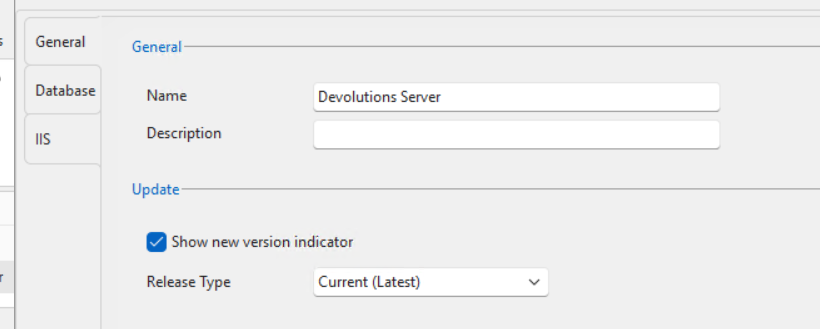
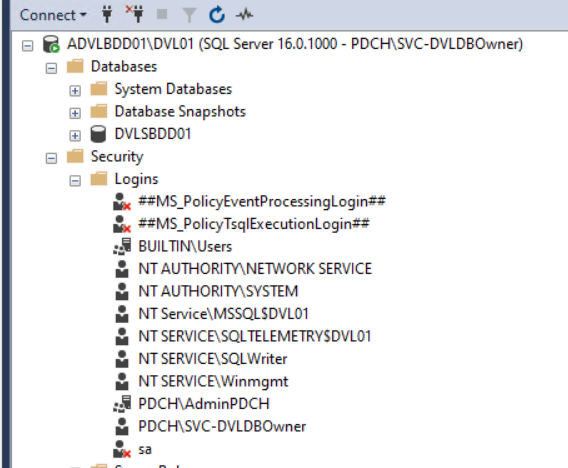
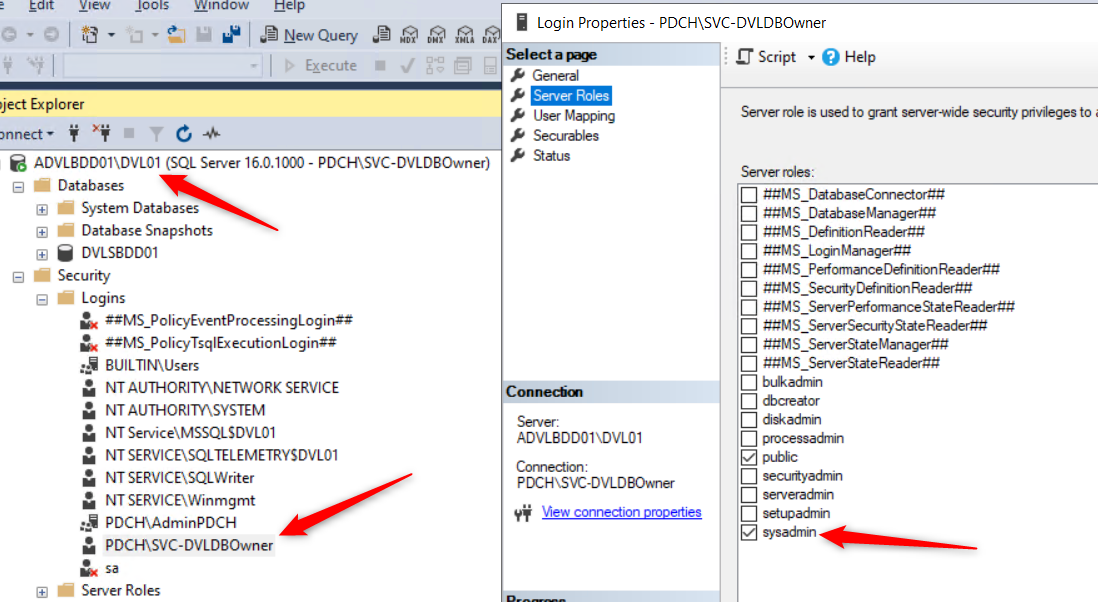
this my configuration :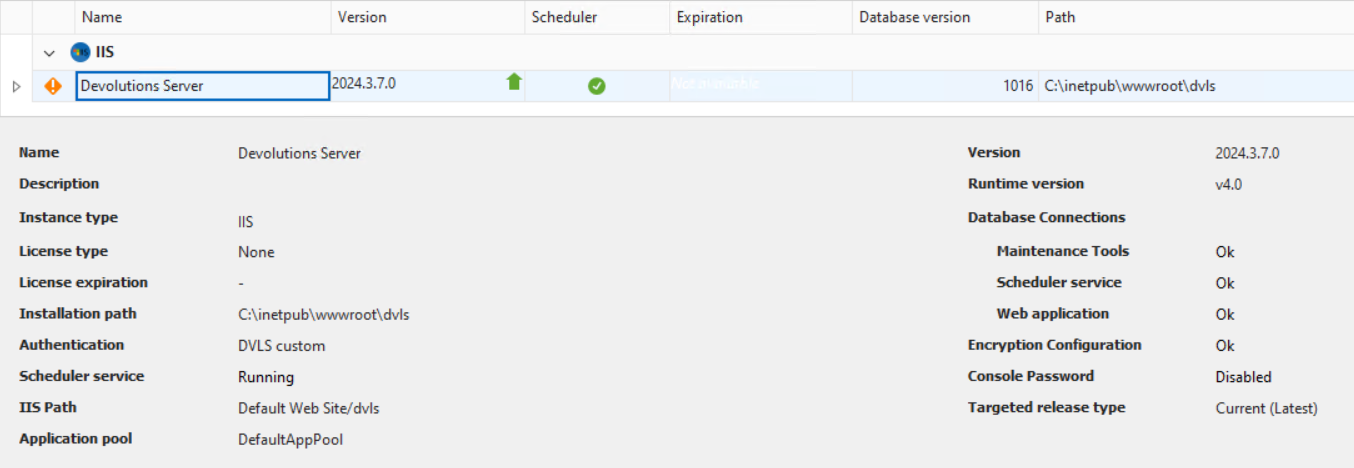
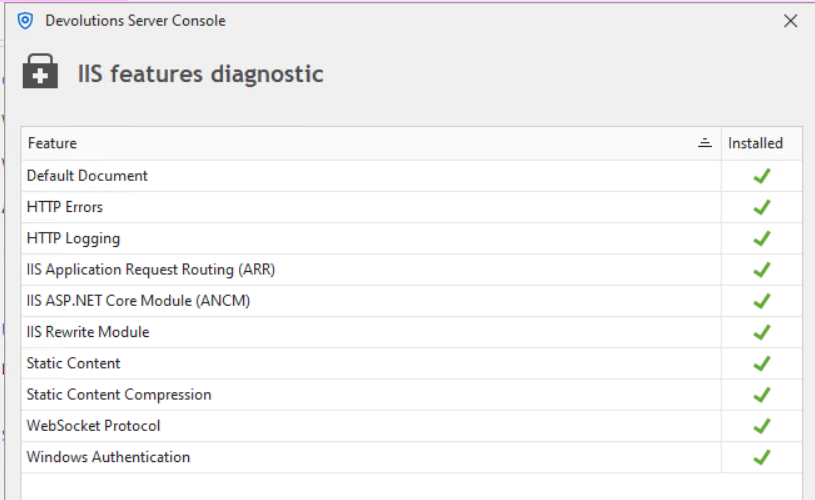
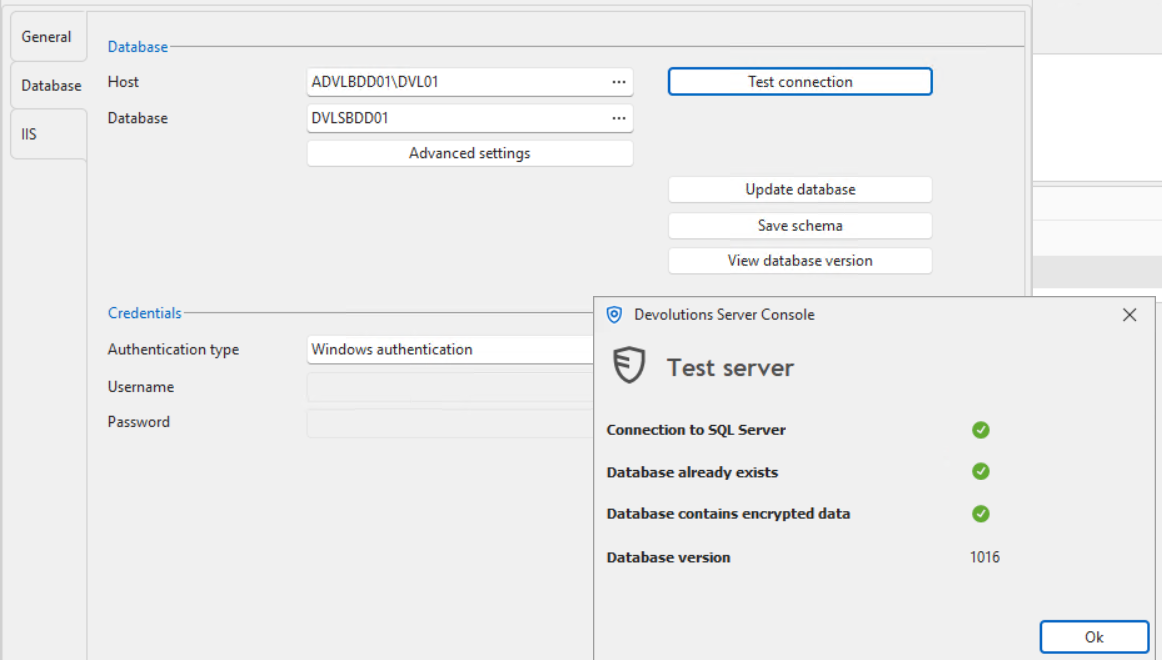

thanks for your help :)
94e071d6-148c-41dd-b264-80d6978d674f.png
d759934a-41af-4578-bb80-25430ec8b20b.png
ec712839-288d-4236-bf88-8f9307500f5e.png
9a2af7c1-4891-4e90-a014-10d5c49c583b.png
f3151c97-0d41-4f67-ac25-cbaf1393709a.png
b9264c53-0aac-42af-9fa9-7eeb3bac06d7.png
008da7a4-c830-4cbf-b57e-28d2663ff2cf.png
8d554fb4-5d6b-4eb5-a8b9-c44177b86383.png
42a1213a-cd11-49d9-af87-eb0082da5407.png
All Comments (3)
Hello Cedric,
Thank you very much for the detailed explanation!
From what I can tell, this issue is happening because the web application is running under "ApplicationPoolIdentity". Because this is a local account on "ADVLSRV01", it will be unable to authenticate against your SQL Server on "ADVLBDD01".
On "ADVLSSRV01", could you follow this section of the documentation and use "SVC-DVLDBOwner" as the identity: https://docs.devolutions.net/server/getting-started/installation/create-server-instance/#change-devolutions-server-application-pools-identity-to-vaultdbrunner
Once done restart Devolutions Server.
Are you able to load the web interface?
If this works, I suggest you look into this documentation, it will point you toward our best practices regarding the service accounts used by DVLS: https://docs.devolutions.net/server/kb/knowledge-base/pre-deployment-account-survey/#domain-based-operation-integrated-security-option
Let me know if this helps!
Best regards,
Marc-Antoine Dubois
Hello Marc-Antoine,
Thanks for the solution, it's working fine.
I'm ashamed, the explanation was in the documentation...
I will read the best pratice too.
Regards,
Cédric
I
Hello Cedric,
I'm glad my explanation helped you!
I'm marking this thread as resolved.
Don't hesitate to reach out if you have additional questions.
Best regards,
Marc-Antoine Dubois