Active Directory Security Groups

Hi,
I try to configure a DVLS with an Active directory integration.
DVLS version : 2024.3.7.0, AD version 2016
my problem : a user active directory PDCH\DASSONVC don’t have access to a vault (PDCH) if he is in a DVLS active directory group ONLY. if I add the vault in the DVLS user account, its working :
!!!!!! NO VAULT !!!!!!!!!!:
I add the vault in the user :
I have a vault
this my configuration
in AD, I setted a group DEV-Infra, member : PDCH\dassonc
in DVLS server I setted the domain link :
I added the Active directory group
in my PDCH\DEV-Infra group I have my user 👍
assign the vault PDCH
the user dassonvc, come from windows
User properties :
the group PDCH\DEV-Infra is grey because it is import from AD. (I suppose)
I didn’t add the PDCH vault to the user :


All Comments (5)
Hello,
Thank you for contacting us on that matter!
Could you provide us with the version of DVLS you are currently using?
Is this group a distribution list or a security group? Distribution lists are not supported in DVLS.
Could you please check this troubleshooting article and let us if that works?
https://docs.devolutions.net/server/kb/troubleshooting-articles/domain-group-not-retrieved/
Best regards,
Érica Poirier
Hi,
it's working fine now !
thanks a lot.
I changed to have this settings : 
one detail more :
if I change the setting, box is check in the last column 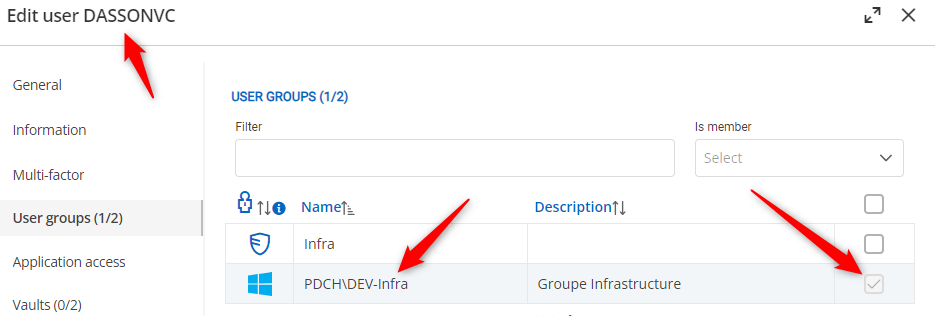
If the setting is not good, the check box is empty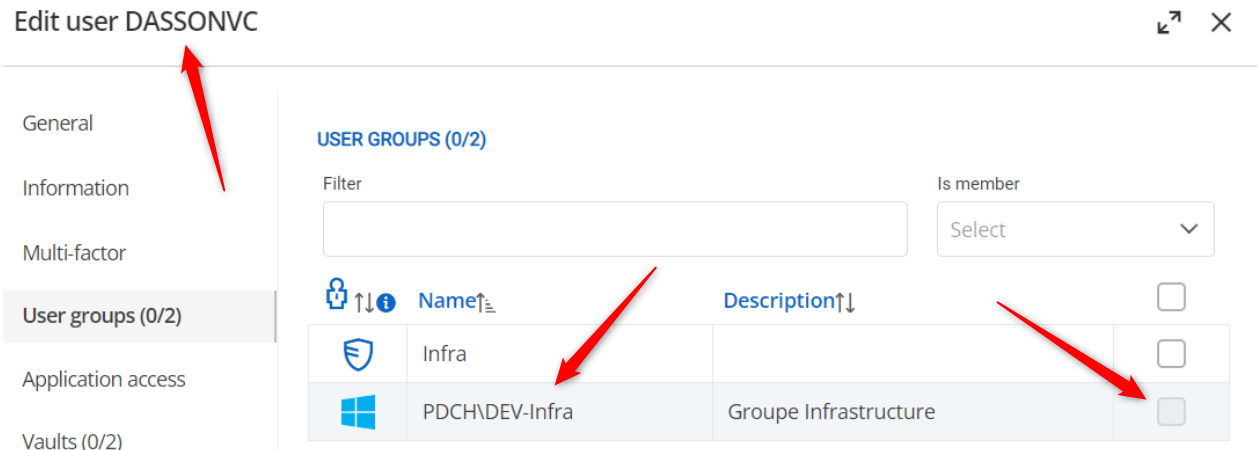
Regards
44dbdcc8-8ffc-4cc1-be08-22574995dd91.png
b7f2bf28-798c-4500-b215-7fd104dbacd1.png
228c8ecd-5e79-4436-8f66-fe0d61b05af6.png
Hello,
Thank you for your feedback.
DVLS automatically resolves the user group membership. So, if the option you use doesn't gather the user group membership, it's normal that the box is empty.
Have you tried the LDAP strategy?
What Domain functional level is set on your domain? You can get it from the same DVLS domain diagnostic tool by selecting Get domain properties. Make sure to hide sensitive information. Only the Domain Mode Level information is relevant.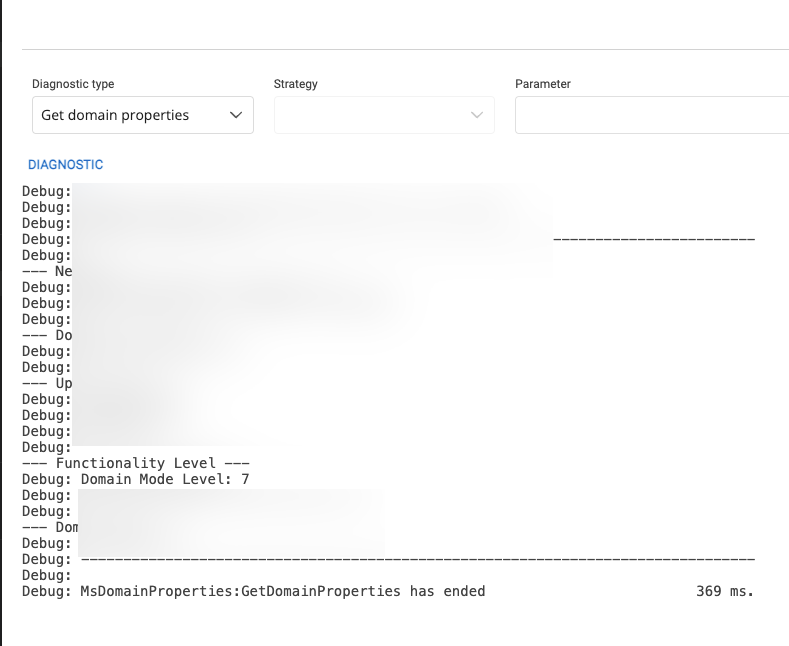
Best regards,
Érica Poirier
ffb7b462-0901-4064-8d35-5574987365eb.png
Hello,
DVLS version : 2024.3.7.0, AD version 2016
The domain level is 7 :
Tests with LDAP strategy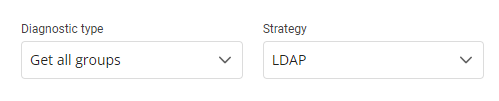 result
 --------------------------------------------------
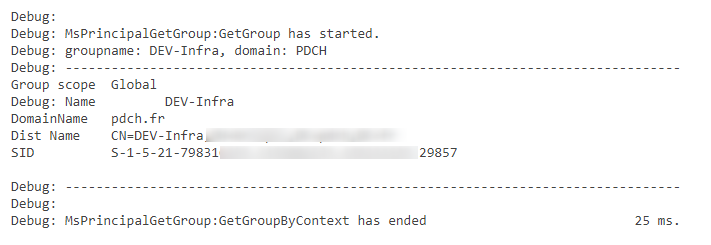
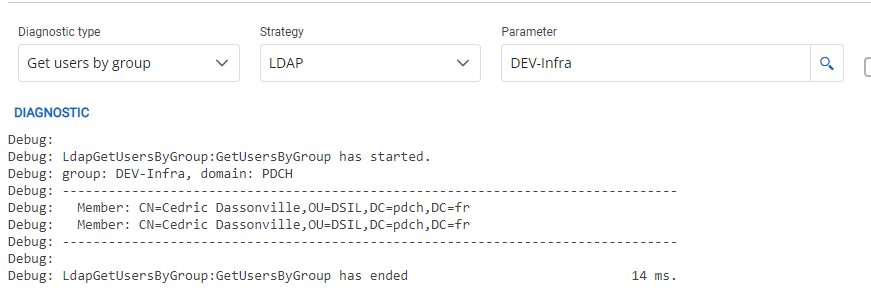
Regards
67b99ed2-f33e-4fe4-9f0d-fd1d602a915d.png
65acfa29-1702-4b92-9735-8b33a9ea6ebb.png
b6dd6493-8b91-42e6-a3e1-2c95188f2eee.png
fa367ba5-125f-4f25-a8e9-803ac72ef2da.png
2b046801-8ebc-4d9b-8c4c-0b6f52044d53.png
1e9fb4c8-7cde-425b-8e41-94e78c4ec244.png
Hello,
Thank you for your feedback.
If it's working properly with the LDAP strategy, make sure it is configured as this in the Domain Advanced settings, as shown in step 12 of this article.
https://docs.devolutions.net/server/kb/troubleshooting-articles/domain-group-not-retrieved/
Best regards,
Érica Poirier