DVLS: Refresh Security Dashboard

DVLS: 2024.2.10.0
Hi All
It seems that the Security Dashboard is not up to date:
Only 3 Administrators available:
Azure Settings: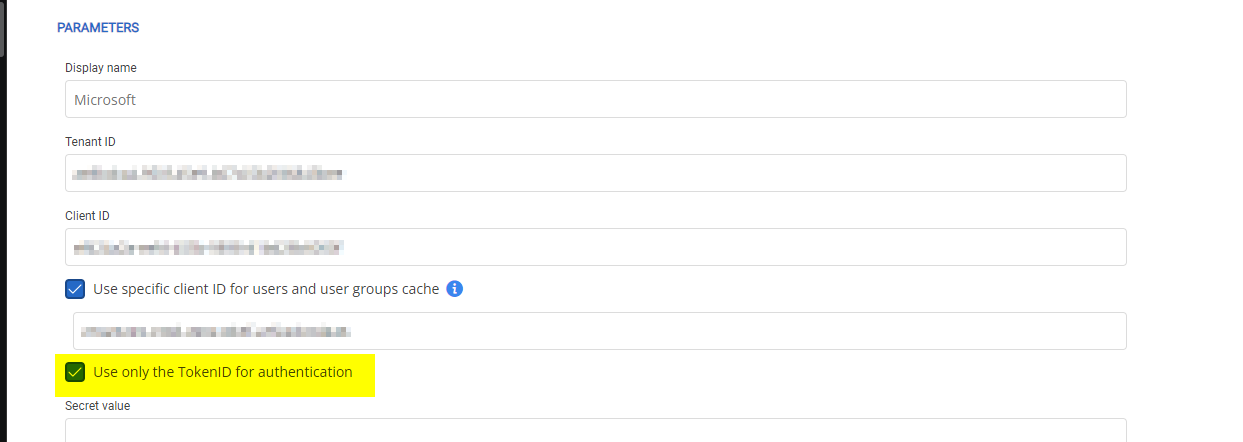
Trying to refresh the Security Dashboard with the upper right Refresh Icon doesnt work.
How can i refresh the Security Dashboard?
Thanks,
Andreas
f5b391e0-5fe2-49aa-9a1e-87e46808364c.png
a457c595-5955-4e11-a9da-f33647da622d.png
5d7943f0-c1cd-4f27-a098-c189f648aeff.png
All Comments (3)
Hello Andreas,
Thank you for reaching us for that issue. Would it be possible that you have a user group with administrator rights ? 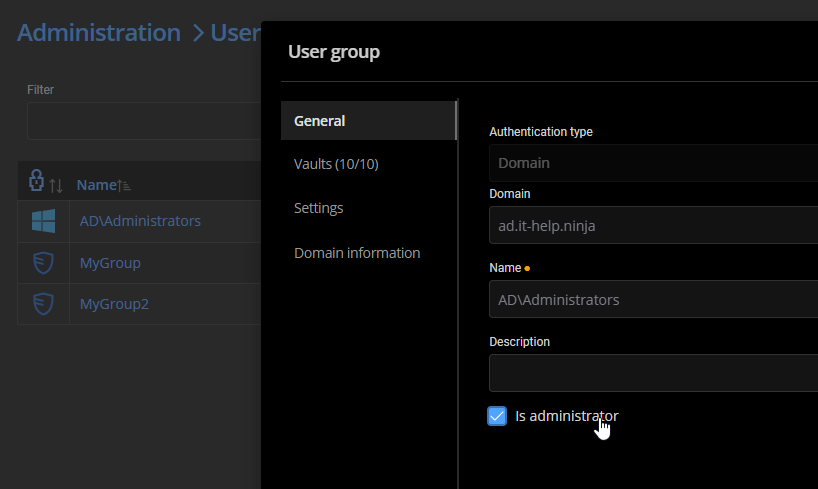
It could explain why we detect more than 5 administrators, but in the user list, we show only those with administrator assigned directly to the user.
And the option "Use only the TokenID for authentication" should not be used. If you are configured with Microsoft authentication since a while, you probably have that option. But we recommand to remove it and validate the authentication token with Azure on a regular basis. You can follow steps here to configure it correctly : https://docs.devolutions.net/server/kb/how-to-articles/azure-portal-configuration-guide-microsoft-authentication/
Let me know if that helps.
Best regards,
François Dubois
352e8a11-32ac-4986-9c9a-869ba50741a6.png
Hi Francois
Thanks for clarification.
Looks like i missunderstood the TokenID Option.
And yes, there is an Administrator Group which i forgot.
But why arent Users declared as Administrators when theyre in this Group?
Best Regards,
Andreas
Hello Andreas,
The goal of the Administrator column in the user list is more to show the user type of the user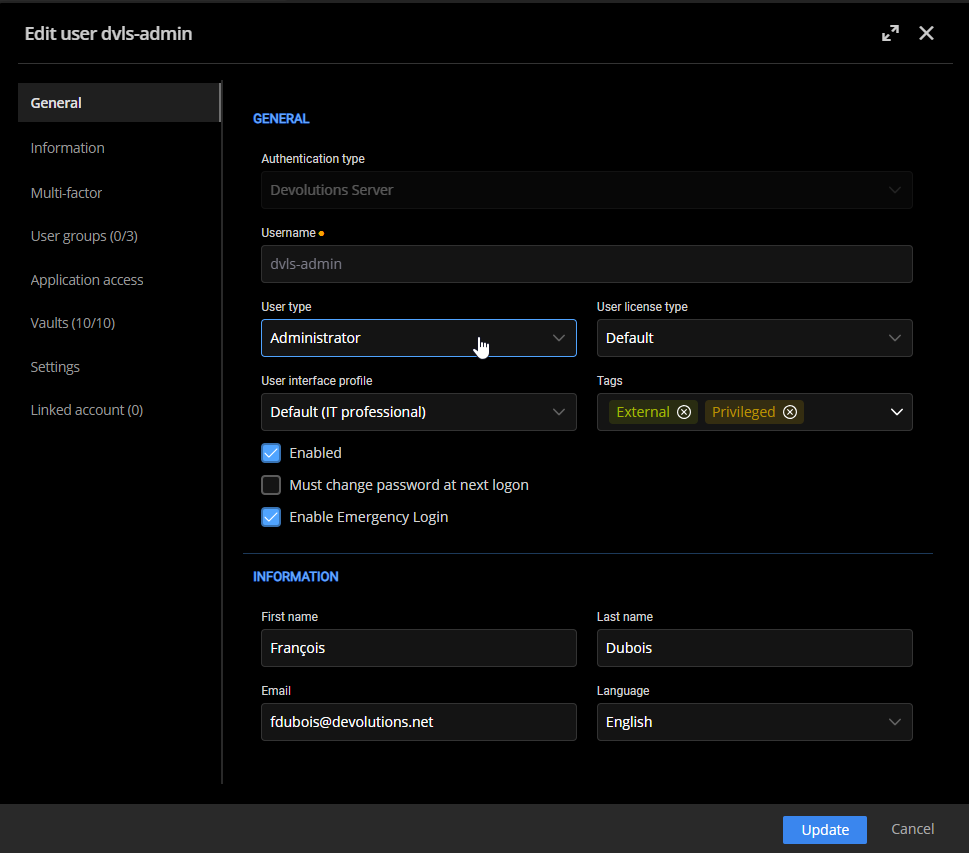
But we should probably add a report to list all administrators in the installation, including all users from groups. Could it help in your situation ?
Best regards,
François Dubois
9cc94688-ed2c-4d8b-b5c1-d61baceee9d6.png