Inherit host, Variable resolving and Devolutions Password Manager credential matching
Inherit host, Variable resolving and Devolutions Password Manager credential matching

Hi
This should perhaps have been split up in multiple threads, but since it's all connected, I start off with this one.
Data source: DVLS 2024.2.10
RDM: 2024.2.21
The configuration is as follows, shown from RDM point of view, as from there the connection works.
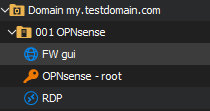
Folder structure:
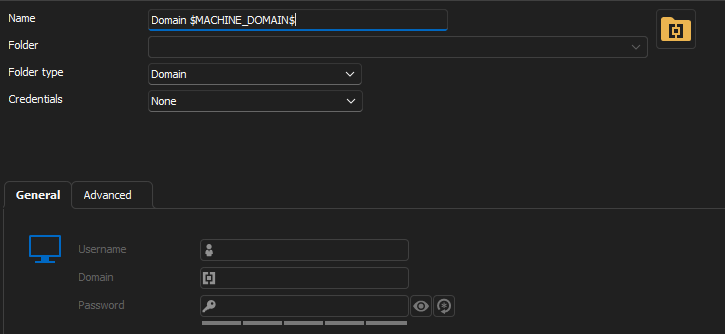
Domain folder configuration:
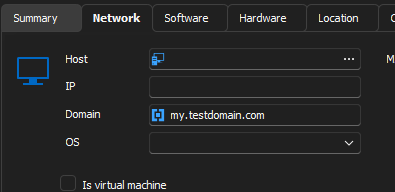
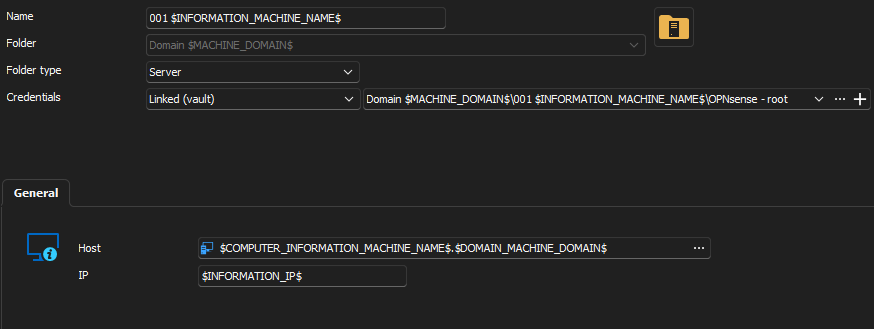
Server folder:
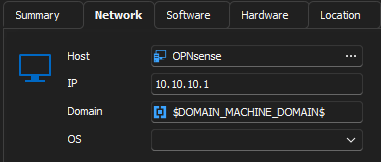
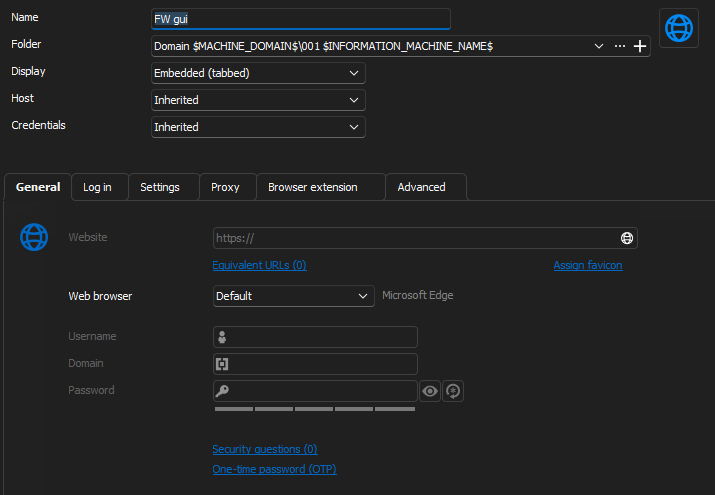
Website entry:
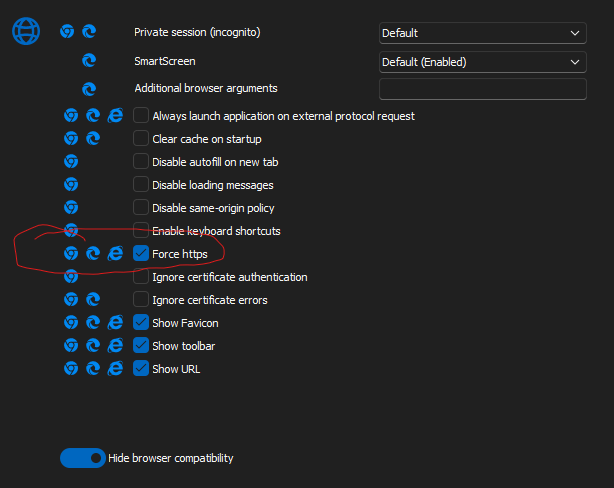
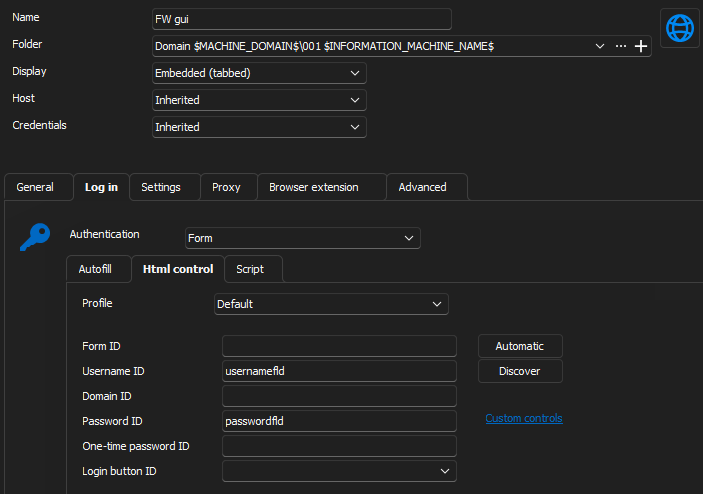
As I'm not entirely sure on how "workspace" works inside RDM, I have also filled out form, so that RDM can insert the username and password.
The issues, starting from the top level of my folder structure:
Domain folder:
Since the Domain folder type doesn't have it's own "domain" input field but uses the Credentials domain field I can't utilize the "$DOMAIN_DOMAIN$" variable as I don't have 1 set of credentials working for the whole "domain" since this is not a Active Directory domain but just kind of a name of the VLAN.
Instead I use the Asset -> network -> domain which isn't totally wrong, but I don't really have an asset with that domain since it is more of a logic naming, so for me, it could be perfect that I could define the domain on the General tab. Maybe leave the domain input field writable even though the credentials is set to NONE.
Server folder:
In RDM:
Everything seams dandy:
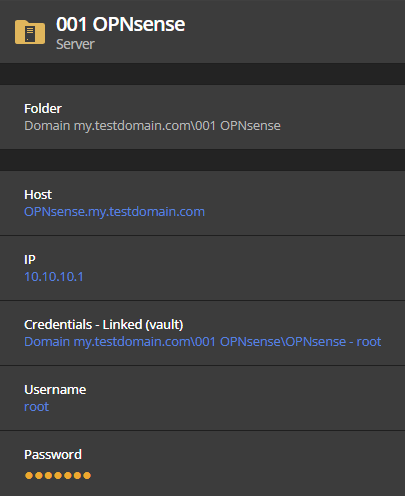
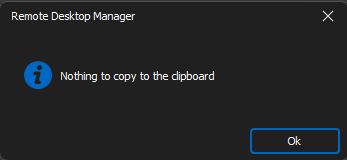
But if I click on the Host or IP or the 2 copy buttons next to them, I get:
In DVLS Web:
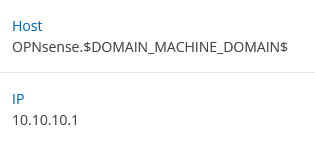
It can look up the $COMPUTER_INFORMATION_MACHINE_NAME$ but not the $DOMAIN_MACHINE_DOMAIN$.
Feature request, copy buttons to Host and IP also?
In Workspace for Windows:
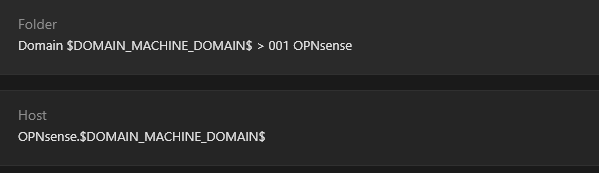
Same issue with variables, but the copy function works.
The Website entry itself:
From RDM:
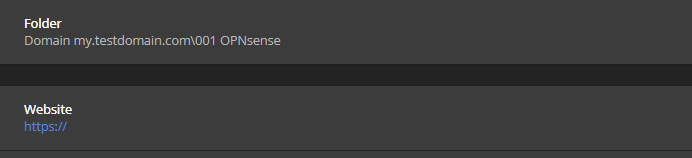
It seams that the "host" entry isn't inherited to the Website property. (Which is the same for all products, hence, in my setup, it's an DVLS issue, hence the reason to post it in this forum :)
From DVLS web:
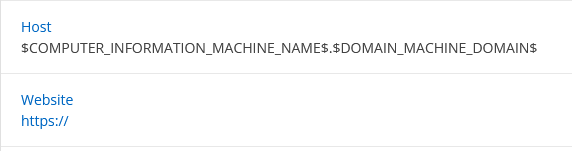
No variables are resolved, and the website is also empty.
From Workspace for Windows:
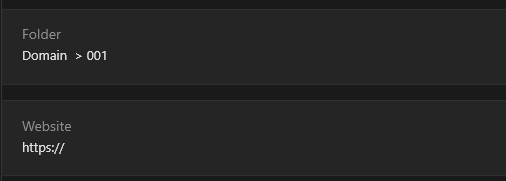
Variables is resolved, kind of, but to empty string it would seam. and still the missing website.
From Workspace from Firefox add-on:
Firstly the entry isn't found, probably going back to the missing website property.
Secondly, if I search to the entry:
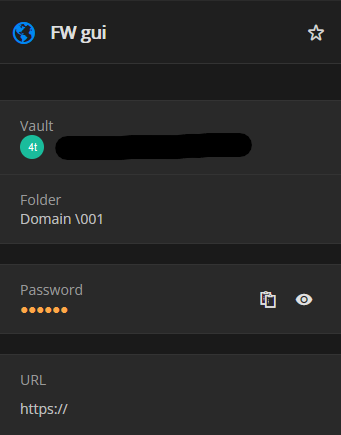
The folder's variables are also resolved, or dissolved into thin air. And of cause the URL.
It might only be a few bugs, and I don't know if I have made it look like 700 big issues, but it is just to be as informative as possible, to give you the best insight to resolving this :)
Regards Lars
Remote Desktop Manager connected with Devolutions Server running newest versions.
------------------------Signature------------------------
Sorry if any of above sounds harsh or provoking, it is NOT meant as such, but I have Asperger's and don't always know.
My intentions is always to be friendly.
-------------------------------------------------------------