SSH connections not working

Hi,
Since the previous update all SSH connections stopped working.
When I hit the connection button nothing happens.
When running the profiler I can only see this.
I can see this error in the Main thread (UI)
----------------------------------------
Silent: System.NullReferenceException: Object reference not set to an instance of an object.
   at Devolutions.Protocols.Xterm.SetTerminalFont()
   at Devolutions.Protocols.Xterm.GraphicsInit()
   at Devolutions.Protocols.XtermSsh..ctor()
   at Devolutions.Protocols.XtermSshContainer.CreateTerminal()
   at Devolutions.Protocols.XtermContainer..ctor()
   at Client.Views.Embedded.EmbeddedXtermView..ctor(EmbeddedConnectionResult result)
   at Devolutions.RemoteDesktopManager.Business.Connectors.EmbeddedSshTerminalConnector.CreateFrame(EmbeddedConnectionResult result)
Version 2024.2.3.1
Xterm is installed and working.
Also, downgrading doesn't work. The program crashes at launch.
Screenshot_2024-08-30_08-25-43.png
Screenshot_2024-08-30_08-26-02.png
All Comments (5)
Hello,
Could you please take a screenshot of the settings found under SSH Terminal -> Terminal -> Display in your entry's properties?
I think we've already encountered this problem before. For now, try overriding your font and colors in your entry's properties and click "Restore defaults" to fix it.
Regards,
Simon Duguay Létourneau
Hi Simon,
Sure.
There's no difference if I use default or override. Reset to default also doesn't help.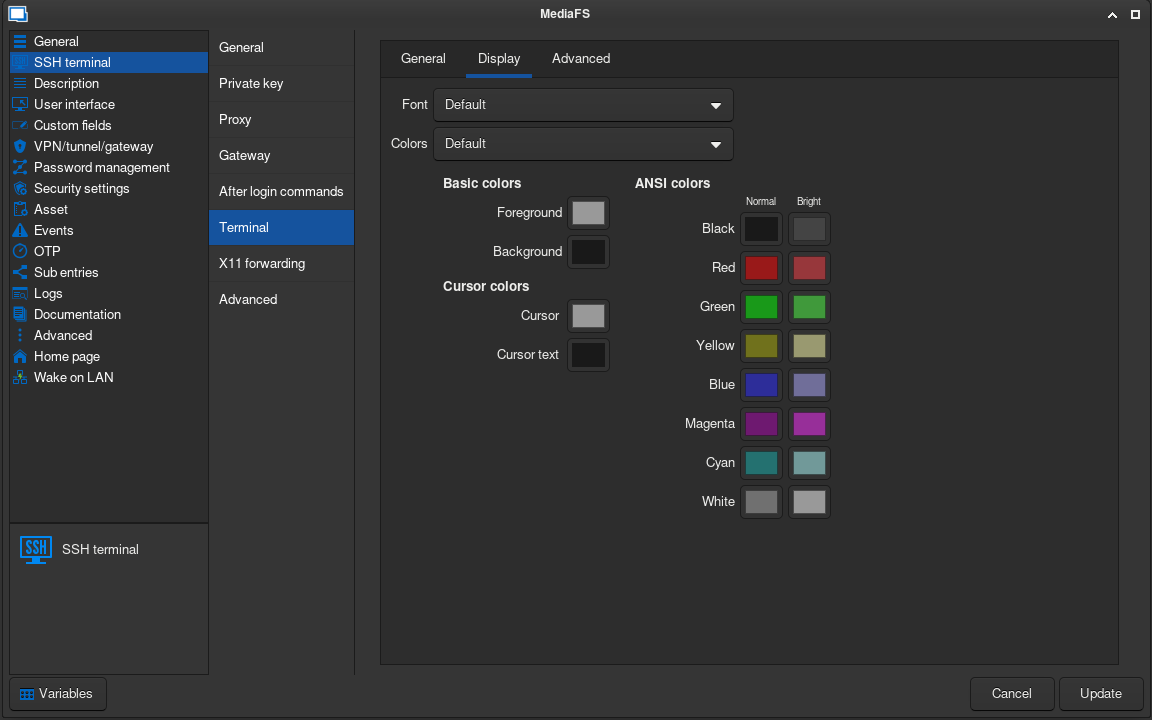
Screenshot_2024-08-30_18-15-27.png
That's strange. What is your default font in File -> Settings ?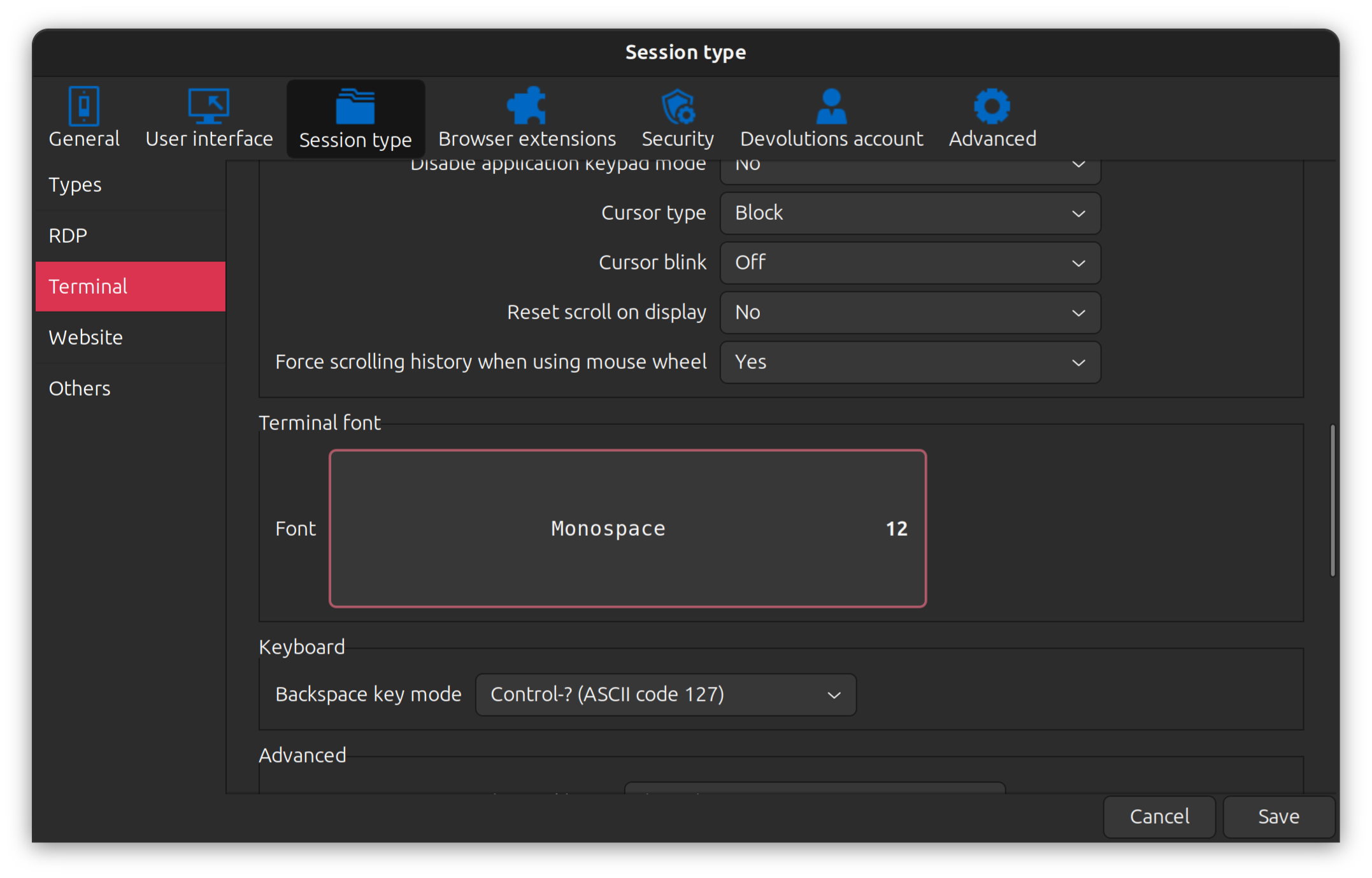
Simon Duguay Létourneau
73a8d5c3-b7e0-4f52-91a2-4dfad92c0ad4.png
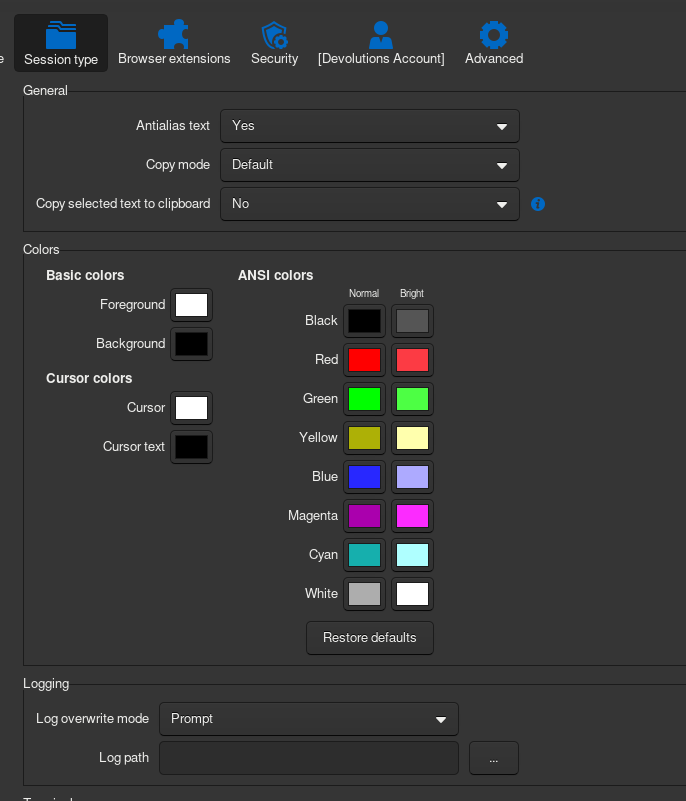
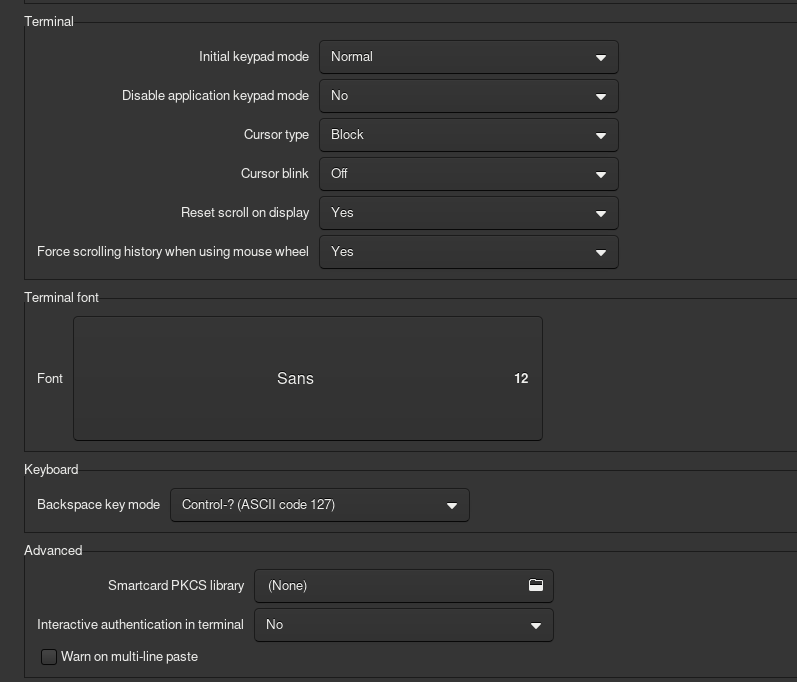
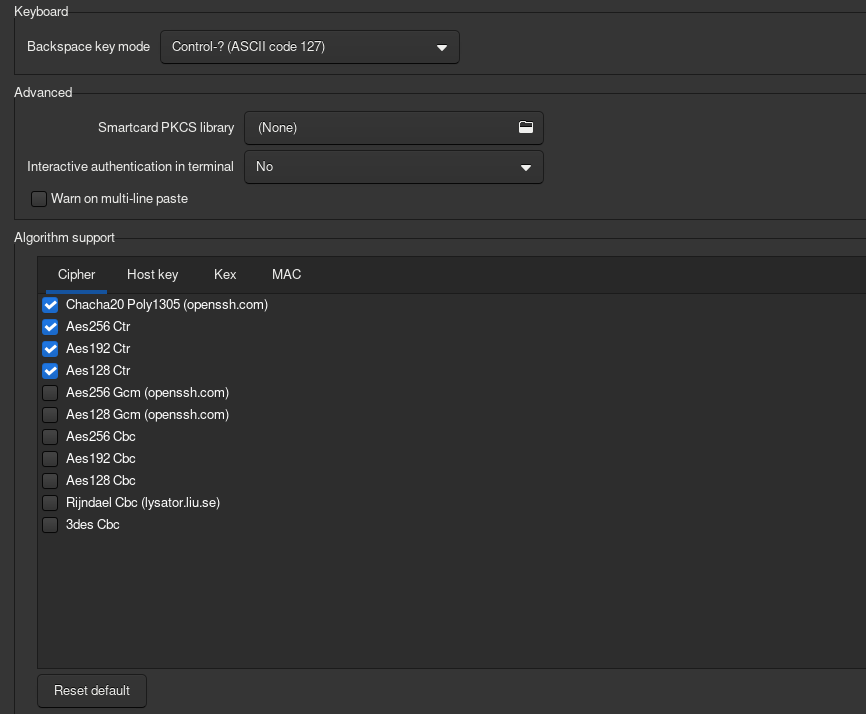
Screenshot_2024-08-30_19-20-58.png
Screenshot_2024-08-30_19-21-22.png
Screenshot_2024-08-30_19-21-35.png
Hello paunovr,
We have just released a new version of RDM Linux (2024.3.1.1). Could you please let us know if you are still experiencing the issue?
Regards,
Gabriel Dubois