SSO - Could not connect user to DVLS

Hi all,
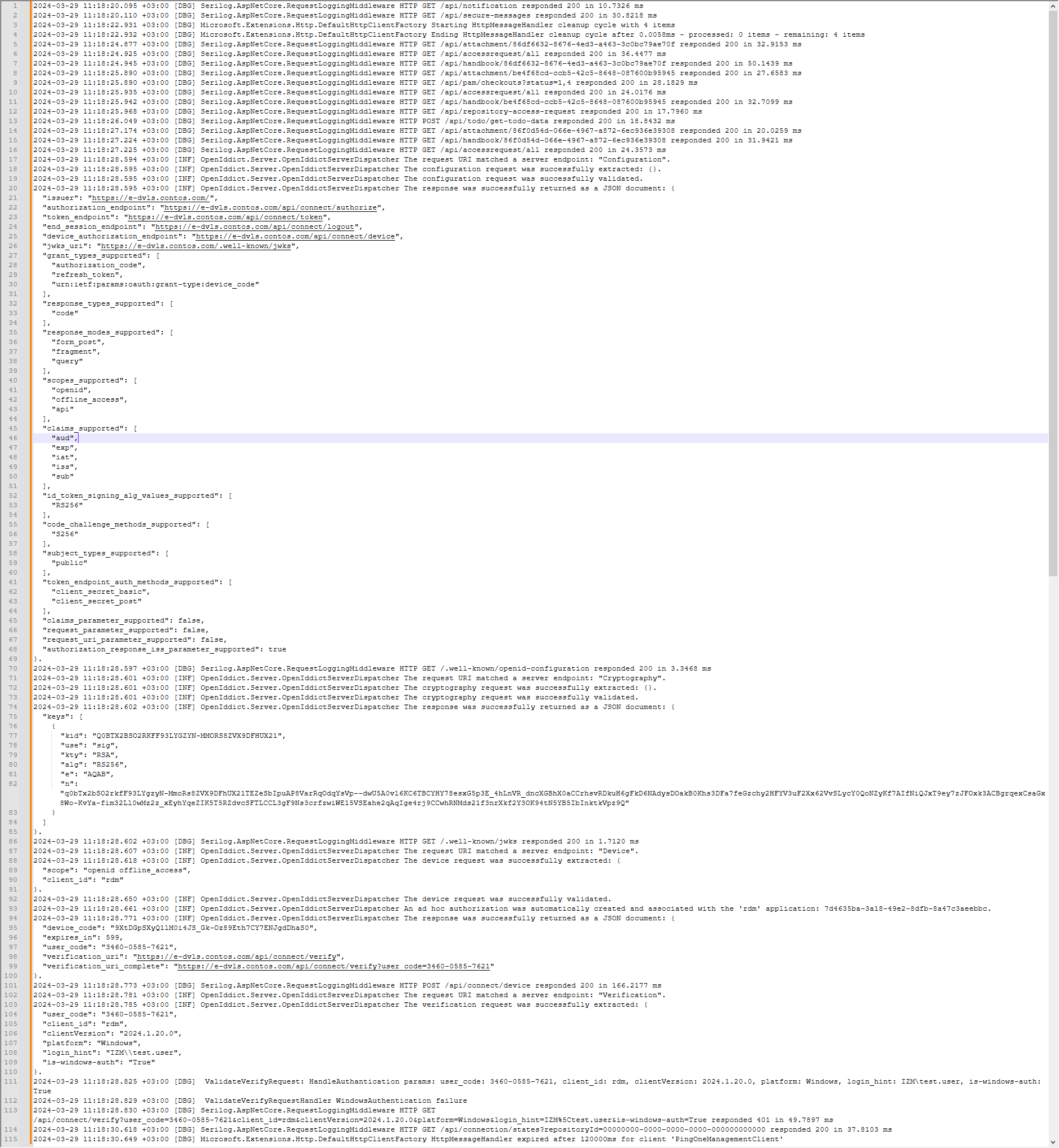
I am trying to enable SSO with Active Directory on DVL Server. When I select the authentication method as SSO in the client program, I get the error "Cloud not connect current user to DVLS. Please see DVLS logs for more datails". When I looked at the logs, the error "ValidateVerifyRequestHandler WindowsAuthentication failure" caught my eye. I checked the necessary settings for SSO as in the instructions. If I enter the user information manually, I can log in without any problems. What could I be missing?
https://docs.devolutions.net/kb/devolutions-server/how-to-articles/configure-windows-authentication/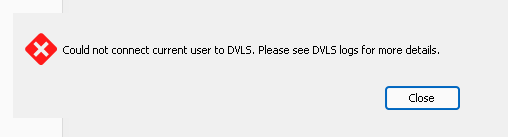
03fe4de9-f480-47a9-81c5-6ee2cfae327c.png
04e77a0e-70c6-4865-8a7e-2e88f80df10d.png
All Comments (3)
Hello,
Thanks for reaching out!
Assuming you followed the article, this may be caused by the feature delegation not reaching the site.
Would it be possible that your DVLS Server is not on the domain you're trying to authenticate to?
We may need more the rest of the logs, the first failure could be part of the normal workflow.
Thanks for keeping us posted.
Best regards,
Alex Belisle
Hi Alexandre,
The DVLS server is included in the domain. After thinking about it for a while, it occurred to me that I had made a hardering on the AD side. I will set up a clean test environment and repeat the process step by step. Still, if there is a way to increase the debug level and allow me to see the real problem in the log, I would like to know.
Hello,
At the moment, the dps_Main.log file is pretty much the most complete log we're filling.
Very often we'd start with the DVLS App Logs (https://kb.devolutions.net/dvls_viewdatasourcelogs.html) while the log debug information are enabled, but the advanced logging is in the DPS_Main.log.
You could resort to AD auditing directly if needed.
The "ValidateVerifyRequestHandler WindowsAuthentication failure" may be expected, but the rest of the logs will provide us more accurate information...
Thanks for your cooperation.
Best regards,
Alex Belisle