Database LoginHistory increases nonstop

Devolutions.Powershell Module 2023.2.0.6
DVLS 2023.2.6.0
Hi All
It seems that our Database Table LoginHistory explodes and it looks like that there something adds very much Entries for the specific App User in Table LoginHistory:
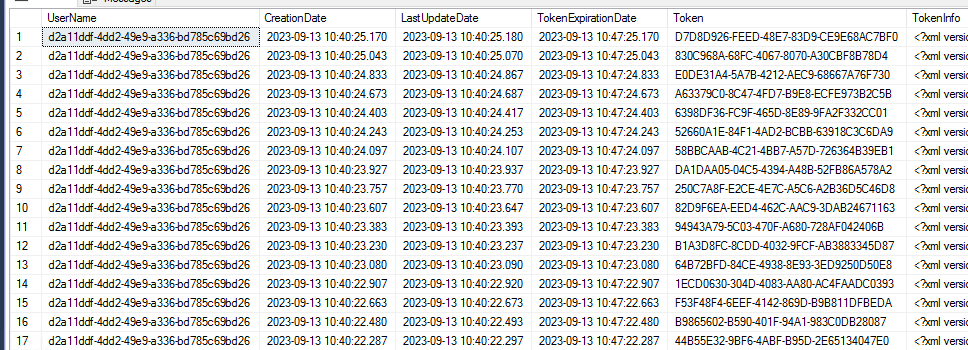
Currently there are more than 540k Entries for the Powershell App User: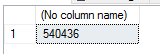
There are some heavy growns since 2 Days: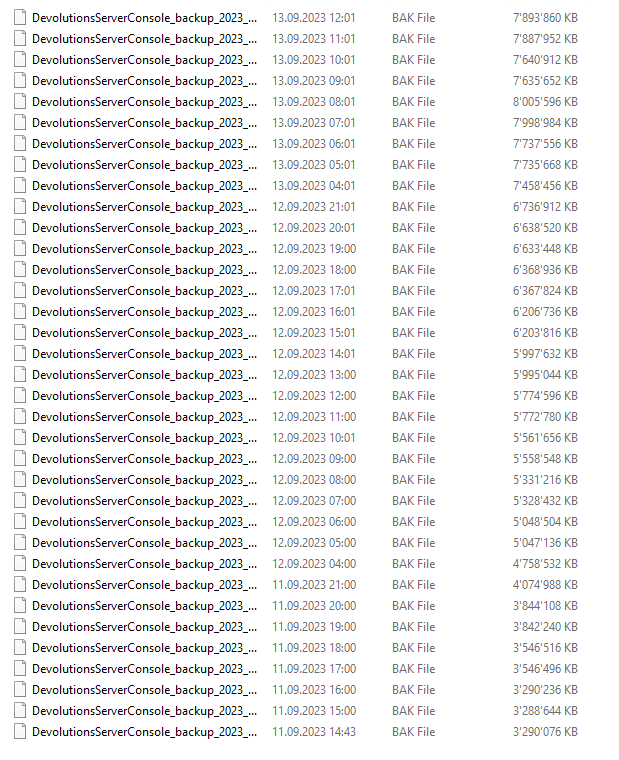
DB Recovery Model is set to Simple, not Full.
What i changed: I have update Devolutions.Powershell Module to 2023.2.0.6 (before i had something like 2023.1....).
Is there a known Issue for that?
Is there a Way to clear the LoginHistory without DELETE Statement directly in Database?
Currently it seems that the Growing has stopped. But im investigating further to figure out which Script causes those Entries.
Thanks and best Regards,
Andreas
6a26aa63-286a-47a6-bcae-ee484c1c5ad1.png
3e269efa-d48c-4159-bb04-9952e60691b2.png
87b624bf-c4fd-4551-8944-213c5a46b3f3.png
b5095cb9-b2b8-4a66-b713-3990460ae175.png
All Comments (3)
Hello Andreas,
Thank you for reporting this problem. We will try to reproduce this issue and get back to you.
In the meantime, you can enable the Cleanup Logs feature and specifically set custom parameters for the Login history table.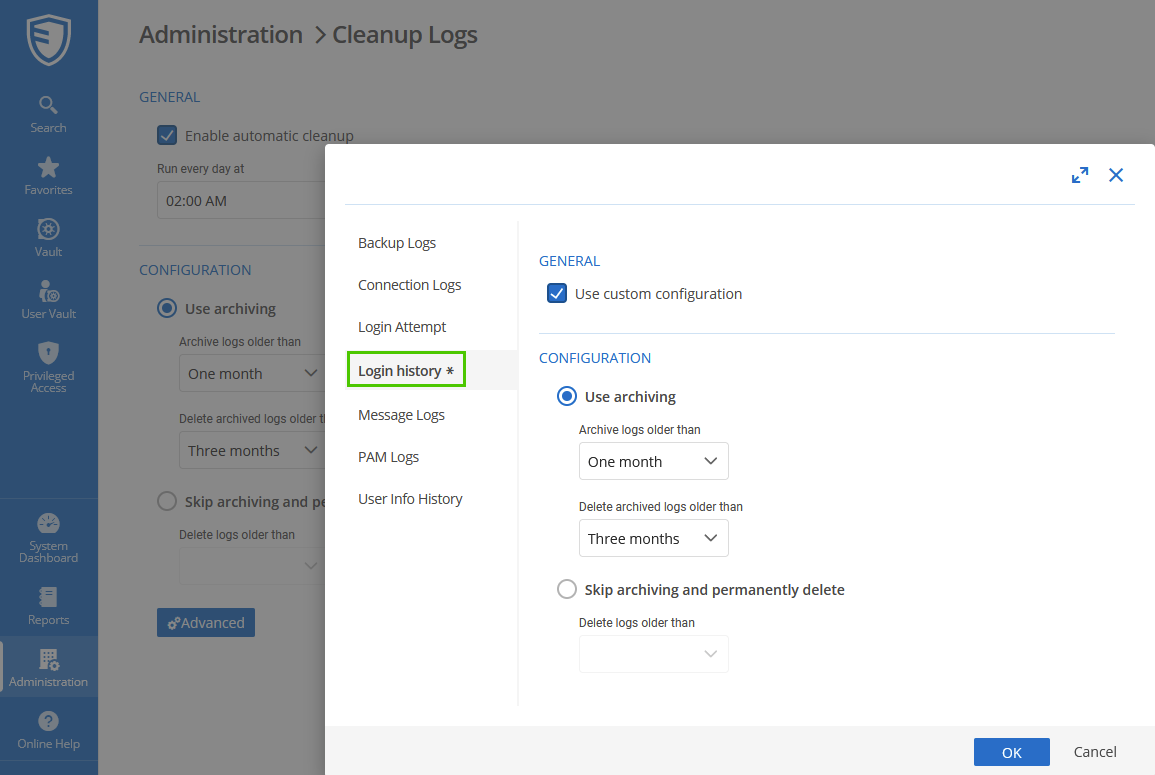
Best regards,
Érica Poirier
298b5d57-d352-4c52-b4ee-dcc5b8901371.png
Hi Erica
Is it possible to remove the LoginHistory Entries by specific User directly in the Database?
Im asking because the Entries are just growth within past 2 Days, so the Cleanup Logs wouldnt have a big Effect then.
Best Regards,
Andreas
Edit: I just found the Issue on our Side and will implement a fix soon (Script Side).
Edit2: Script is fixed (Session Problem with Reauth Loop due a Typo) and i just ran the DELETE statement in DB. Will shrink it soon.
Problem solved! Thank you very much and sorry for the circumstances!
Best Regards
Hello Andreas,
Thank you for your feedback, and glad you have found the root cause of these logins.
Removing the records in the LoginHistory table for a specific user is possible using an SQL query. The Cleanup Logs feature cannot delete records for a specific user only.
Best regards,
Érica Poirier