Devolutions Web Login Problems
0 vote

We have the following problems with Devolutions Web Login connected, to DVLS with a Vault with Websites Entries.
- If an URL of a site changed from https://www.xy.com to https://www2.xy.com it won't recognizes the websites entries in the vault anymore, and displays no entries. I know there is the function to add similar entries, but normalle I would just search in the window trough all entries with the name of the Website entry in the vault and use it like that. (thats also how it works in the autofill of the app) But here it seems I can't search any other entries, when they don't have the exact same URL. Is this a bug or if is by design, can this please be changed. As it makes no sense to have a search box here, which could only search in already found entries.
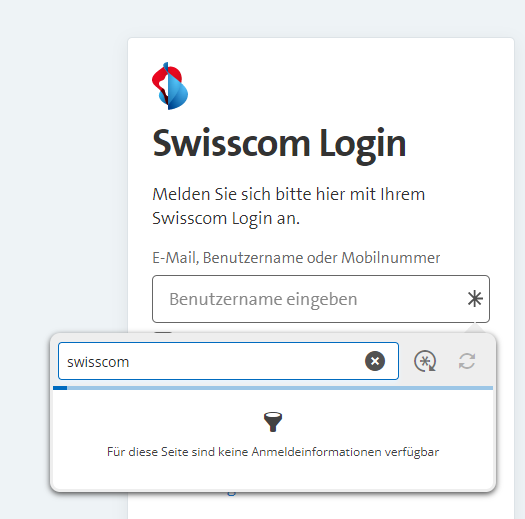
.2. When I open an entry via the App integration in the browser taskbar and say View, and after that more -> edit:
2a. First when I change just the URL and nothing else, and hit save. The password will be removed after saving. It's just empy.
2b. If I want to display the password in the EDIT dialog and hit the eye, it will open a blank page without the password: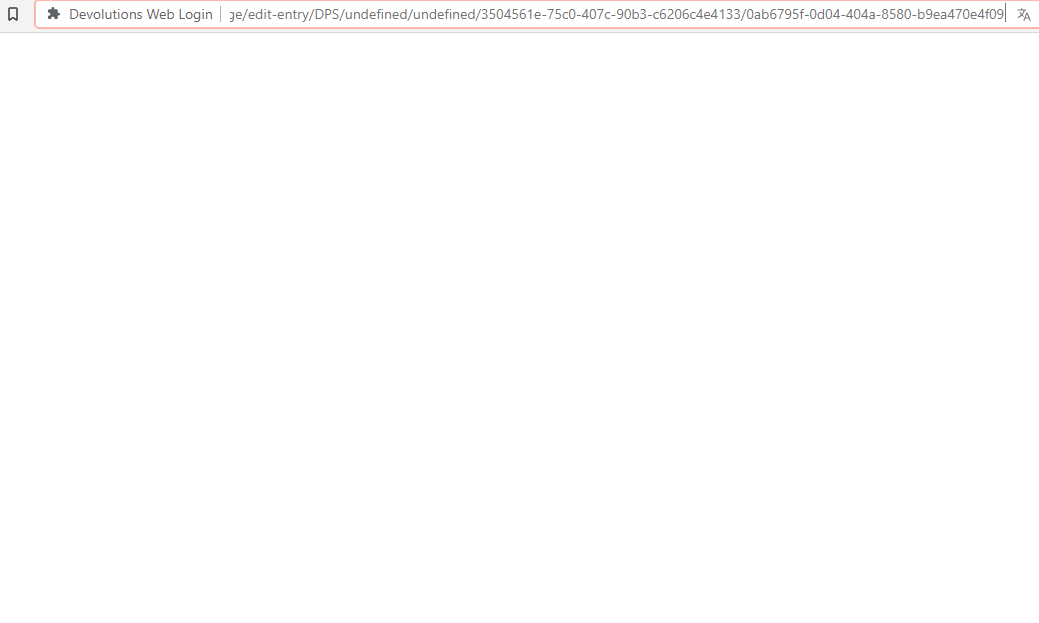
Thanks for checking.
Patrick
view-password.png
entry-search.png
All Comments (11)
Hello,
For the first point, you would need to either add the equivalent URLs, as you mentioned, or perform the search directly in the DWL entry.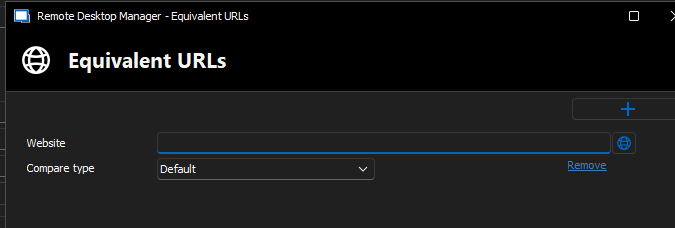
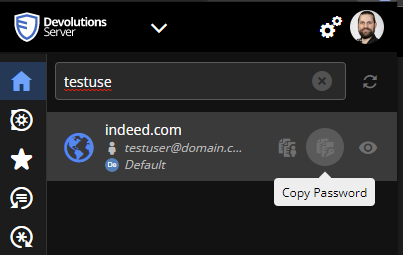
For the second point, the issue was fixed in the newest release of DWL (2023.1.6.1) that came out today, which is now available on all browsers, except Edge, since it is pending review.
Best regards,
Richard Boisvert
340b463a-b6e6-452e-a17a-2963669f91be.png
8cd36b18-dc65-45eb-8b97-4ff3134159c0.png
Hello Richard
Can I make a request to change the search behavior to search all entries instead of just the ones with the identical URL. Because if an entry has the same URL you don't really need to search for it. So it makes no to much sense to have a search there which filters for the URL again.
Also to allign the functionality, to behave like the app, which does search all entries and does not filter for the URL. Here is an example, as you can see I am on the site brack.ch but can search also for Yeastar or anything else which I could use to fill in.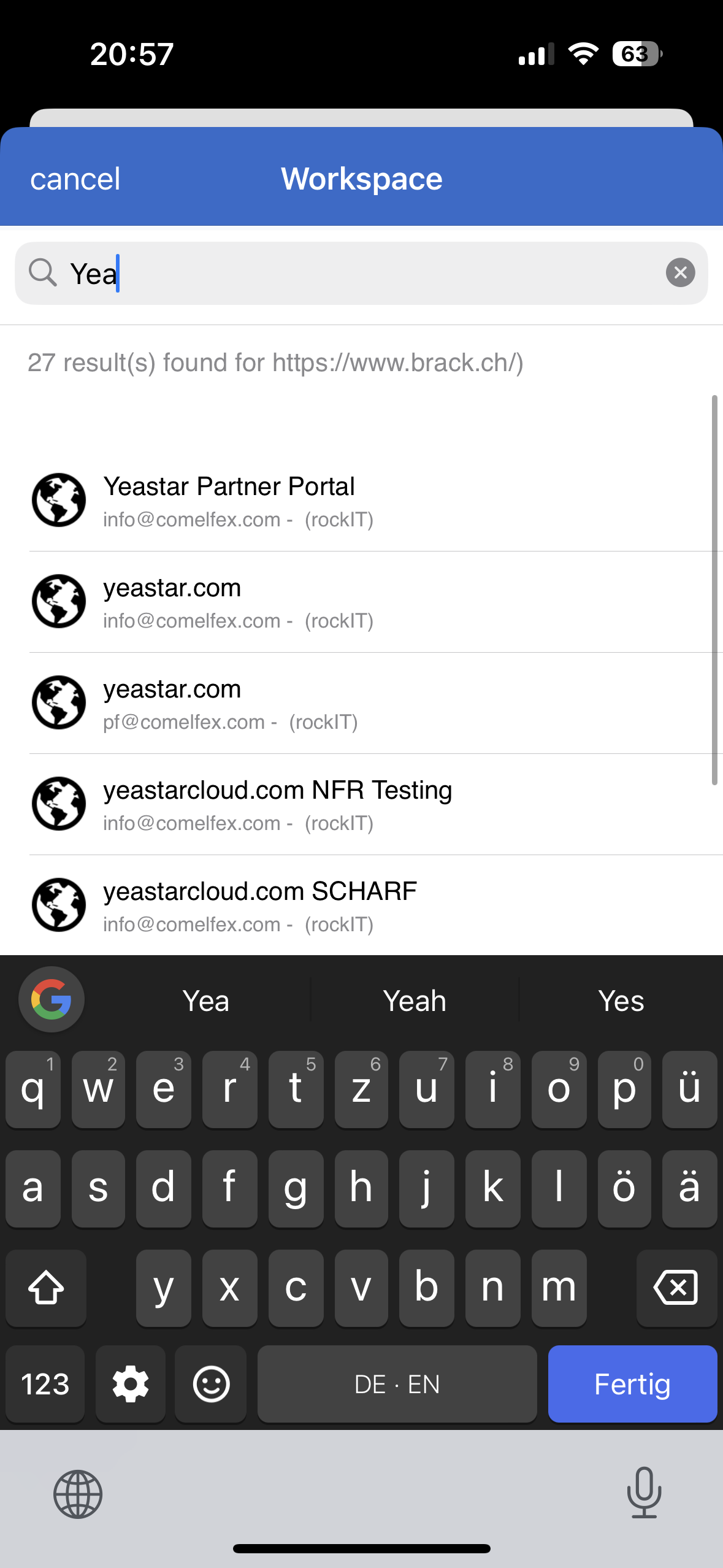
Thanks and kind regards.
Patrick
IMG_7316.png
Hello,
I have moved the thread to the feature request section.
Best regards,
Richard Boisvert
Thanks for moving. Just hope this will added rather soon as we are just moving from Lastpass to Devolutions Server (after using RDM since over 10 Years) and it would smoothen the transition a lot.
Thanks a bunch.
Patrick
Hey Richard
Is there a Devolutions Web Login "Extension" for Safari on Mac Os? Or can we use Workspace somehow with Safari?
Thanks and kind regards.
Patrick
Hello,
The DWL extension for Safari is on the roadmap, as mentioned it the other thread. In the meantime, you can already access Workspace for macOS through this link: https://devolutions.net/workspace/
Best regards,
Richard Boisvert
Hello Richard
Yes I installed the Workspace App, but I don't see how this would fill me or open my websites from it? Do I miss something? Otherwise, I just use Brave until Safari is ready.
Kind regards.
Patrick
Hello,
The auto-fill with Workspace is only available with the mobile version (iOS and Android), unfortunately. DWL must be used on your desktop to have the auto-fill on the websites, or RDM.
Best regards,
Richard Boisvert
Hi Richard
I come again for point 1 here. Some sites change their URL very frequently and always changing the entry or adding a similar is a lot of work.
In Lastpass, there is no filter when you click the search (via right click) in the browser instead of the DWL Plugin. Like that you can search all entries and fill the correct one very easily.
It does not makes sens to filter it there, when you start search as if it was not found before, it wont be displayed anyway. So it would be great to have a filter active for the matching sites, until you start entering something in the filter field. If you do that, it should start search all the entries. (Thats how Lastpass does it)
Thanks for checking, and if you need more details just let me know, and I make you some screenshots.
Kind regards.
Patrick
Hello Patrick,
Thank you for the input; I will send it to the developer in charge of the DWL extension.
Best regards,
Richard Boisvert
Hi Patrick,
Can you send us videos/images with the workflow you are describing to be sure we are looking at the same thing? Can you send them to me via “Direct Message”.
Best regards,
Olivier Désalliers