Backup failed

Hi, I tried to create a backup to a local drive and then sync it to the NAS but with an error. The directory I'm syncing to I've already set full rights for all out of desperation and still nothing.
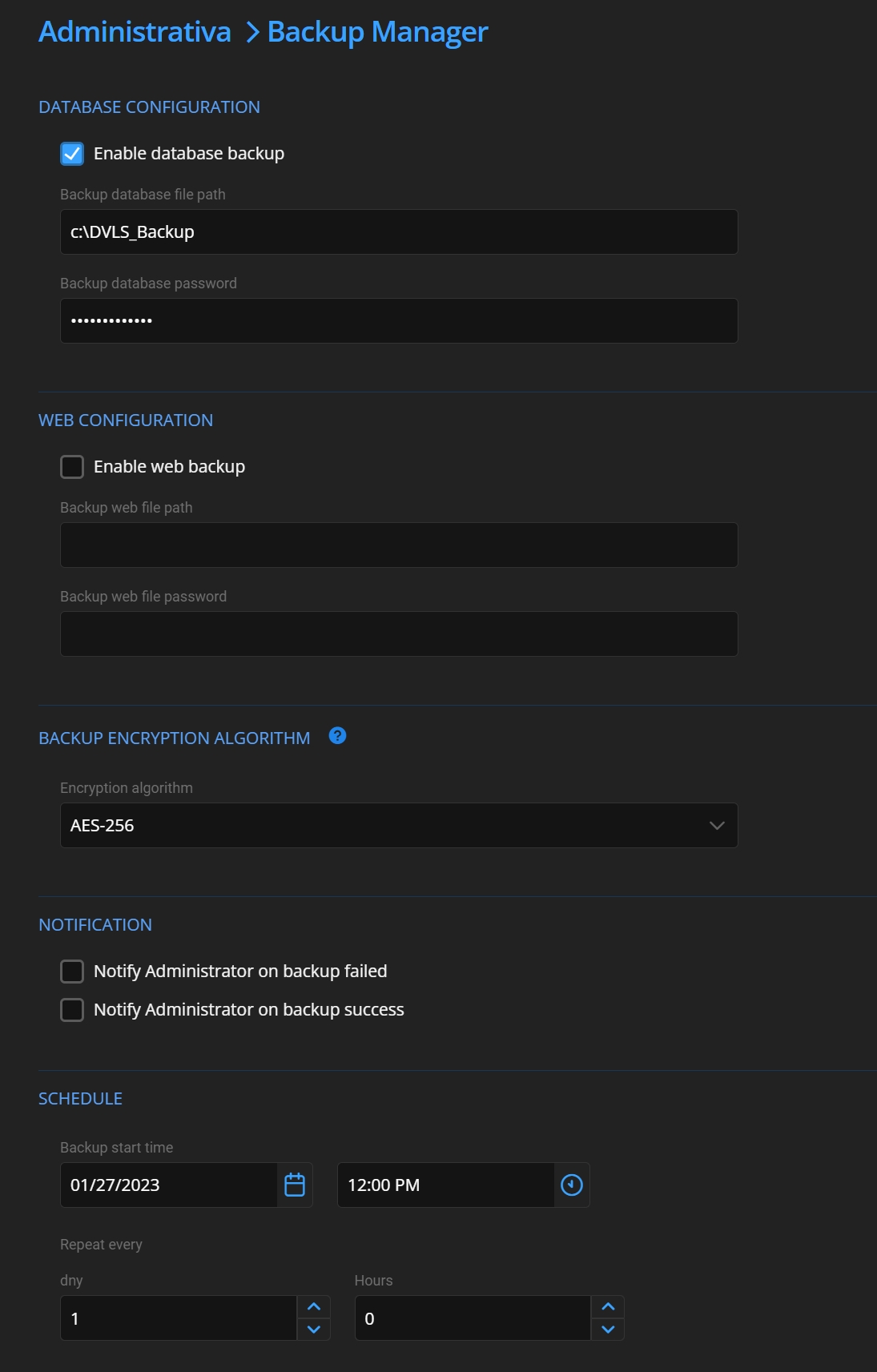
2023-02-03 11 21 36.jpg
2023-02-03 11 20 33.jpg
All Comments (6)
Hello,
Did you start the backup from the web interface, or did it run from the Scheduler? If you ran it from the web interface, it is the account that is used for the IIS Application Pool that is used, so you would need to grant the correct rights to that account.
Also, is your SQL Server on the same machine as your Devolutions Server? The backup will run on the machine that is hosting your SQL Server, but you can always reference a network path instead.
If neither of the above helps, could you export your Data Source Logs, found under Reports, and send it to service@devolutions.net. Please provide us with your version of Devolutions Server as well.
Best regards,
Richard Boisvert
Hello, thank you for info. I will try with Sheduler and give you feedback.
Ok, I will do it as you said and if I face any problem, I will message you. :)
So I still failed to start the backup. Sheduler is running. It is configured on a local disk and SQL DB is running on the same machine as the Web. I created a PowerShell script that backs up the DB and then copies it to network storage - this works but the built-in tool does not. If I run the backup from the web interface it claims that everything went fine but the backup does not appear on the disk.
Hello,
Could you try to restart the scheduler service to see if it helps?
If it does not, can you please provide us with the version of your Devolutions Server?
Best regards,
Richard Boisvert
Hello,
Also, since you are using a NAS, what path are you using? "\\" or "/" or "//"?
Best regards,
Richard Boisvert