No Icon for Devolutions Gateway

Hello support team,
I just wanted to experiment with the Devolution Gateway. For this I followed the instructions "https://helpserver.devolutions.net/dgw_dps_configuration.html".
The installation etc., steps 1 to 7 went smoothly.
My problem is that I can't find an icon for Gateway in the WebUI of the Devolution Server. Windows updates have run completely. I have already rebooted. Unfortunately all without success.
In the tutorial, the picture shows that the icon for Gateway can be found in the "Configuration" area. Unfortunately I only have "System Settings", "Server Settings" and "System Permissions".
Can you help here?
I wanted to test it in time before a license for the Devolution Gateway becomes necessary.
My environment:
Devolution Server 2022.1.9.0
Devolution Gateway: 2021.1.7
Remote Desktop Manager : 2022.1.12.0
Windows Server 2019 completely Up-2-date.
Best regards
Alex
All Comments (9)
Hello Alex,
The icon should be available under Administration. What type of license do you have for DVLS? If it is free, I believe it is not supported.
Best regards,
Richard Boisvert
Hello richard,
thanks for the quick reply.
We currently have a team license of the DVLS, but we are in the process of extending it, as we need more RDM licenses and also have some users who will use the DVLS as a password vault.
Thanks
Alex
RDM.PNG
Hello Alex,
I will check with the engineering team. In the meantime, I will PM you a trial key that you can add under Administration > Licences, it should make it visible.
Best regards,
Richard Boisvert
Hello richard,
thanks for the trail key.
I have added this to the licenses. It is also displayed correctly. As "Devolutions Gateway" - "Module".
Only unfortunately also the deposit of the license brought no improvement. Also the browser restart or private browser window, both without success.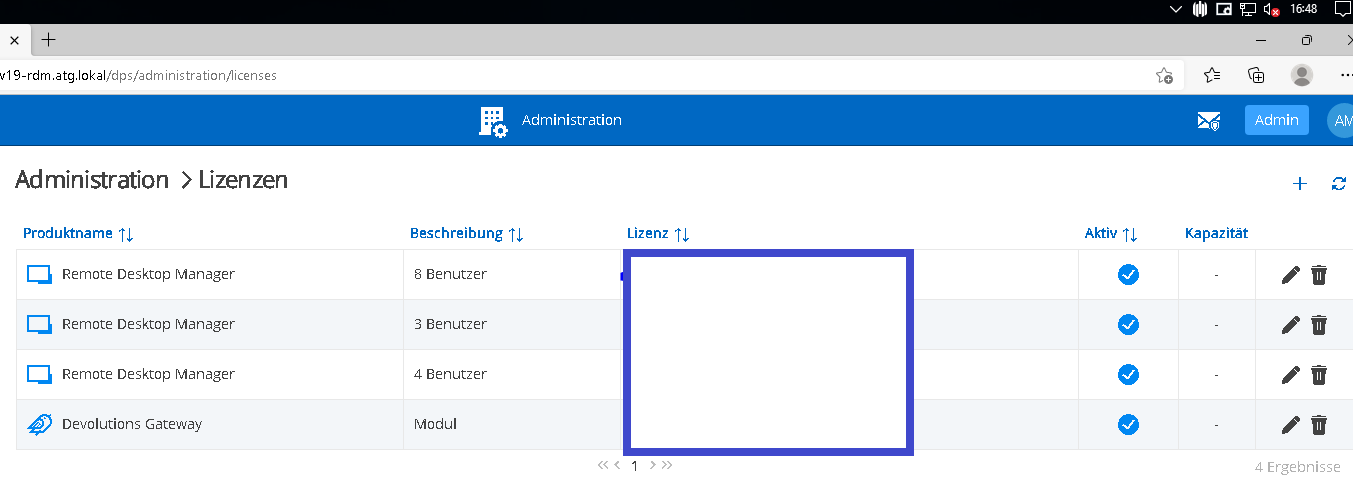
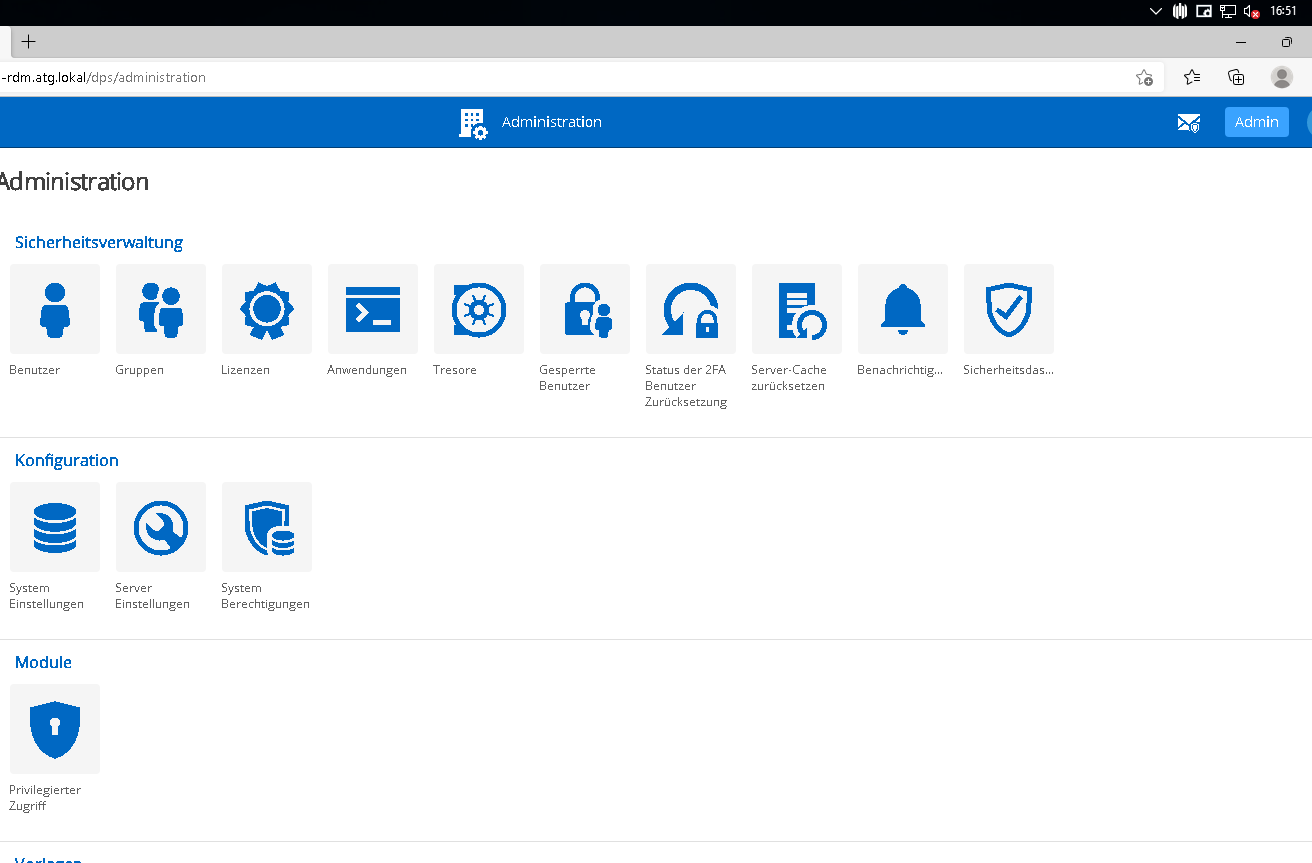
RDM-LIC.PNG
RDM-ADM.PNG
Hello Alex,
Can you head over to Administration > System permissions > Modules and check if the Devolutions Gateway is set to Disallowed? If so, changed it to Custom or Everyone.
Best regards,
Richard Boisvert
Hello Richard,
I'm sorry, but I don't have this option or this entry in System Permission.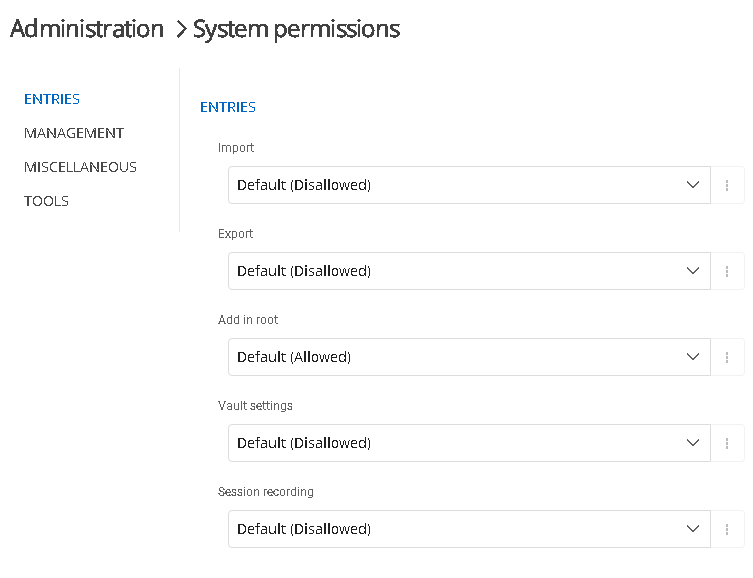
RDM-SysPerm.PNG
Hello Alex,
There is a bug with the Team license. The Gateway is supported with that kind of license, but I just changed my license to a Team one and the Gateway button disappeared from the administration. I will open an internal ticket so the engineering team can fix the issue.
Best regards,
Richard Boisvert
Hello richard,
thanks for the answer.
Good luck for the engineering team ;-)
Best regards
Alex
Hello Alex,
Just to let you know the issues with the Gateway and the Devolutions Server Team license has been fixed in 2022.1.10.
Best regards,
Richard Boisvert