Version 2021.2.0.5 - SSH Terminal Issue
Greetings!
I've updated RDM to version 2021.2.0.5 and noticed that the crtl+c, ctrl+w, ctrl+z commands aren't working on SSH terminals. It's a bug or i'm missing something?
Thanks in advance.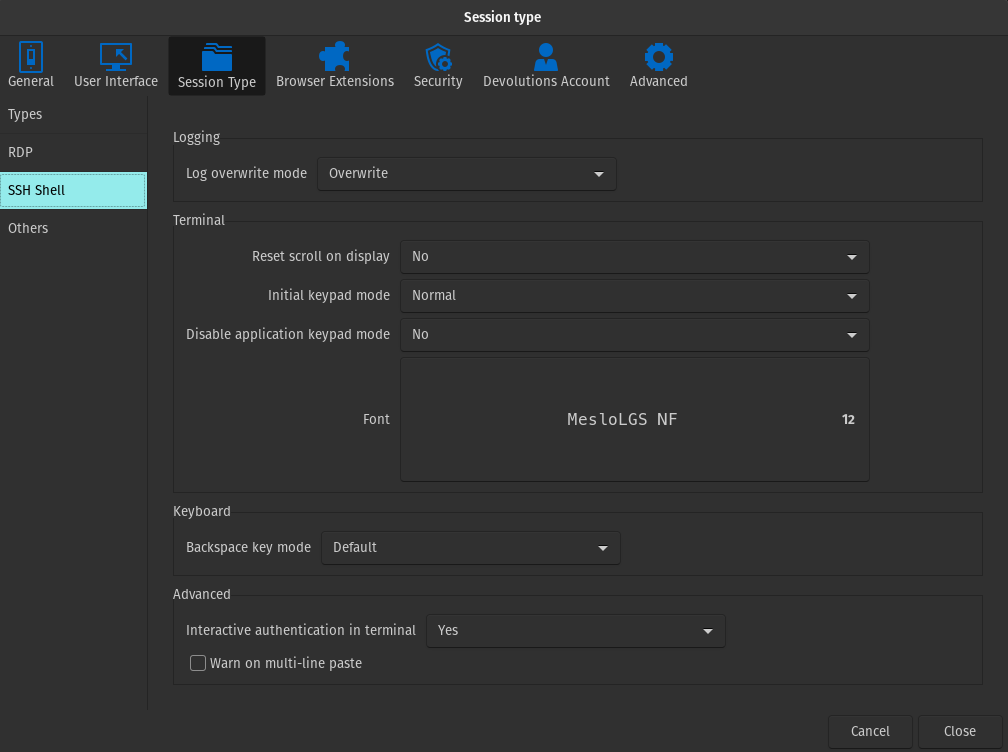
ksnip_20211011-085302.png
All Comments (9)
Hello,
It's certainly a bug. I will report it.
Regards
David Hervieux
Thanks a lot for the quick response.
I imagine that it's going to be patched on next version, so, there's some way I can download the previous version until this gets fixed?
Thanks in advance.
Looks like the previous version is still available here https://cdn.devolutions.net/download/Linux/RDM/2021.1.1.4/RemoteDesktopManager_2021.1.1.4_amd64.deb
Looks like the previous version is still available here https://cdn.devolutions.net/download/Linux/RDM/2021.1.1.4/RemoteDesktopManager_2021.1.1.4_amd64.deb
That's nice! Thanks, tmashos
This is fixed in 2021.2.0.6 which was released today

Hi, I got problem with ssh and terminal too.
As You can (or can't) see there is no cursor in mcedit. (Really cursor is on 3rd - 0 1 [2] position).
Bug or missing some lib? (Manjaro RDM Free v 2021.2.0.9 - installed via AUR)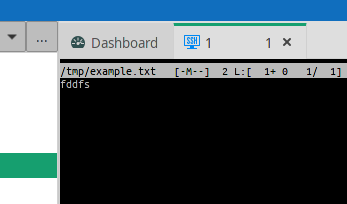
no-cursor-rdmfree.png
Hi,
Our SSH/Terminal control uses a gtktextview as its drawing area.
There might be glitches when running under KDE.
I'll have to investigate a bit
Regards
Jonathan Lafontaine
Thanks for a tip. I'll try to check this.
(I'm using Manjaro with Openbox - Mabox disto to be precise, but under KDE on Manjaro was the same issue.)
Thanks.
Mayby enable an external terminal will be workaround?
Update:
Version 2021.2.1.3 - still not working. Cursor is still invisible in mcedit. Mabox linux.