Redraw windows sessions

hello, on Windows I have no problem to do it, but on Linux (PopOS) I can't manage to move the session bars, etc.. to make the terminal window as big as possible.
Is it not possible in linux to maximize/move the terminal window?
All Comments (6)
Hi,
I'm not quite sure what session bars you are talking about.
Are you talking about the space where all the session tabs are?
Regards
Jonathan Lafontaine

sorry for my bad drawing, I hope it is now better understood, the navigation bar in Windows I can make it smaller, narrower, as much as I want, and the top bar I can get to leave a few pixels, thus having a very large RDP working window, in Linux the side navigation bar I can not make it smaller has a stop (quite large) and the top bar is also lost a lot.
The picture is from Windows, now I didn't have Linux in front of me, I hope that with the picture you can understand it better.
Hi,
You are right, Linux doesn't offer this level of customization for now.
The best way to gain space for your session in RDM Linux would be to hide the navigation pane and ribbon bar once your session has started.
Navigation Pane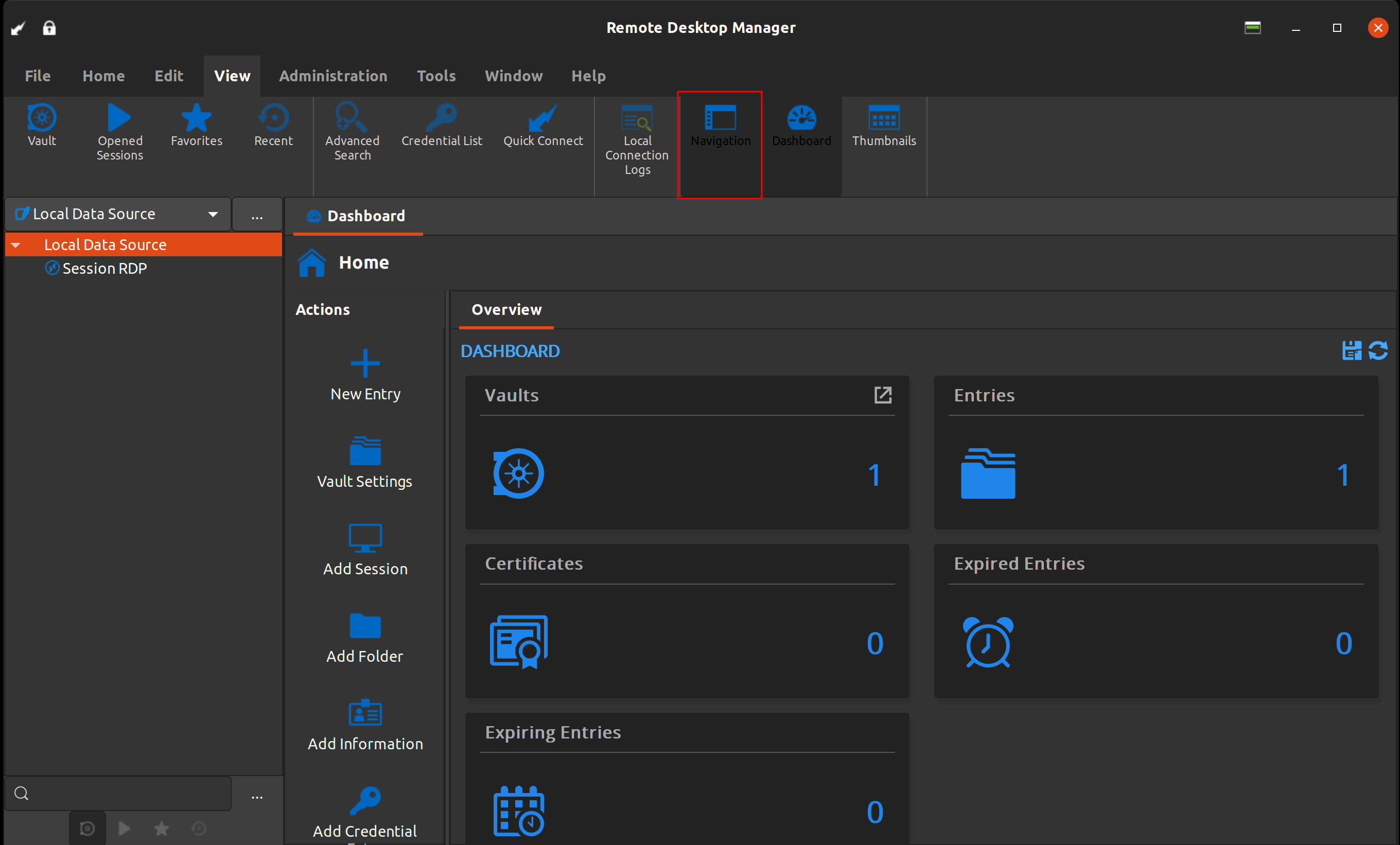
Ribbon menu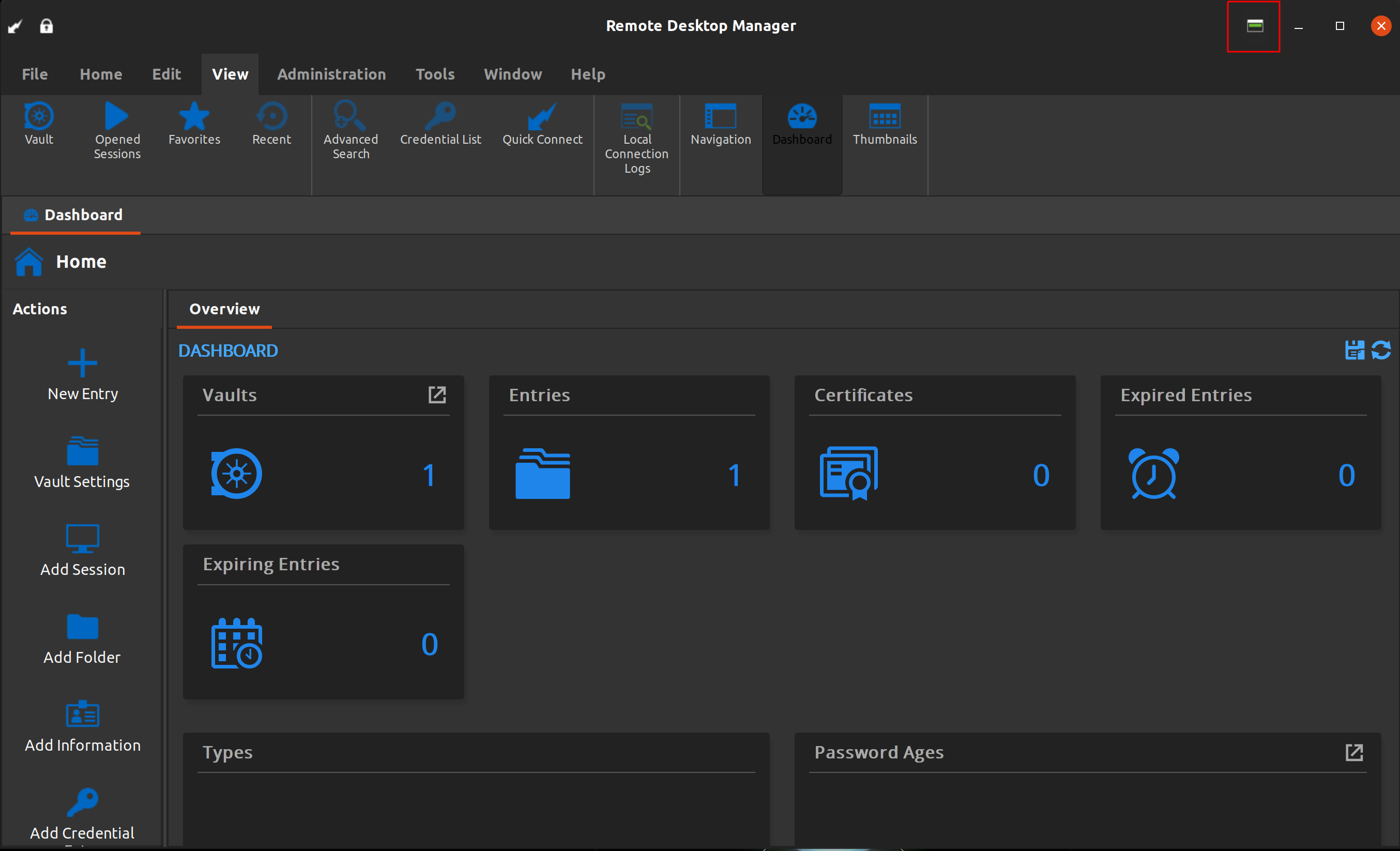
Which should leave you with only your session (almost, you will still see the session tab switcher).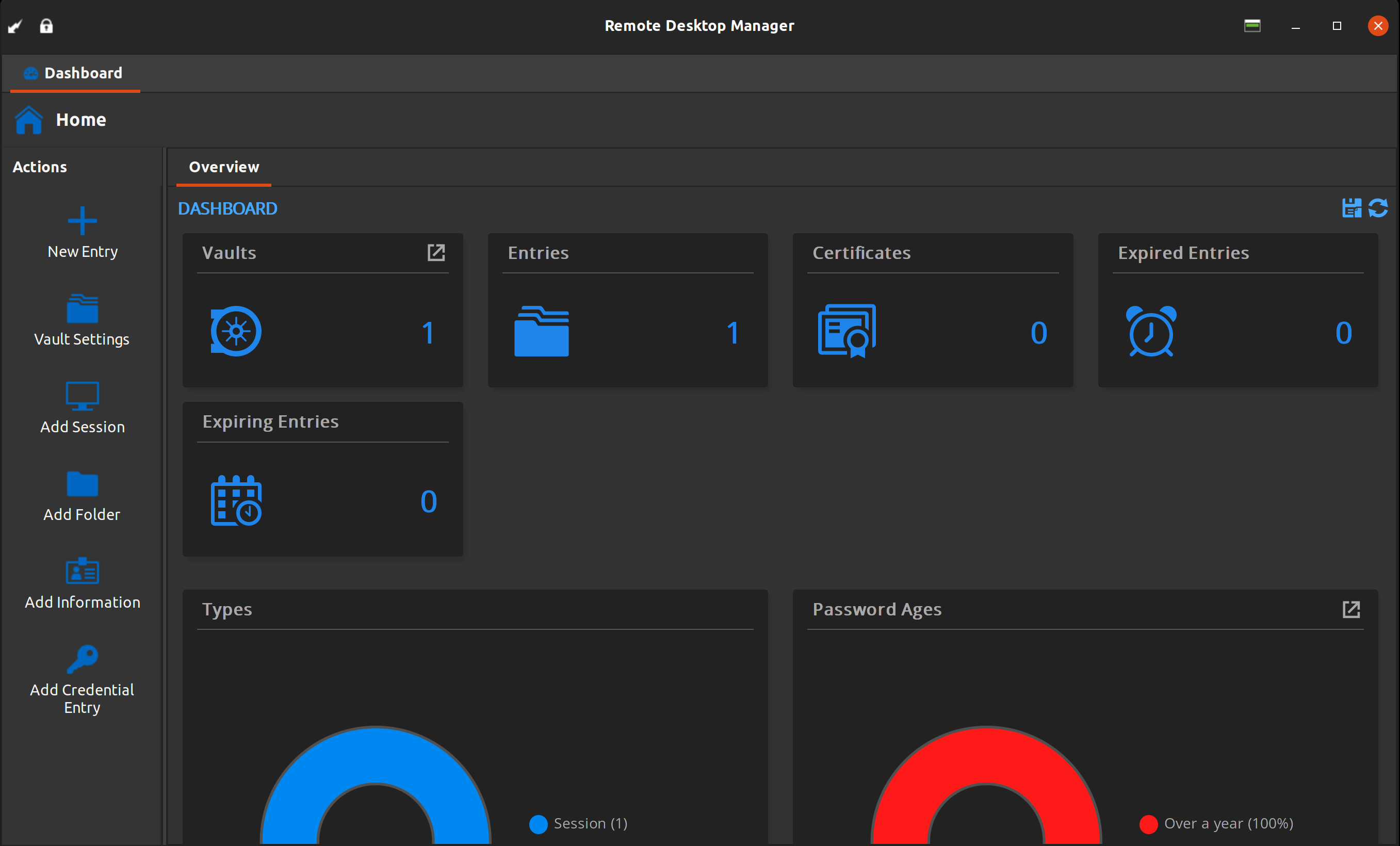
Jonathan Lafontaine
Screenshot from 2021-10-06 08-17-25.png
Screenshot from 2021-10-06 08-17-06.png
Screenshot from 2021-10-06 08-16-47.png
Thank you Jonathan, i make this changes but the rdp window is still small, i hope you can offer this quickly ;-)
The ribbon bar or the bar where the name of app, padlock, etc.. it is too big, could you make it smaller to give more space to the work window?
I have 2 screens, 23" 1920x1080 I can't fit bigger screens on my desktop. XD
Alternatively, you could start your session undocked (in the session's properties, in the general tab, set Display to Undocked instead of Embedded) and maximize the new window.
In the current state of things, that would give you the most screen real estate for your session.
Jonathan Lafontaine