Can't get to my "Machines"

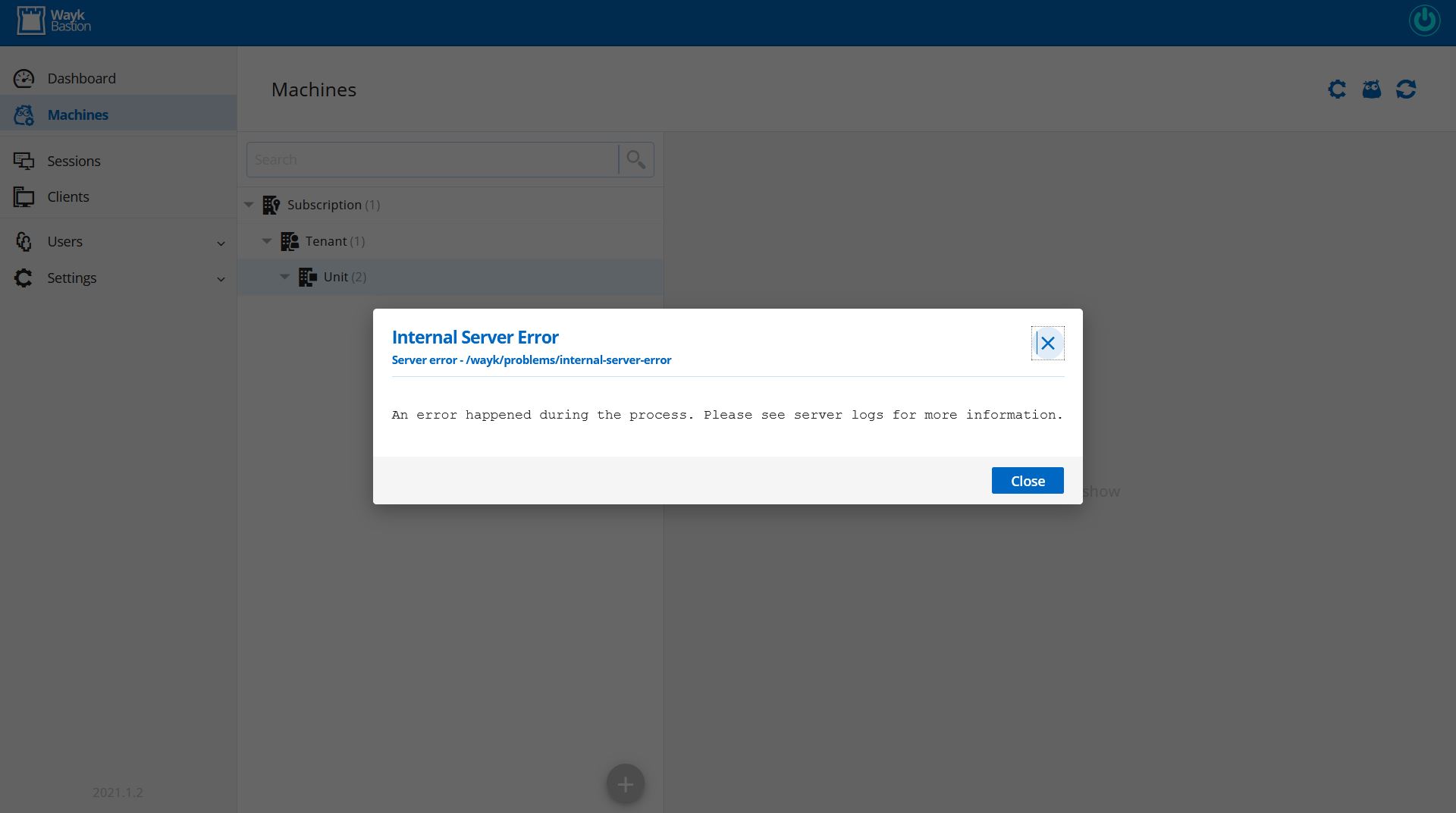
I had a little trouble with the WaykBastion server this morning. My login attempts would stop at entering username on the web page. After about half a dozen stops and starts and update modules and reboots I managed to get it working but now I'm having a new problem... sigh. I don't know if it's my setup or what, but there's always something with my server every time I need to use it. Anyway, here's what my current problem is when attempting to expand the containers to get to my client's "machines". Besides the screenshots I attachment the "Generate Report" file.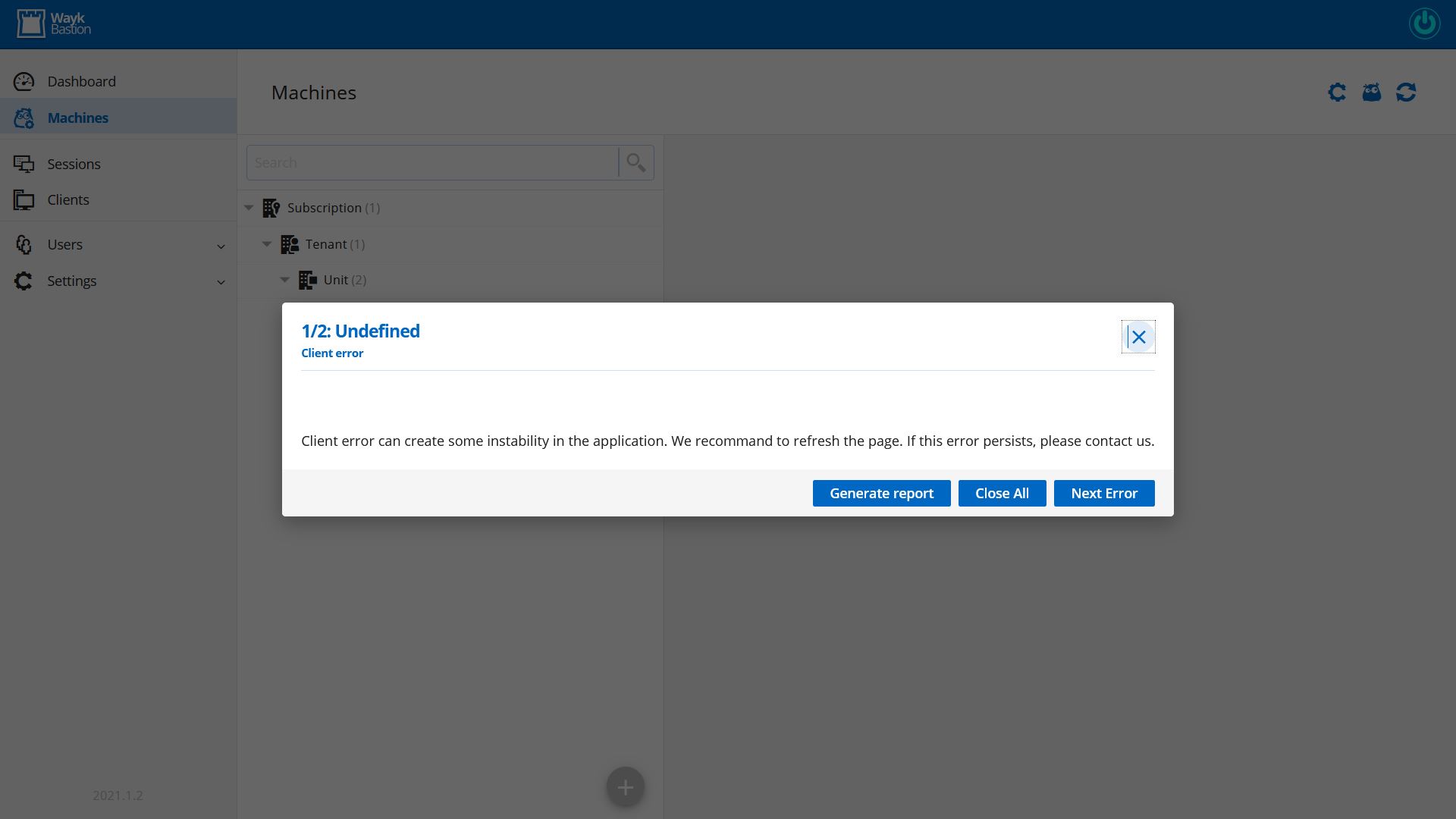
report.html
WaykBastionError 3-15-21 - 1.JPG
WaykBastionError 3-15-21 - 2.JPG
All Comments (8)
Hi,
I'm sorry to hear that you got difficulties to setup your server. We will help you with that. First, could you send us your server configuration and the server logs via private message or via support@devolutions.net ?
To get configuration, send us the output of that command
> Get-WaykBastionConfig
To get logs, run this command :
> docker logs den-server > den-server.log
And send me the file via private message or send it to support@devolutions.net. It should help us to determine what could be the issue.
Best regards,
François Dubois
OK email sent. Here's my config and I sent the log and config via email. FYI, I've tried updating and restarting and rebooting again a few times since and still the same issue.
BTW, I have one more suggestion. Would it be possible to get a direct support link added to the waykbastion web pannel? Something that will allow for automatically submitting configs and logs maybe?
Get-WaykBastionConfig:
DisableTelemetry : False
ExperimentalFeatures : False
ServerExternal : False
MongoExternal : False
TraefikExternal : False
JetExternal : False
PickyExternal : False
LucidExternal : False
NatsExternal : False
RedisExternal : False
Realm : adminsupport.it
ExternalUrl : https://den.adminsupport.it:####
ListenerUrl : https://localhost:4000
ServerMode :
ServerCount : 0
DenServerUrl :
DenRouterUrl :
DenKeepAliveInterval : 0
DenApiKey : XXXXXXXXXXX
ServerImage :
MongoUrl :
MongoVolume :
MongoImage :
TraefikImage :
JetRelayUrl :
JetTcpPort : 0
JetRelayImage :
PickyUrl :
PickyImage :
LucidUrl :
LucidApiKey : XXXXXXXXXXX
LucidImage :
NatsUrl :
NatsUsername :
NatsPassword :
NatsImage :
RedisUrl :
RedisPassword :
RedisImage :
DockerNetwork :
DockerPlatform :
DockerIsolation :
DockerRestartPolicy :
DockerHost :
SyslogServer :
Hi,
I replied via the ticket since you could have to send us private data. But I also reply here since it could help others. Based on log received, it seems to be a database corruption. It can happen if an old version run after an upgrade to the latest version. And this is possible if you installed the powershell module with different users/administrator. When you install the WaykBastion powershell module, it is important to launch the powershell as administrator. The installation has to be done in the program files folder. You can see all versions installed with that command :
> Get-Module WaykBastion -ListAvailable -All
If you see some versions installed in program files and others in user folder, we suggest to uninstall all versions and reinstall the latest one correctly.
> Stop-WaykBastion
> Uninstall-Module -Name WaykBastion -AllVersion
> Install-Module -Name WaykBastion -Scope AllUsers
This will fix your installation and always the latest version will be loaded so the right version will be launched.
Finally, I keep your suggestion in mind for the logs and we will see how we can do that. For now, next version will have a command `Export-WaykBastionLogs` to create a zip file with all infos. It is not as simple as a click in the web interface, but it will be better than what we have now.
Best regards
François Dubois
Good try, you are correct in that I had multiple installations. I did as you instructed and removed all and installed again with the AllUsers scope switch (maybe this should be added to the install instructions documentation). However, this didn't solve the underlying problem. I'm still getting the error message and still can't access any of my computers. I'm just glad this server isn't in production now otherwise this is potentially a disaster. Anything that prevents everyone from being able to access every machine is pretty debilitating and looks terrible on a IT support company. And so far I appear to be on a winning streak of totally debilitating issues. If this server were to eventually get off the ground and into production and have a whole bunch of machines and techs on it, is there an emergency support method? Because as helpfull as this fourm is, it's cetainly not fast enough to cover an active IT support department/company. The losses would be terrible. BTW, new logs are attached to the support ticket. Regarding the "ExportBastion-Logs", wouldn't it be better to have the existing button on the webpage actually produce a complete set of logs and automatically prep them (clean all security keys, personal info, etc) and send them directly to support? 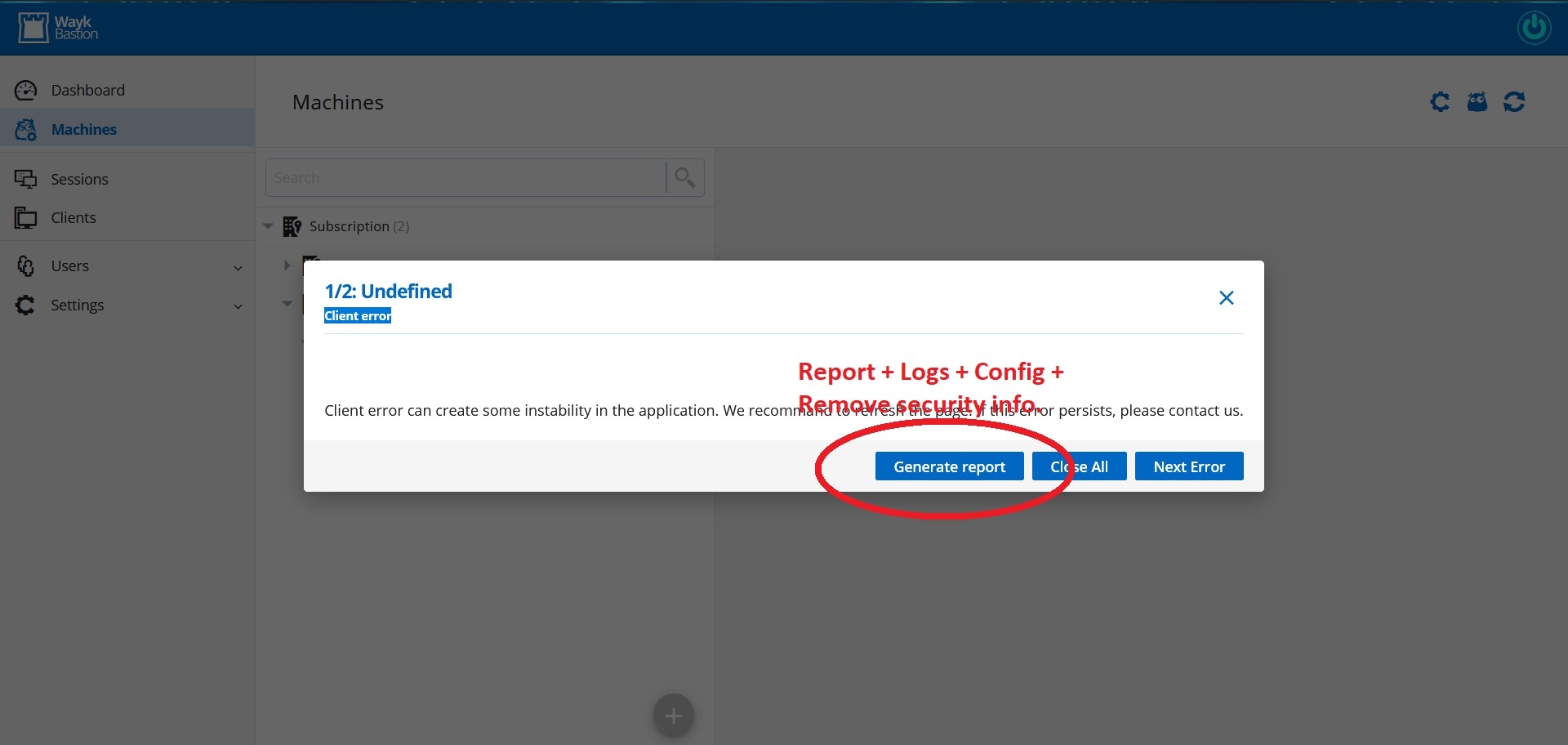
WaykBastion-WebError.jpg
Hi,
I understand your situation, nobody want a such situation with his production environment. We understand the importance of our application for your team and you when it is a production environment and we will always be there to help your team and you as soon as possible.
So we can be sure that an old version ran after your upgrade and this is why your database is corrupted. The procedure that I sent you was only to fix your installation and avoid a such situation in the future. Our documentation had been updated a few weeks ago to add the importance of -Scope AllUsers https://docs.devolutions.net/wayk/bastion/index.html#powershell-module. If you found another place that it is not documented enough, don't hesitate to let us know, we try to improve our documentation week after week. Next version will also prevent the application to start if the database is newer than what it is expected. So we should avoid such situation in future.
Now, to fix the database, I looked what would be possible and here is what I suggest. I assume that you don't have a backup of your database. If you have one, you could only restore it and restart the WaykBastion, it should work. But otherwise, here are the steps :
1 - Stop the WaykBastion
2 - Create a backup of your database in case database requests would not work.
3 - Run commands to fix your database
4 - Restart WaykBastion
Here are the commands to do that :
> Stop-WaykBastion
> Backup-WaykBastionData

> docker exec -it den-mongo mongo mongodb://localhost
> use waykden
> db.server.updateMany({},[{"$set":{"rdm_connection.ID": "$id", "rdm_connection.Name": "$machine_name", "rdm_connection.ConnectionType":NumberInt("79")}}])
> exit

> Restart-WaykBastion
After that, you should be able to open the web interface and browse all the tree with all machines.
Again, sorry for all inconveniences,
Best regards,
François Dubois
Ok! Finally, that worked. Ok now i have s few more questions. That "Backup-WaykBastionData command. Where does it put the backup? Does it get overwritten each time i run it or is another one generated? Is there a way to schedule that? Since it's a powershell command I'm not sure i can schedule in linux? Also, one more suggestion would be to put a button or schedule of backups within the settings of the web interface. I noticed you guys are partial to creating powershell commands over gui. But maybe both wouldn't be a big deal. I can't imagine it would be difficult to simply have the web gui simply execute the powershell commands as they are developed. Btw, the issue with powershell commands over gui is the need for direct access to the server. Something i would rather avoid since it opens up to all sorts of configuration/install/repair variations that make the server less and less consistent and increase the chances of problems with premade scripts running smoothly.
Hi,
Glad to hear that it is working for you now. For the backup command, you can read more in our documentation here : https://docs.devolutions.net/wayk/bastion/database-management.html You can specify a file name as a parameter if you want. By default, a file name 'den-mongo.tgz' will be generated in the current folder. The improvement that we want to do soon is to backup the database before upgrading to a new version. So in case of issue with the upgrade, it would be possible to roll back to the previous version. It is true that we could add configuration to backup data on regular basis. Thank you for the suggestion, it is not something planned for now, but we keep that in mind and we will see what is possible.
I hope it answered your questions
Don't hesitate if we can help with something else.
Best regards,
François Dubois
Hello,
In the meantime, you can always use Task Scheduler (Windows) or Cron (Linux) to run the following PowerShell commands. You just need to modify the path, and make sure to run it as admin (or sudo):
$LogTime = Get-Date -Format "dd-MM-yyyy"
Backup-WaykBastionData -BackupPath "path\den-backup$LogTime.tgz"
Best regards,
Richard Boisvert