UI element in Web login is not shown in Chrom

Please see below. Even though I have 20 logins for this domain little asterisk is not being shown next to login form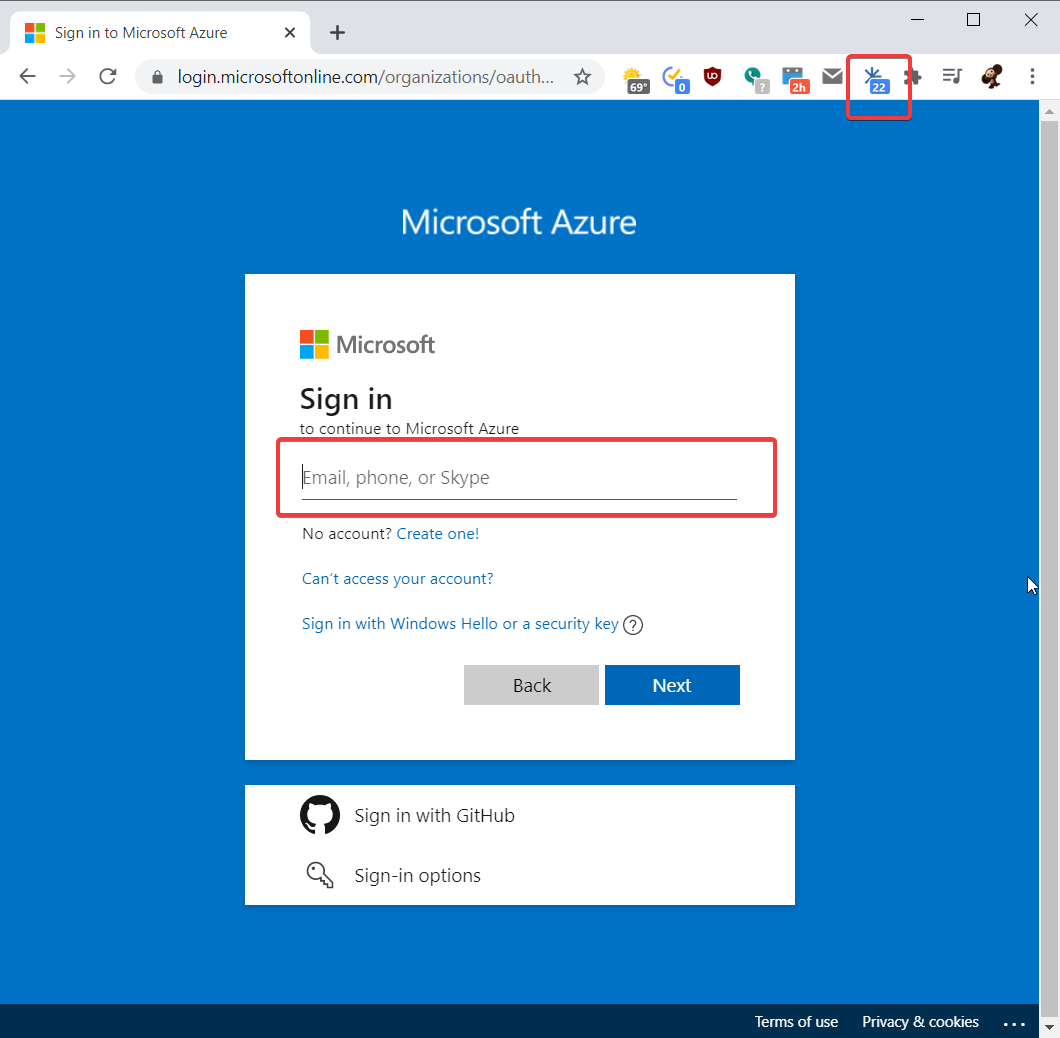
chrome_x49Bbf6LFe.png
All Comments (3)
Hi,
When trying to reproduce we had that result: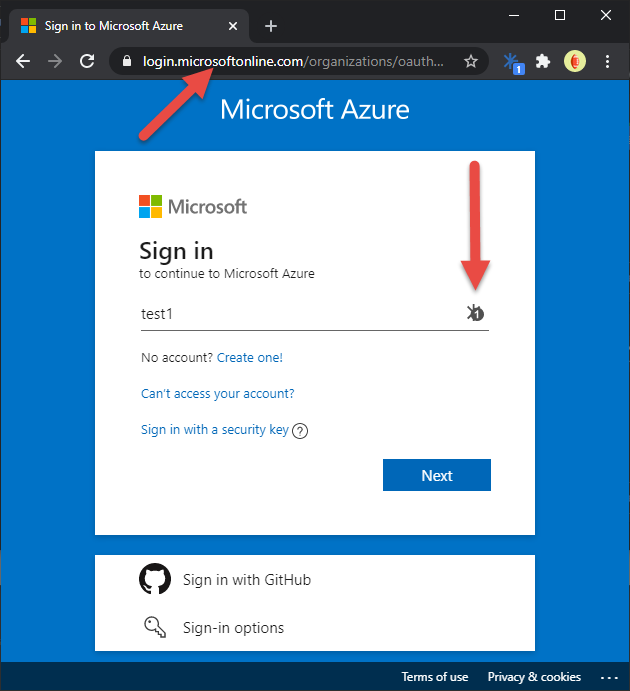
The main difference between our screenshots is the back button. What was the view before the Sign in page? Was it the "Pick Account" page or something else?
Does it still fill when selecting an entry using the popup (the window showing when clicking on the extension icon in the extension tray) or by using the short Ctrl + Shift + Y to autofill a form even if the icon is not in the field?
Best regards,
Olivier Désalliers
AzureIconInFields.png
Yes, previous page was "Pick account" page. It still fills from manually choosing entry from extension.
Hi,
Thank you for your fast response, we will continue our investigation.
Best regards,
Olivier Désalliers