Remote Desktop Manager does not worl

I installed Remote Desktop Manager on Debian with dependencies glibc 2.27, libwebkit2gtk-4.0, ca-certificates, libsecret-1-0 and gnome-keyring and when opening RDM it is "transparent".
Is there anything else I should do to fix this?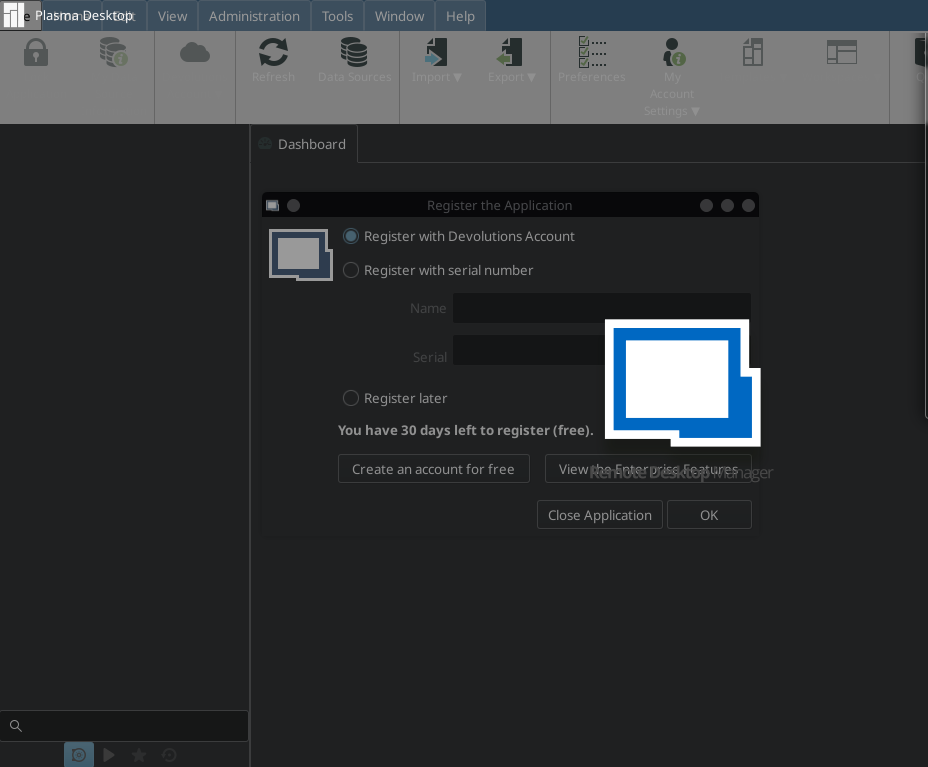
Error RDM.png
All Comments (9)
Hi,
RDM Linux is officially only supported on Ubuntu (running Gnome 3).
It looks like you are running KDE as your desktop environment.
This is unfortunately a known issue for this particular DE.
You can, however, try to press the 'esc' key a couple times to close the dialog.
That should make the splash screen disappear.
You can then use the Help menu tab to access the registration form again.
Hope that helps.
Regards
Jonathan Lafontaine
Thanks for the answer Jonathan.
The "Esc" didn't work, I would be happy if it was developed for Debian too.
Grateful for the help!
I'll reinstall a KDE system and document exactly how I can get past this problem.
I'll update this post and the sticky one in the support section once I have it down to a science.
Jonathan Lafontaine
Thank you,
I'm waiting!
Ok, turns out, I misremembered what I had to do.
When stuck at the registration screen, click the cancel button, that should get the splash screen to go away.
From there, you can simply go to the Help tab and register from there.
Jonathan Lafontaine
The problem is that I am unable to click on any button, after the RDM logo the boxes to select do not work.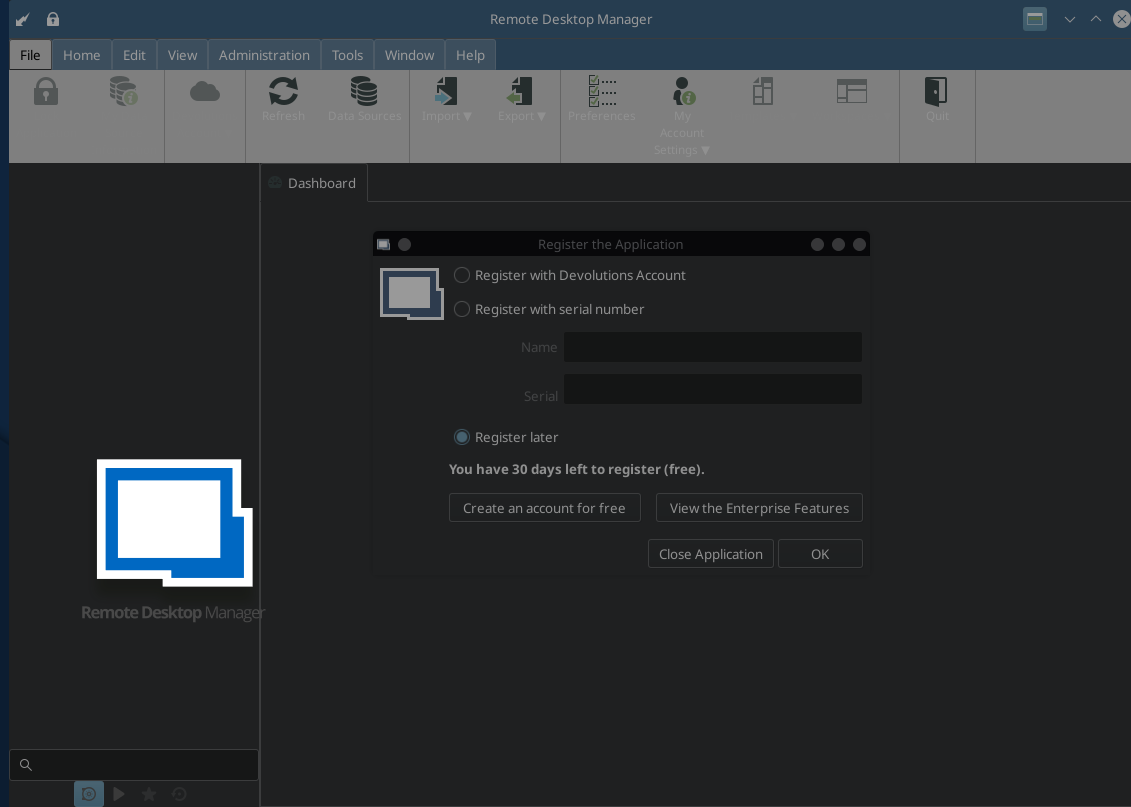
Error RDM_2.png
Then there's something about your installation I did not replicate.
What version of KDE and Debian are you running and what theme?
Jonathan Lafontaine
Jonathan, it worked!
I clicked a few times and managed to open my Devolutions account.
I will configure the RDM and see if everything is right.
I thank you for your help!
Great news.
Let me know if any else (that we support) isn't working correctly.
Jonathan Lafontaine