Issue Creating Entries at the root of our Vault

Hey,
we have an Issue creating an entry at the Root of our Vaults. Our Users have the right to add a entry 
but we get this „access denied“ error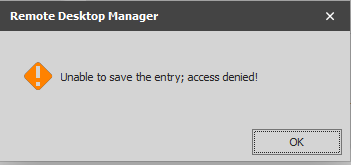
Where are we able to add this first „Add“ right?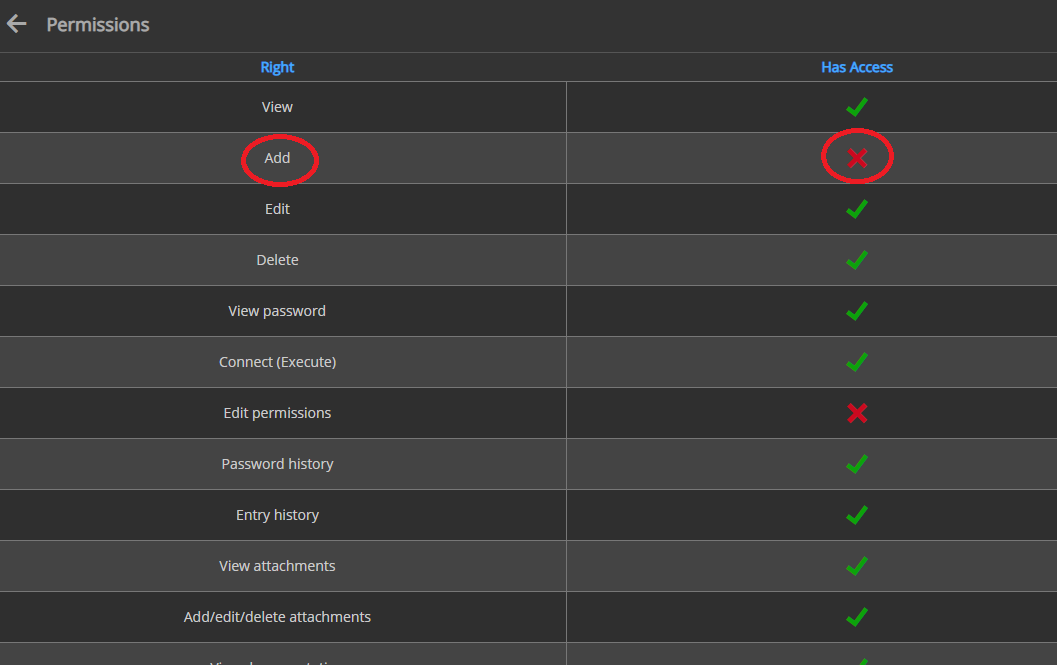
With an User, that has the "Administrator" Role assigned, we are able to add Entries and our normal Users are able to add entries inside of these created folders but on the root of our Vault.
permission_3.png
permission_2.png
permission_1.png
All Comments (5)
Hello,
What version of RDM are you running?
What version of DPS are you using? Is it possible to post a screenshot of your DPS console please?
Best regards,
Jeff Dagenais
Hey,
we are Running RDM 2020.2.19 and DPS 2020.2.10.0. What Screenshots of our DPS console do you want?
Hello,
I believe Jeff was looking to receive a screenshot of the DPS console's main screen. To make this a bit more clear, this would be the screen we wish to see :
Best regards,
Gabriel Degrandpré
Hey,
looks like this: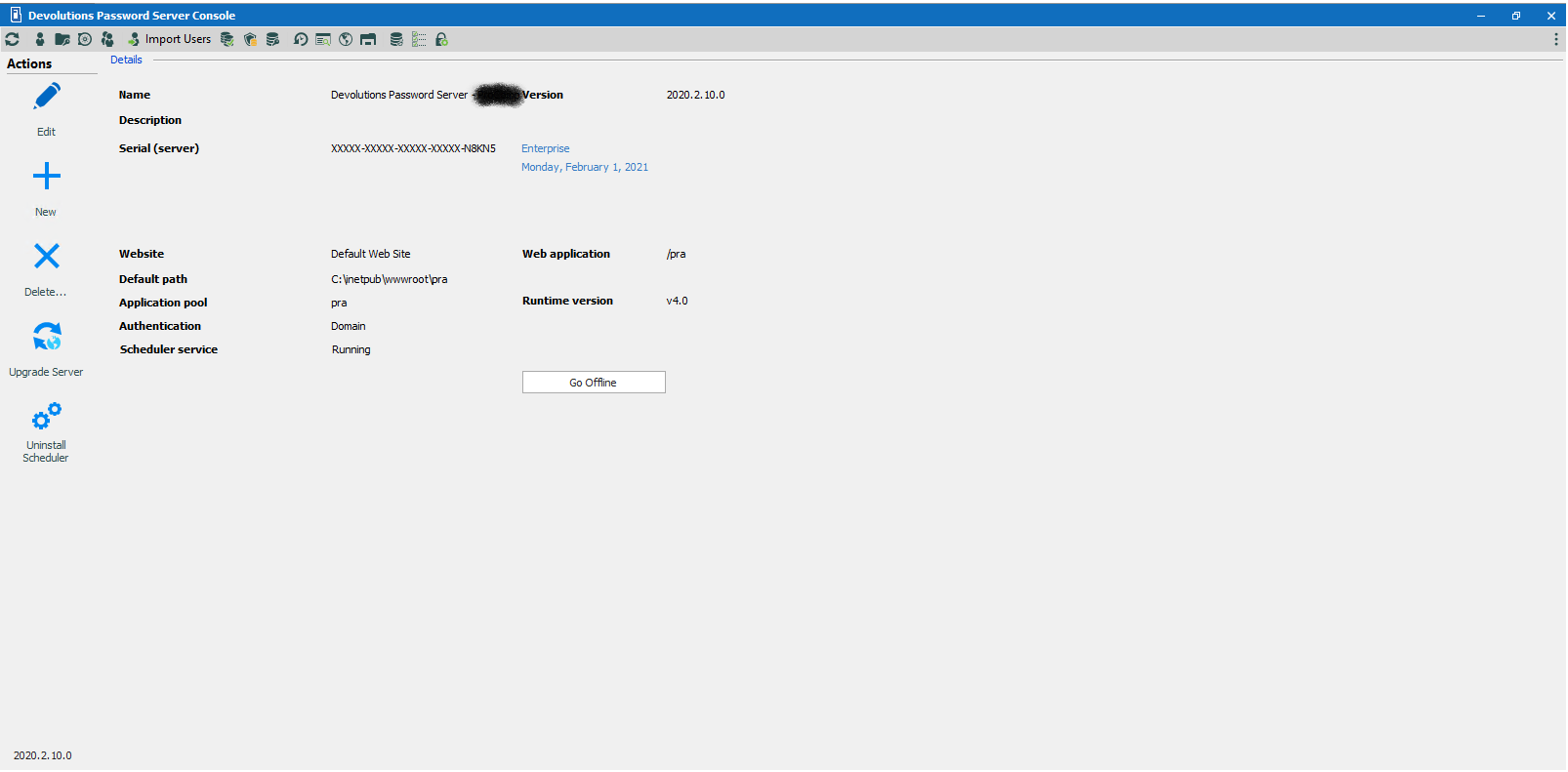
dps.png
Hello!
Sorry to jump in. Thanks for the screen capture, It might have been caused by a version incompatibility of the Console vs the Web App (We've seen that qui often lately)
Adding entries at the root requires also the explicit Add permission in the Vault settings (Root permissions)
Right click on the Root, get to Properties, then Security and locate Add in the General section, and make sure the roles (or users) have this permission.
I hope this helps, thanks for letting us know!
Best regards,
Alex Belisle