Wayk Now Container Server Setup

Hello, I'm trying to stand up a WaykNow server using the guide on GitHub. Everything went smoothly and the server is running. I ran curl http://localhost:4000/.well-known/configuration and received a status code of 200. However when I try to open http://localhost:4000 in a browser I'm seeing several error messages, I have attached some screen shots.
Any troubleshooting steps would be welcomed.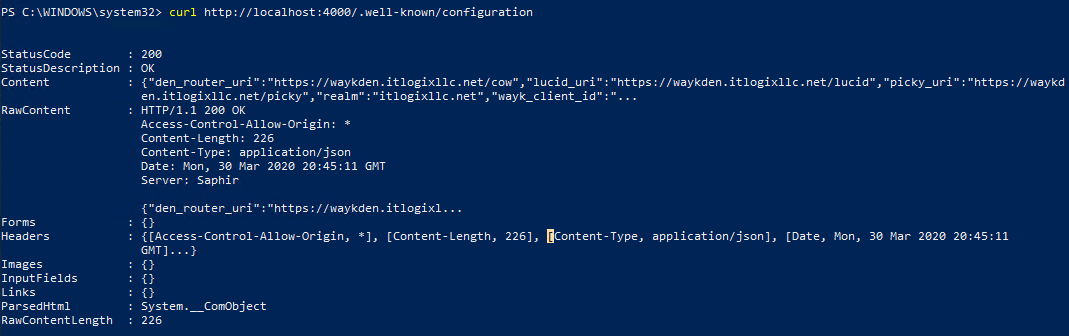
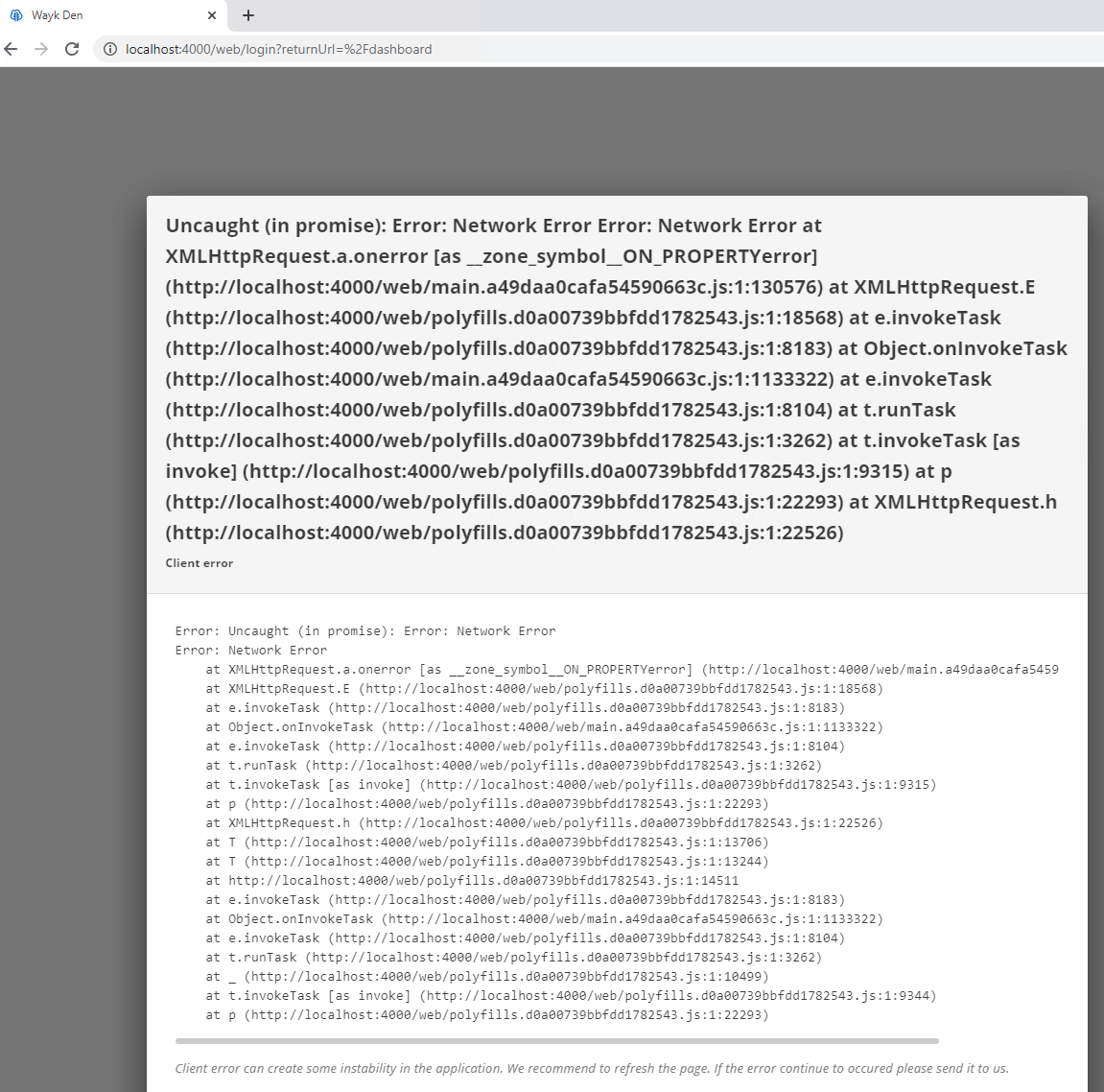
2020-03-30_17-25-16.png
2020-03-30_17-25-32.png
All Comments (4)
Hello
I'm glad that things went smoothly to this point. Did you try actually accessing using the external URL instead of the listener (localhost) address?
Thanks and kind regards,
Richard Markievicz
Yes, i have the external URL mapped to the local IP of the Windows server that the container is running on. I get a site not found, which makes sense because i ever set the IP address of the Container server? I will admit this is my first setup of this so I'm unsure how the IP routing is suppose to work. Did I miss that in the setup?
I have attached a screen shot of the containers and network power shell output.
2020-03-31_8-44-13.png
Hi Andrew,
The external URL needs to be the configured to the final external URL through which you will access Wayk Den. For local testing, you can use the host IP address (let's say 192.168.1.100) like this:
Set-WaykDenConfig -ListenerUrl 'http://localhost:4000' -ExternalUrl 'http://192.168.1.100:4000'
Restart-WaykDen
You should then be able to load Wayk Den locally on 'http://192.168.1.100:4000'
Best regards,
Marc-André Moreau
thanks, that got me in ok. On to the next step of adding user and machines and then a cloudflare tunnel